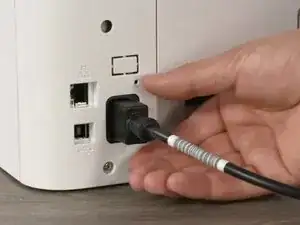
Introdução
How to remove the imaging drum (the unit that transfers toner powder onto the paper) in the HP Color Laser 150nw printer.
Things needed :
Fingers :)
optionally a pair of gloves
Ferramentas

-
-
Open the front cover
-
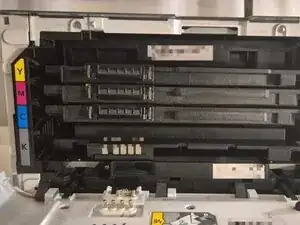
Pull out each toner cartridge (black, cyan, magenta, yellow) carefully and place them on a clean surface.
-
Then pull out the side toner holder (pic 2)
-
-
-
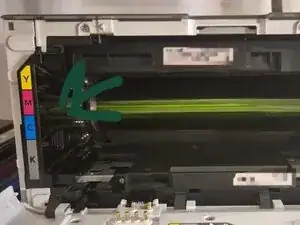
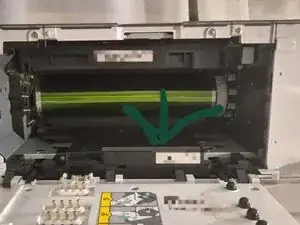
Pull out the drum unit Use the small handle or grip to slowly slide the drum unit out of the priner
-
Pull out by pulling carefully on the handle (marked on pic 1)
-
TIP : DO NOT TOUCH THE GREEN DRUM ROLL
-
-
-
put it back together in a way :
-
iamging roll drum -> side toner holder -> cartridges -. close the frontpanel :) hope it helps!
-
Conclusão
To reassemble your device, follow these instructions in reverse order.
