Introdução

  1. MIg4nQellKCjLuLU
    MIg4nQellKCjLuLU
    jUa2qRNwUm5IqcPp
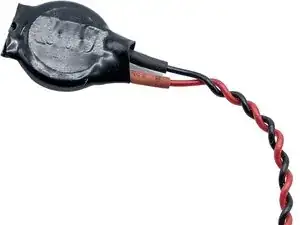
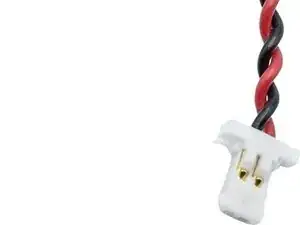
    • You need to have a CR 2032 battery that looks as following for the swap.

  2. gtVMDQuoOaFBB3KR
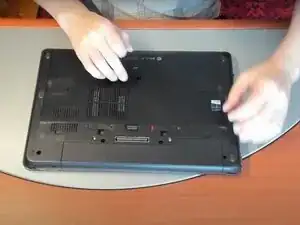
    • Flip over your laptop.

  3. TJbEtXTBxIjxRadK
    TJbEtXTBxIjxRadK
    oayPQvuKPvvU4evh
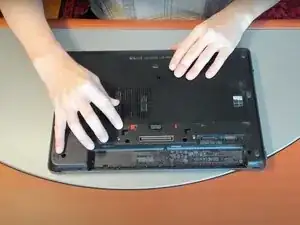
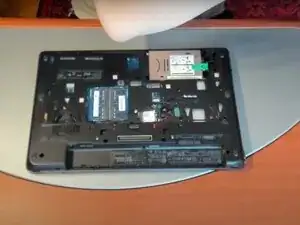
    • Pull this latch and back cover should come off.

  4. DcDAyovYkUTZl1jM
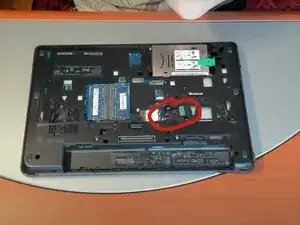
    • It is in the red circle, and to remove it just grab the part that plugs in and pull it out.

    • Then, insert your other battery and put your cover back on. And that's it.

Conclusão

To reassemble your device, follow these instructions in reverse order.

TheComputerGuy14

Membro desde: 07/09/25

121 Reputação

0 comentários