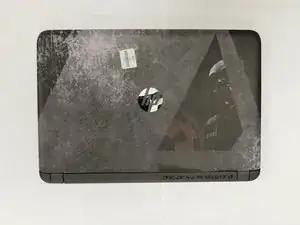
Introdução
Replace the Battery
- If the device is overheating, not charging, or experiencing short run times and shutdowns this may mean there is a faulty battery. You will need to open your device and replace the battery.
- Before you begin, make sure to take the time to inspect the potential symptoms that indicate the device issue is relating to the battery.
- Make sure to have a new battery that matches the systems device.
- Before you begin ensure the device is turned off and disconnected from any external power source.
- Proceed to follow the guide steps to successfully replace a faulty battery.
-
-
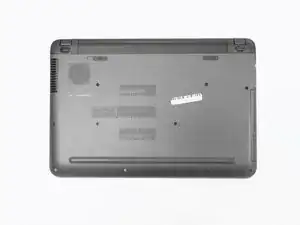
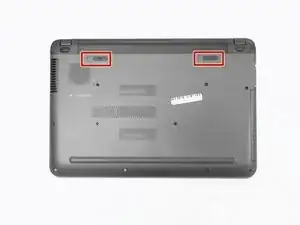
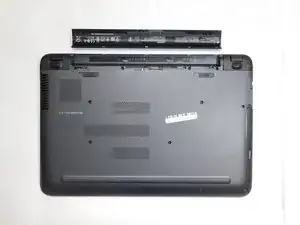
Slide the latches in the direction the arrows face. This will unlock and release the battery.
-
Conclusão
Device should be working as usual with the new battery.

Um comentário
Altho this a simple fix some people still have a hard time removing the battery so thank you very much