Introdução
Use this guide to replace the lower case on a HP Spectre x360 13-aw0xxx.


-
-
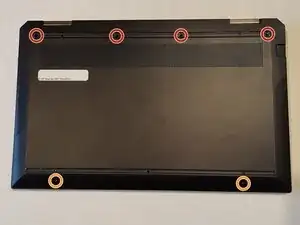
Remove the following screws securing the lower case:
-
Four 6 mm Phillips #00 screws
-
Two 3 mm T5 Torx screws
-
-
-
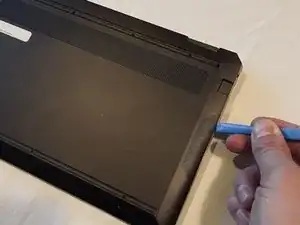
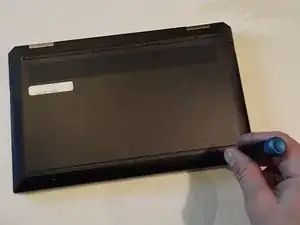
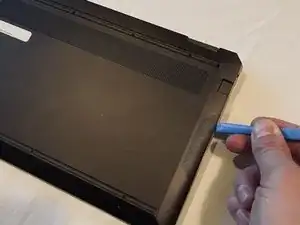
Insert an opening tool in the seam between the lower case and chassis.
-
Pry around the perimeter until the lower case fully releases.
-
Remove the lower case.
-
Conclusão
To reassemble your device, follow these instructions in reverse order.

There are no screws under the rubber indicated for two T5 Torx screws, those are just the exposed ones beside it.
FlyingLobster69 -