Introdução
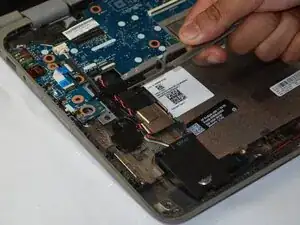
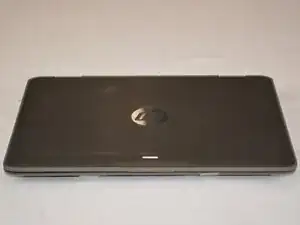
Is your HP ProBook x360 11 G3 EE having trouble powering on, or is the power button unresponsive? This guide will show you how to safely remove the power button board to fix these issues.
The power button board is a small circuit board that includes the power button and connects to the motherboard through ribbon cables. Before you begin, make sure the laptop is turned off and disconnected from a power source. This guide covers disassembly and removal of the board.
Make sure to work in a clean and well-lit area. You will need an iFixit Phillips #00 Screwdriver, Phillips #0 Screwdriver, iFixit Opening Tool, iFixit Spudger, and Tweezers (optional). Reassembly is done by following these steps in reverse.


-
-
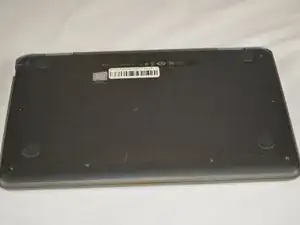
To begin, flip your laptop to where the base is facing upwards.
-
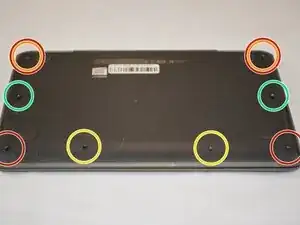
Grab your TR9 screwdriver, and take the four screws out that are in all four corners of the base. The bottom two are 5.2 mm Torx Security screws and the top two are 9 mm Torx Security screws.
-
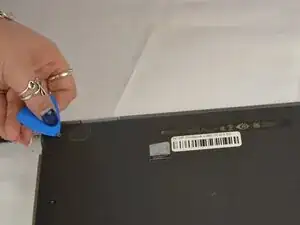
Note: On the top right and the top left screws, you may have to get an opening pick and gently hold the two 9 mm Torx Security screws up to get them out, because of the magnetic pull. (see last photo)
-
Also, with the same TR9 screwdriver, take out the two 5.2 mm Torx Security screws directly between the bottom left and bottom right screws (aligned in a row of 4).
-
Grab your JIS #0 (J0) screwdriver, and take out the remaining two 6.7 mm Japanese Industrial screws located in the middle of the base directly across from each other.
-
-
-
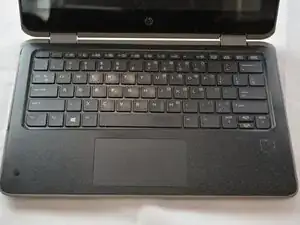
Flip your laptop upright (facing towards you), to where the base is now on a flat surface.
-
Open your laptop.
-
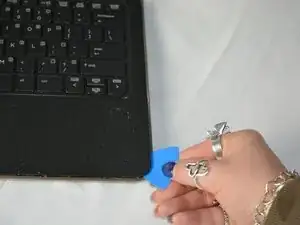
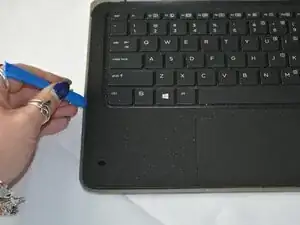
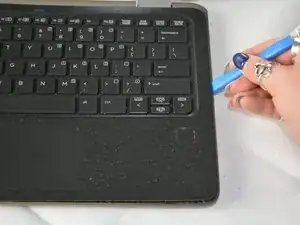
Begin to pry the corners of the keyboard deck with an opening pick.
-
-
-
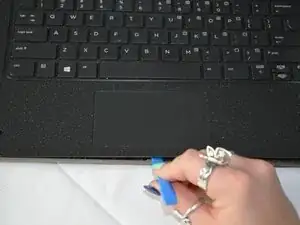
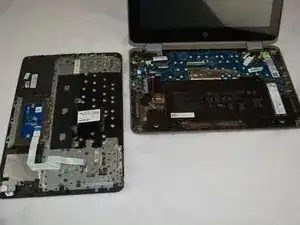
Use an opening tool to pry around the perimeter of the keyboard deck until it gently pops out of place.
-
-
-
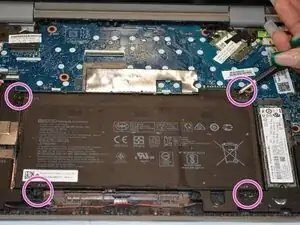
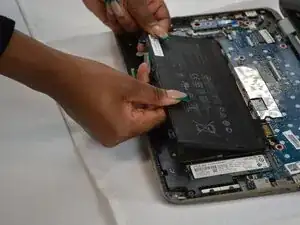
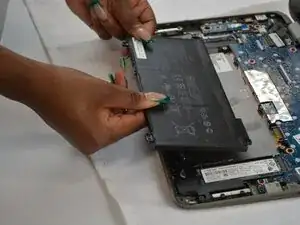
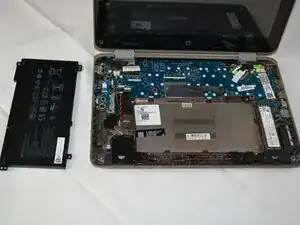
Use a JIS #0 (J0) screwdriver to remove the four 4.5 mm screws located in all four corners of the battery.
-
-
-
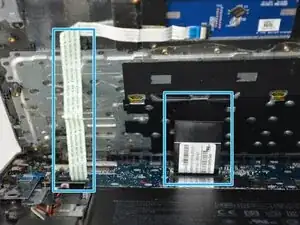
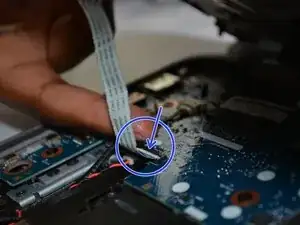
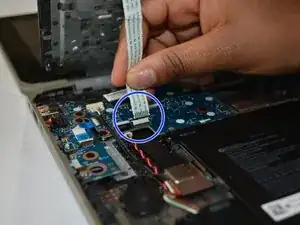
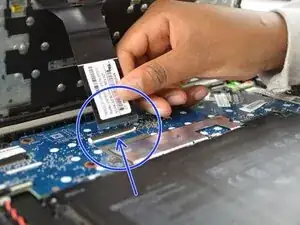
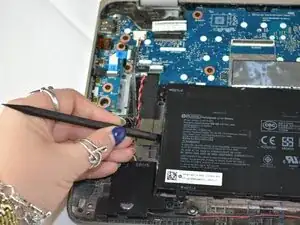
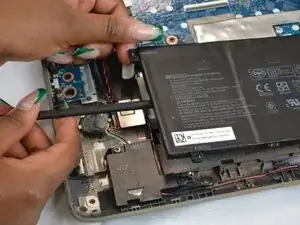
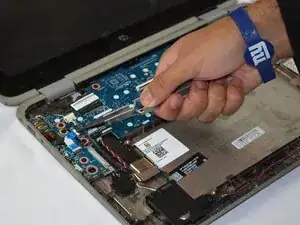
Use tweezers or a spudger to flip up the locking tab securing the ribbon cable.
-
Gently pull the ribbon cable out of the connector.
-
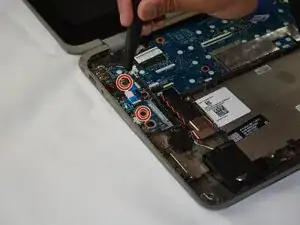
Remove the two Phillips #0 screws securing the power button board.
-
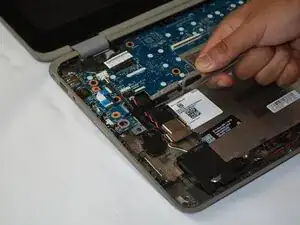
Carefully lift the board from its slot.
-
- To reassemble your device, follow these instructions in reverse order.
- Reconnect the ribbon cable, secure the screws, reconnect the battery, and snap the bottom case back in place.
- Caution: Apply gentle pressure to avoid bending the board or damaging connectors.
- Take your e-waste to an R2 or e-Stewards certified recycler.
