Introdução
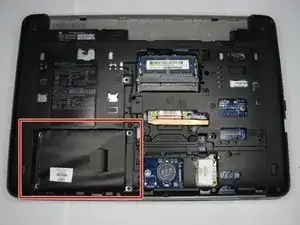
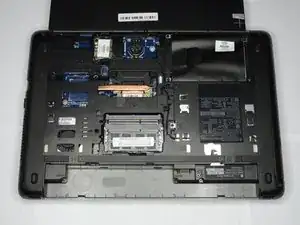
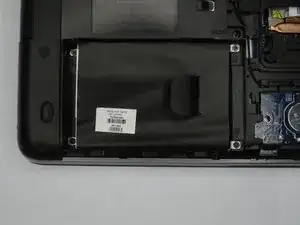
How to remove and replace the HDD on an HP ProBook 440 G1.
Ferramentas

Peças

-
-
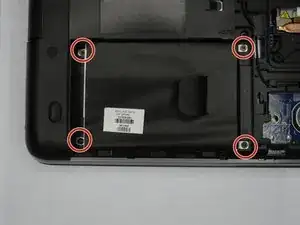
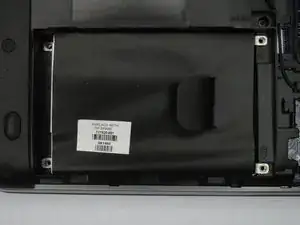
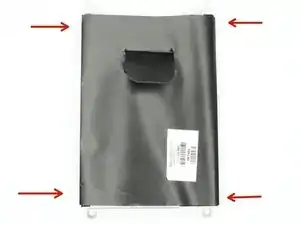
Remove the four Phillips #00 screws holding the HDD in the HDD cover.
-
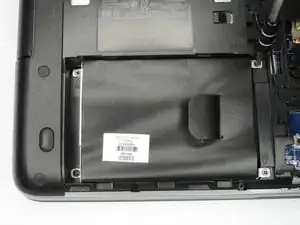
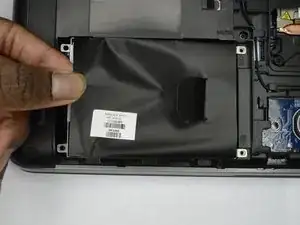
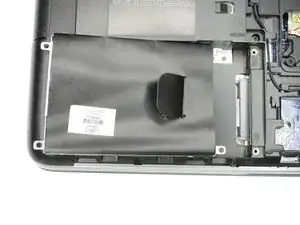
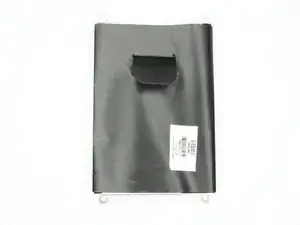
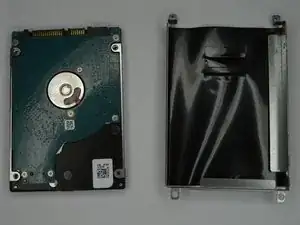
The HDD should slide out after all screws are removed.
-
Conclusão
To reassemble your device, follow these instructions in reverse order.