Introdução

If you need access to service internal components of the device.

  1. lnJbdlud6MQGNZMj
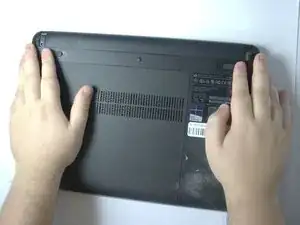
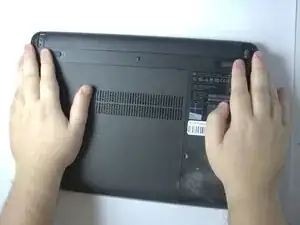
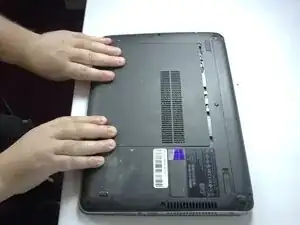
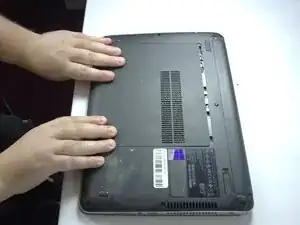
    • Position the laptop upside down.

  2. WHvAUe12F2mnPLRu
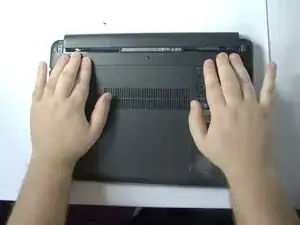
    • Slide the two battery latches inward.

  3. xvwTYmWUZJCfi6om
    • Remove the battery.

  4. xegVCxmUILquYwmc
    • Remove the rubber caps covering the screws.

  5. dnCCg6JUtShbBcbT
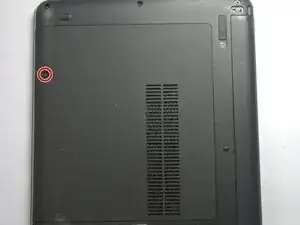
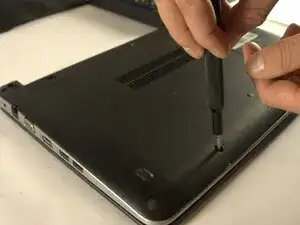
    • Loosen the captive screw.

  6. bfU4HYdamYAp2SVN
    • Slide the panel toward yourself and off of the laptop.

Conclusão

To reassemble your device, follow these instructions in reverse order.

Feggens Moulite

Membro desde: 04/11/25

243 Reputação

0 comentários