Introdução

This guide will show you how to replace your memory modules. If your computer is running slow, crashing, or corrupting files inexplicably, you may need to replace your RAM/Memory Modules. The following steps will guide you in making the replacement yourself.

  1. lnJbdlud6MQGNZMj
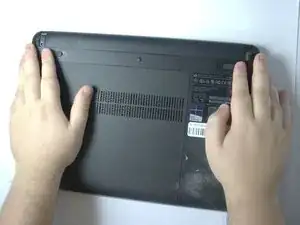
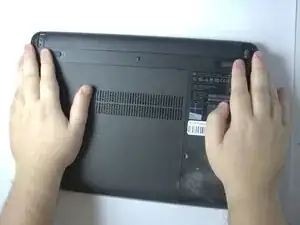
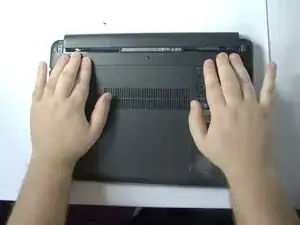
    • Position the laptop upside down.

  2. WHvAUe12F2mnPLRu
    • Slide the two battery latches inward.

  3. xvwTYmWUZJCfi6om
    • Remove the battery.

  4. xegVCxmUILquYwmc
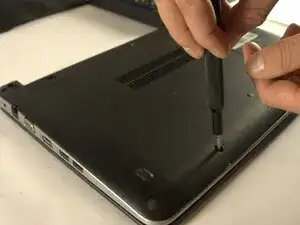
    • Remove the rubber caps covering the screws.

  5. dnCCg6JUtShbBcbT
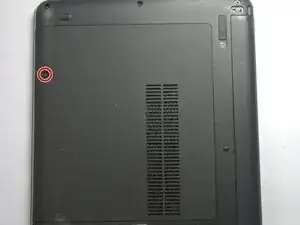
    • Loosen the captive screw.

  6. bfU4HYdamYAp2SVN
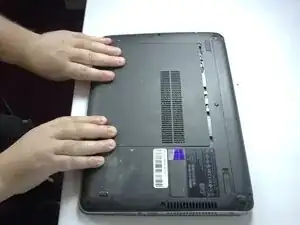
    • Slide the panel toward yourself and off of the laptop.

  7. V1s4hFPnDSc6bJaO
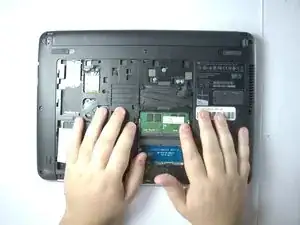
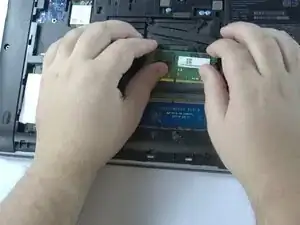
    • Spread the metal tabs on each side of the memory module outwards.

  8. mptMubMZvf3Vtbjs
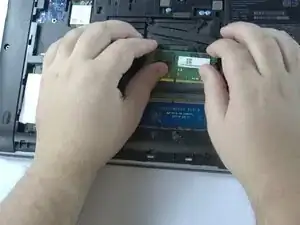
    • Pull up and slide the memory module away at an angle to remove it.

Conclusão

To reassemble your device, follow these instructions in reverse order.

Evan McWhinnie

Membro desde: 04/11/25

85 Reputação

0 comentários