Introdução
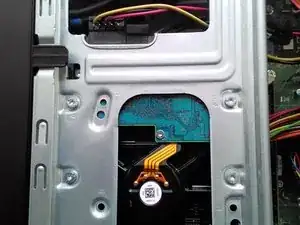
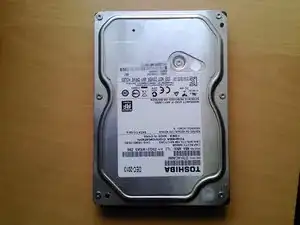
How to upgrade or replace you Hard Drive in you HP Pavilion p6 computer.
Ferramentas

-
-
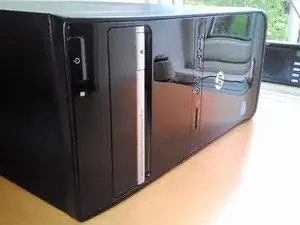
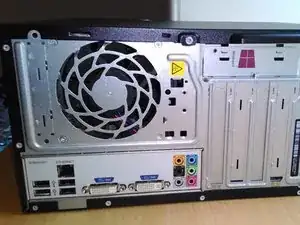
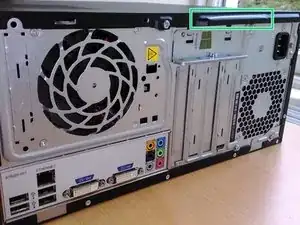
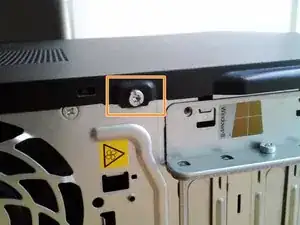
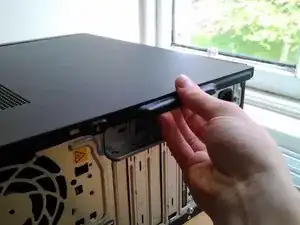
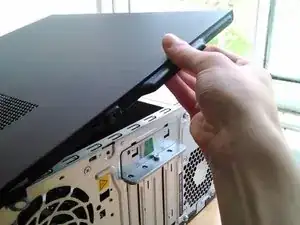
It is recomended to lay the computer down with the pull tab at the top to allow it to be easily opened.
-
-
-
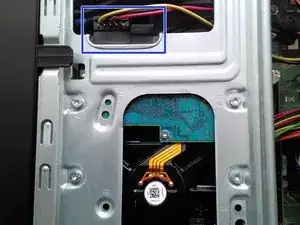
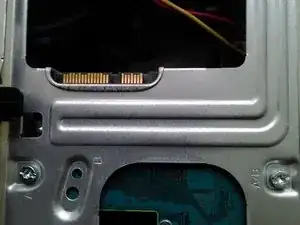
Firstly the power and Sata cables should be disconected - they can be removed by just pulling them straight back.
-
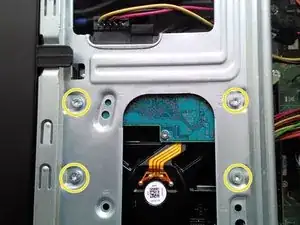
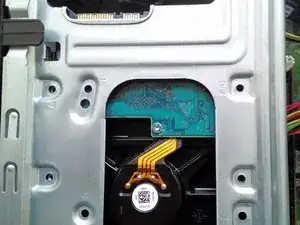
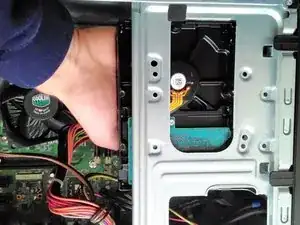
Lastly four screws need to be removed that secure the Hard Drive to the case.
-
Conclusão
To reassemble your device, follow these instructions in reverse order.

2 comentários
Still no instruction for installing a 2.5"SSD in a 3.5" HHD.
Como se quita el panel metálico donde va el disco duro?