Introdução
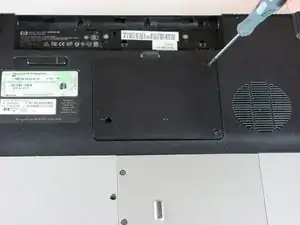
This guide will tell you how to remove the RAM Cover.
Ferramentas

-
-
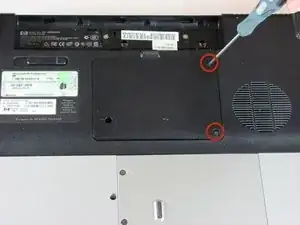
Remove the two 5mm Phillips screws on the right side of the RAM cover.
-
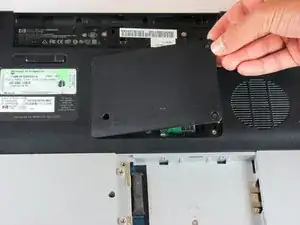
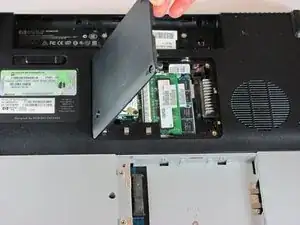
Lift the right side of the RAM cover, and remove it.
-
Conclusão
To reassemble your device, follow these instructions in reverse order.
