Introdução

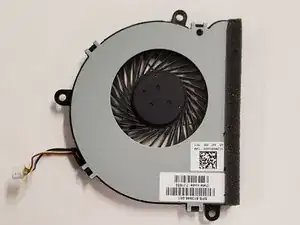
This guide will provide you with the steps you will need to follow in order to replace the cooling fan in your HP Pavilion 15-ba003ds.

This guide will be useful if you find that your laptop struggles to adequately cool your laptop.

  1. nNBFcHJLnvohIREU
    nNBFcHJLnvohIREU
    NkKAO3o6GAcZW6qV
    • Unplug the AC adapter from the corresponding socket in the laptop.

    • Turn off your laptop before starting this procedure. Make sure it's not in sleep or hibernation mode.

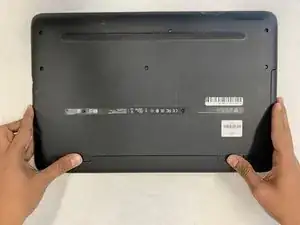
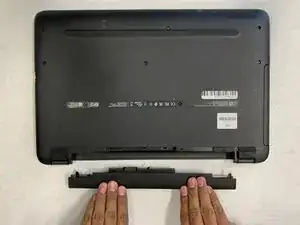
    • Use your fingers to push the slider located just under the battery on either side to unlock the battery from the laptop.

    • Carefully slide the battery out of the laptop frame and place it somewhere safe.

  2. U5fHbTu64NityHHi
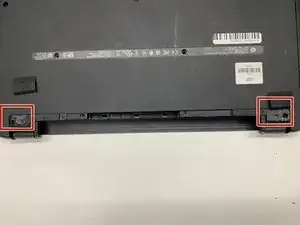
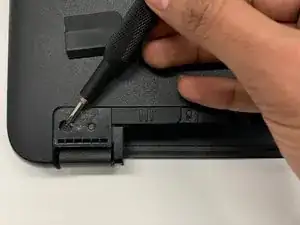
    • Use a spudger to remove the two rubber feet next to the battery.

    • This will reveal two hidden screws.

    • Save the feet for reassembly.

  3. eVKLylXFHSRoNv6t
    eVKLylXFHSRoNv6t
    hOX2K6DGgBl62Ksa
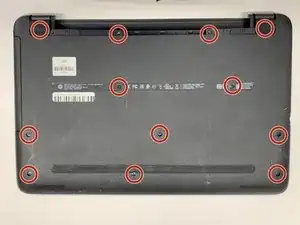
    • Use a Phillips #00 screwdriver to remove twelve 8 mm screws from the bottom of your laptop including the two screws found underneath the rubber feet.

  4. DU6LRaPYSQbPUNlK
    DU6LRaPYSQbPUNlK
    UuGCc1XliG1LQgQw
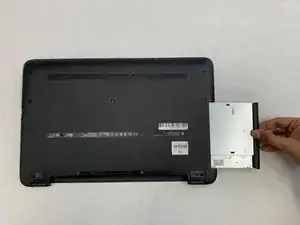
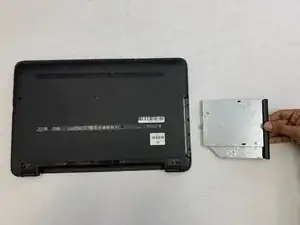
    • Pull the disc drive from your laptop to remove it.

  5. QmKdvMmdcxBUnXGa
    QmKdvMmdcxBUnXGa
    uCLkHIaAOGZuGhvm
    2wlsrlGx5jYnV6Jv
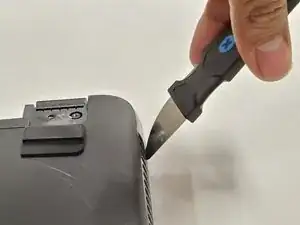
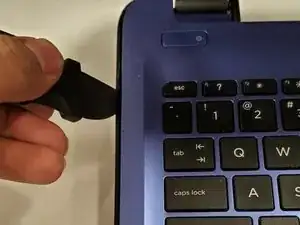
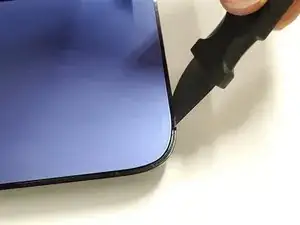
    • Use a Jimmy to pry off the black backplate.

  6. EtHUaKxEMZDDg2H4
    EtHUaKxEMZDDg2H4
    RFmjsPKcqAbiUZxN
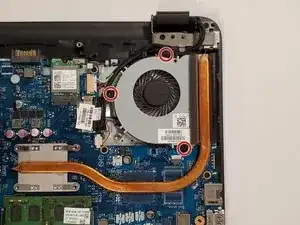
    • Remove three black 6mm Phillips #00 screws.

  7. GTLUUxPHBFhpXEbr
    GTLUUxPHBFhpXEbr
    tZoOQxLHakRrvvnF
    21udOY5v6FIeTTIF
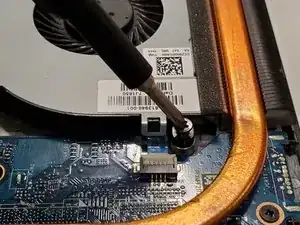
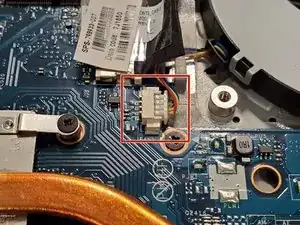
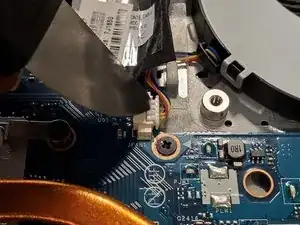
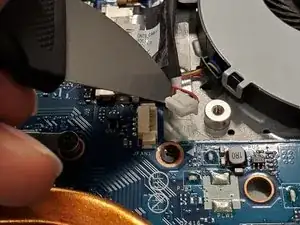
    • Unplug the white connector using your fingers or a spudger.

  8. VJ5KTat4FQlKZvVx
    VJ5KTat4FQlKZvVx
    gH1nXKCoBGnAMRwP
    uFuBykOP1LF4dZgE
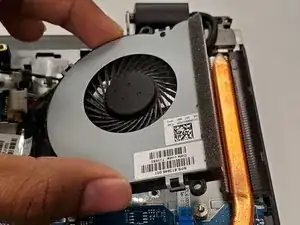
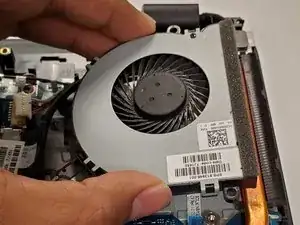
    • Pull out the fan by hand.

Conclusão

To reassemble your device, follow these instructions in reverse order.

Krushnam Badami

Membro desde: 15/01/20

342 Reputação

0 comentários