Introdução
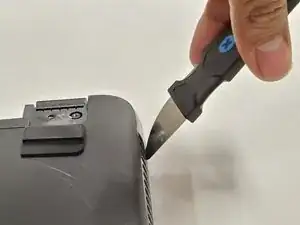
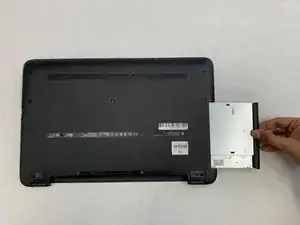
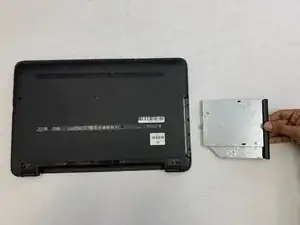
This guide will detail how you can get into the HP Pavilion 15-ba003ds by providing you the steps to follow in order to safely remove the back plate from your laptop. This guide may be of use to you should you need to have access to the internal components of your laptop for any repair, replacements, or cleaning of the laptop.
Ferramentas


-
-
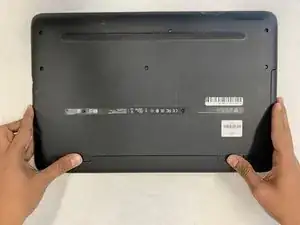
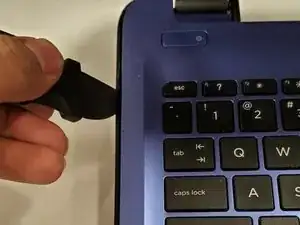
Unplug the AC adapter from the corresponding socket in the laptop.
-
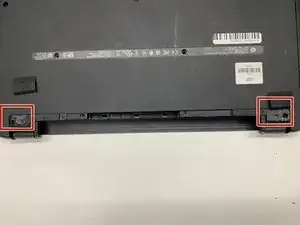
Use your fingers to push the slider located just under the battery on either side to unlock the battery from the laptop.
-
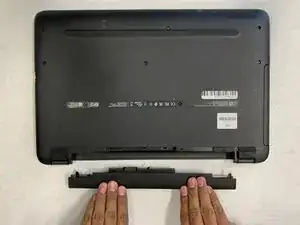
Carefully slide the battery out of the laptop frame and place it somewhere safe.
-
-
-
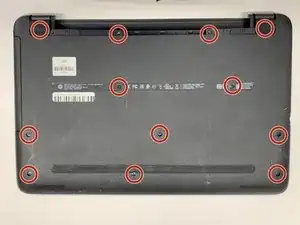
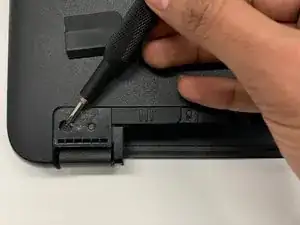
Use a Phillips #00 screwdriver to remove twelve 8 mm screws from the bottom of your laptop including the two screws found underneath the rubber feet.
-
To reassemble your device, follow these instructions in reverse order.