Introdução

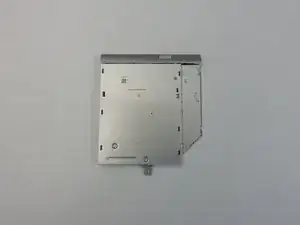
Replacement of the optical drive for the HP Pavilion 15-ab165us.

  1. aqugWAPlGUcsueqF
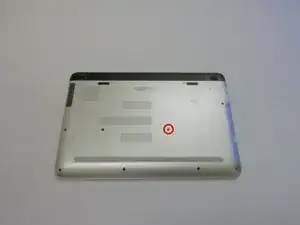
    • Remove the 8mm screw holding the optical drive in place with a Philips #1 screwdriver.

  2. kjIEmIodwoS41r4s
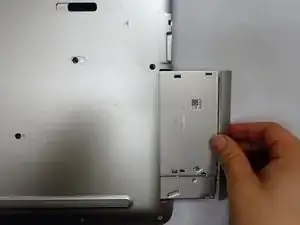
    • Pull the optical drive out of the laptop.

    • There will be some resistance when pulling.

Conclusão

To reassemble your device, follow these instructions in reverse order.

Dillon Hubble

Membro desde: 20/10/17

653 Reputação

0 comentários