Introdução
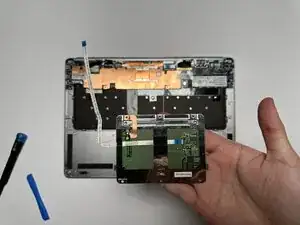
This guide covers the replacement of the trackpad on the HP EliteBook Folio G1.
The trackpad allows users to control the cursor and perform gestures for navigation and input. If the cursor is unresponsive, erratic, or certain gestures no longer function, the trackpad may be damaged or malfunctioning.
Refer to this troubleshooting page before replacing the trackpad to verify that a replacement is required.
Following this guide will help you safely and effectively replace the trackpad to restore smooth and accurate touch control.


-
-
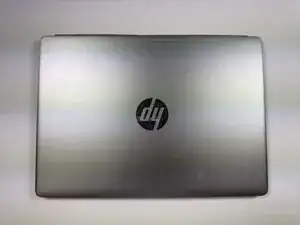
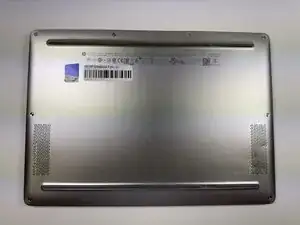
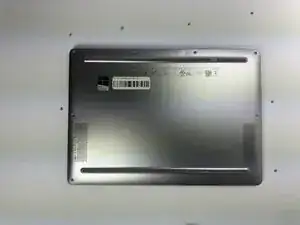
Turn the laptop upside down so the bottom panel is facing up.
-
Position the device so the QR code and text details are readable and facing you.
-
-
-
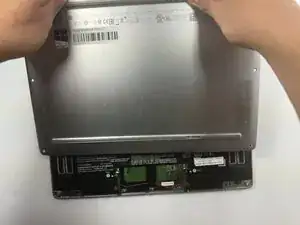
Insert a plastic opening tool or spudger into the seam between the bottom cover and the chassis.
-
Gently pry around the edges to release the retaining clips.
-
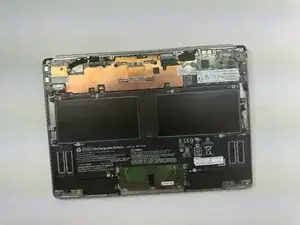
Carefully lift the back cover up and away from the laptop.
-
-
-
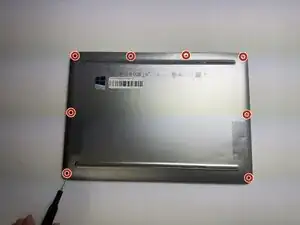
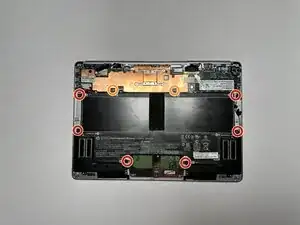
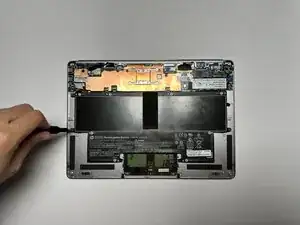
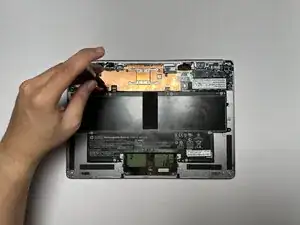
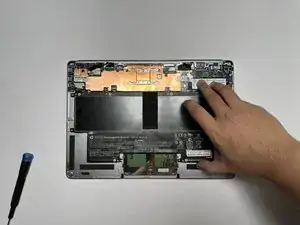
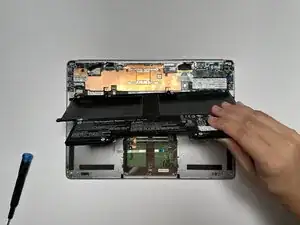
Remove the six 3.0 mm screws securing the battery using a Phillips #0 screwdriver.
-
Remove the two 3.0 mm screws securing the battery using a JIS #000 screwdriver.
-
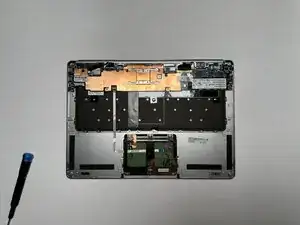
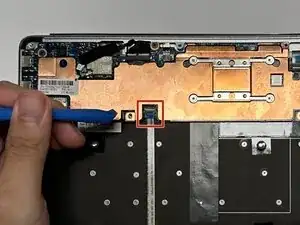
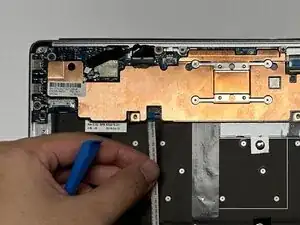
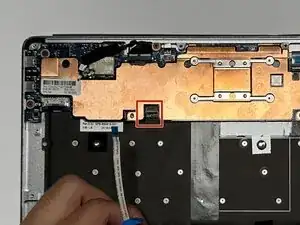
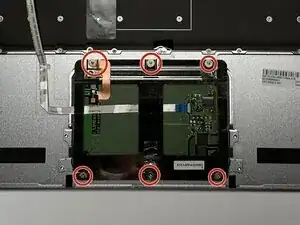
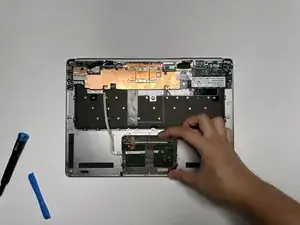
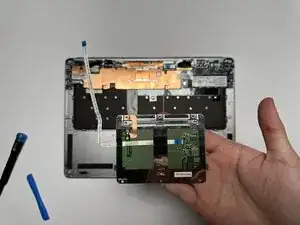
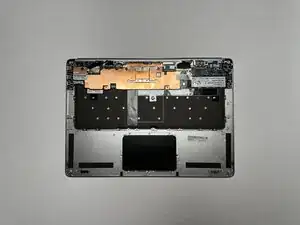
To reassemble your device, follow these instructions in reverse order.
