Introdução
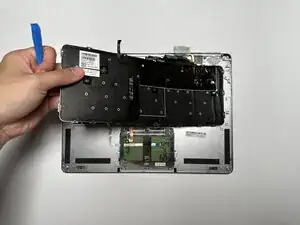
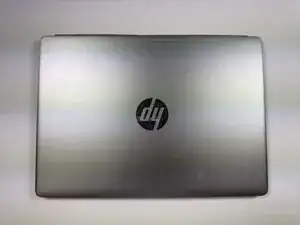
This guide covers the replacement of the keyboard on the HP EliteBook Folio G1.
The keyboard is the primary input device for typing and system control. This guide is meant to assist the process of replacing the physical keyboard for a HP EliteBook Folio G1, in the case that troubleshooting does not solve the issue(s) found/diagnosed.
Following this guide will help you safely and effectively replace the keyboard to restore full typing functionality.
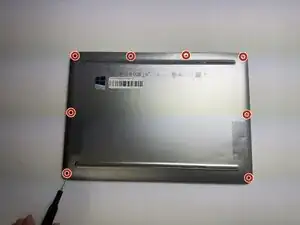
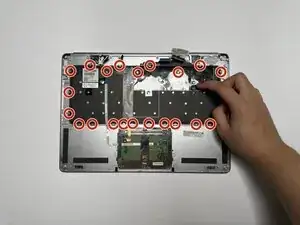
There are a total of 48 (3mm) screws that will need to be removed in the process (20 outside, 28 inside).


-
-
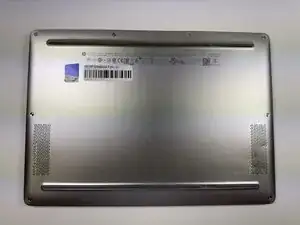
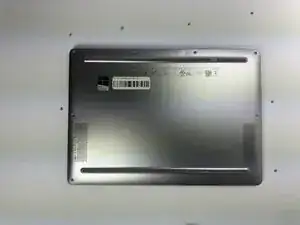
Turn the laptop upside down so the bottom panel is facing up.
-
Position the device so the QR code and text details are readable and facing you.
-
-
-
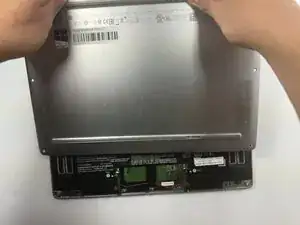
Insert a plastic opening tool or spudger into the seam between the bottom cover and the chassis.
-
Gently pry around the edges to release the retaining clips.
-
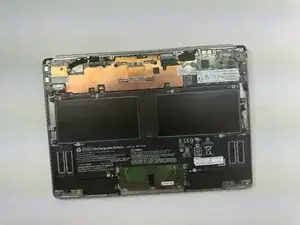
Carefully lift the back cover up and away from the laptop.
-
-
-
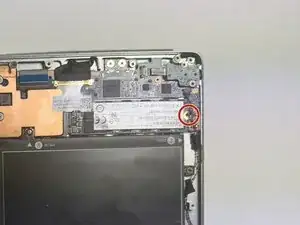
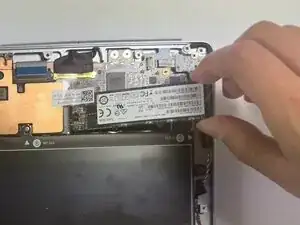
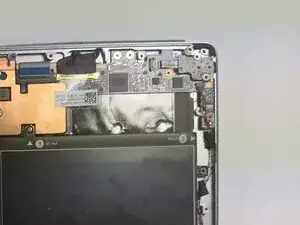
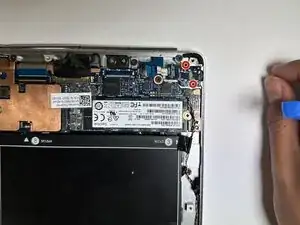
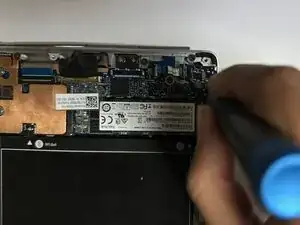
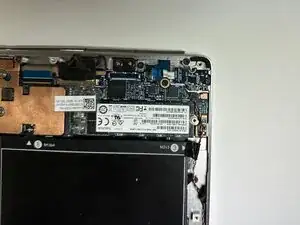
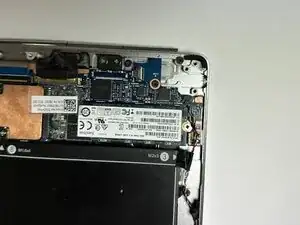
Using a Phillips #0 screwdriver, remove the one 3.0 mm screw securing the solid state drive.
-
-
-
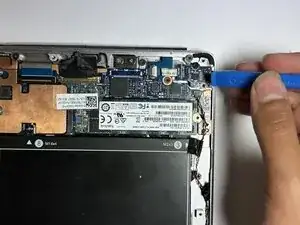
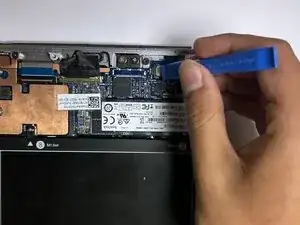
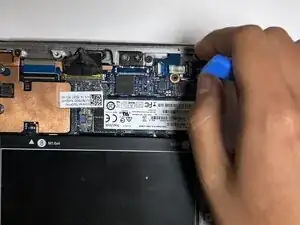
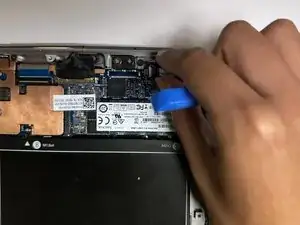
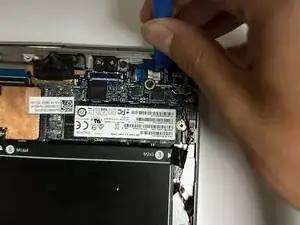
Use an opening tool or your fingernail to carefully lift the small locking flap on the audio board cable connector.
-
-
-
Gently pull the ribbon cable straight out of the connector to disconnect the audio board from the motherboard.
-
-
-
Using a Phillips #00 screwdriver, remove the two 3.0 mm screws securing the audio board to the chassis.
-
-
-
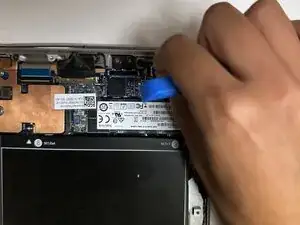
Use a opening tool to gently lift the audio board straight upward from its seated position.
-
-
-
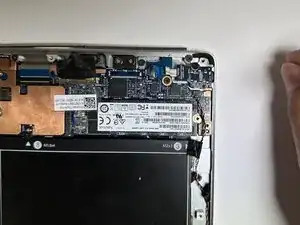
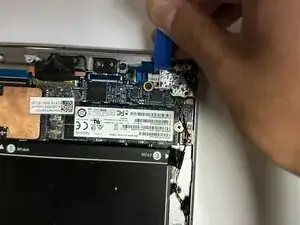
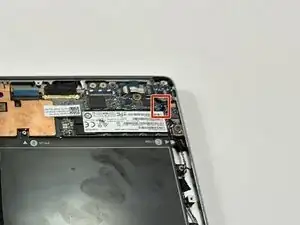
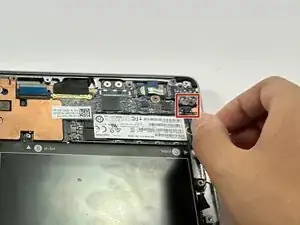
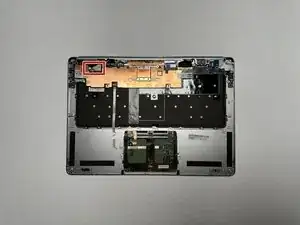
Locate the speaker cable connecting to the motherboard on the top right and carefully pull down to remove.
-
-
-
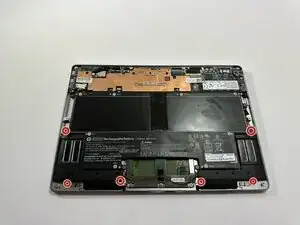
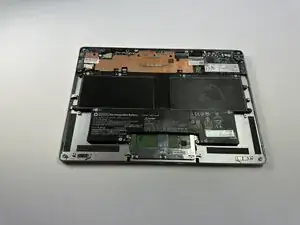
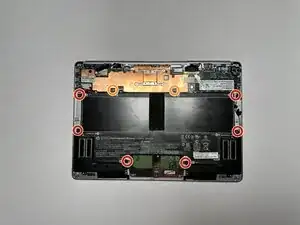
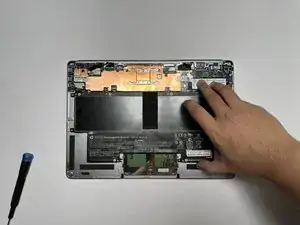
Remove the six 3.0 mm screws securing the battery using a Phillips #0 screwdriver.
-
Remove the two 3.0 mm screws securing the battery using a JIS #000 screwdriver.
-
-
-
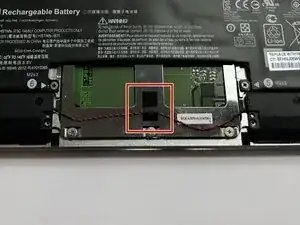
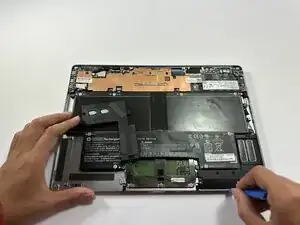
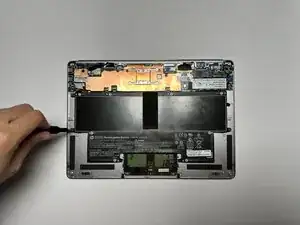
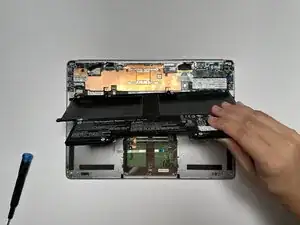
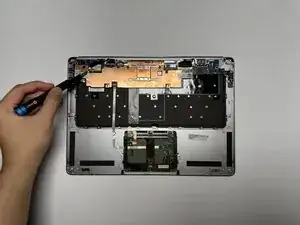
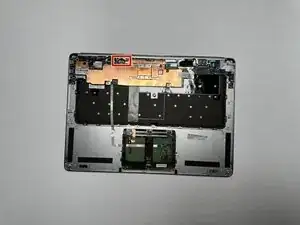
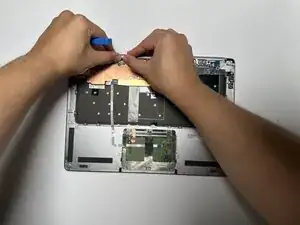
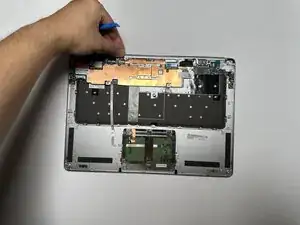
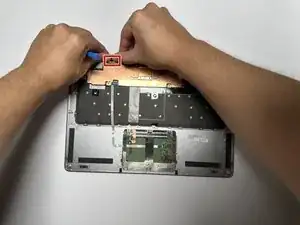
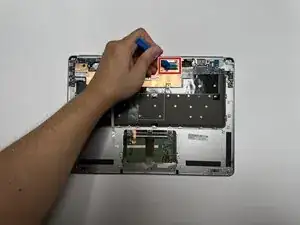
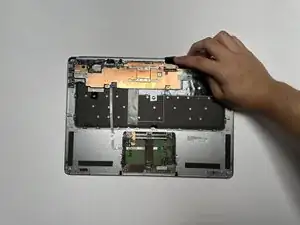
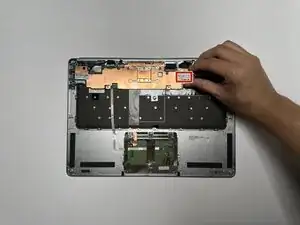
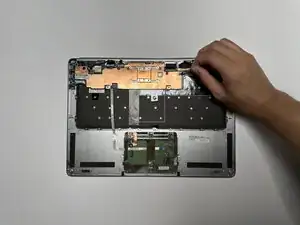
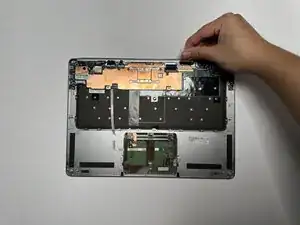
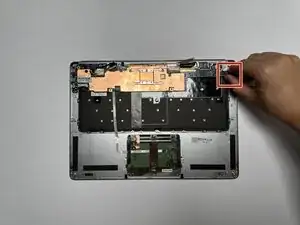
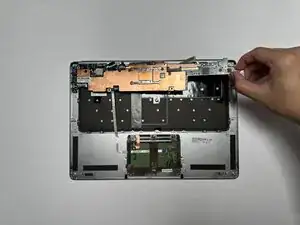
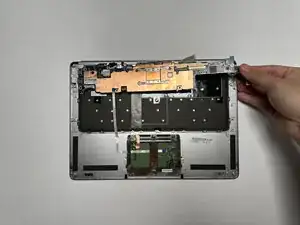
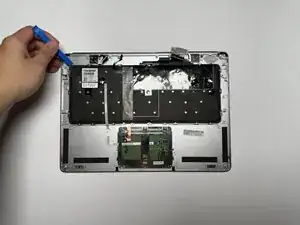
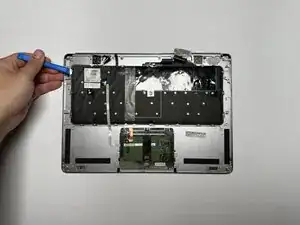
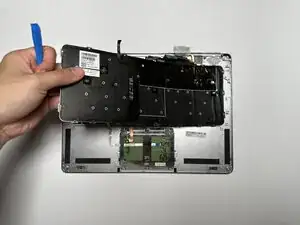
Use a plastic opening tool to carefully lift and separate the keyboard from the laptop shell.
-
-
-
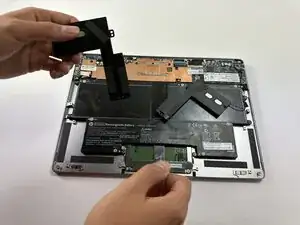
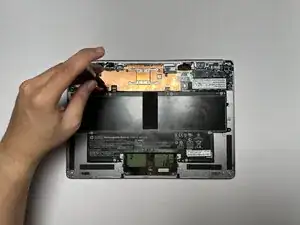
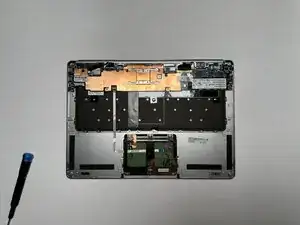
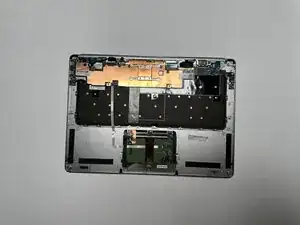
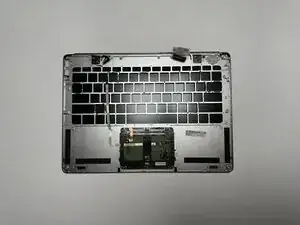
Carefully lift the keyboard from the laptop chassis, ensuring no ribbon cables or connectors are strained or damaged.
-
To reassemble your device, follow these instructions in reverse order.
