Introdução
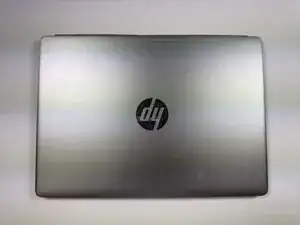
This guide covers the replacement of the back case on the HP EliteBook Folio G1.
The back case protects the internal components of the laptop and provides structural integrity. If your case is cracked, dented, or otherwise damaged, it may not adequately protect the device or could interfere with component alignment.
Following this guide will help you safely and effectively replace the back case to restore the laptop’s exterior protection and appearance.
Ferramentas


-
-
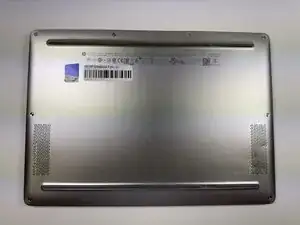
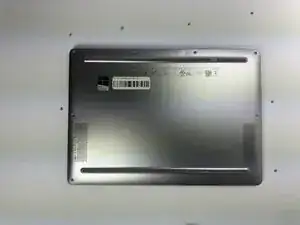
Turn the laptop upside down so the bottom panel is facing up.
-
Position the device so the QR code and text details are readable and facing you.
-
-
-
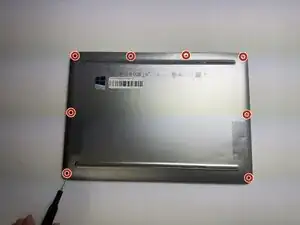
Insert a plastic opening tool or spudger into the seam between the bottom cover and the chassis.
-
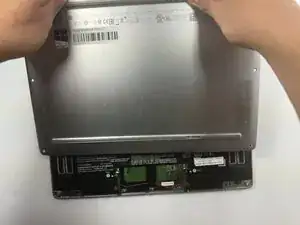
Gently pry around the edges to release the retaining clips.
-
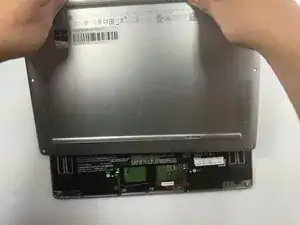
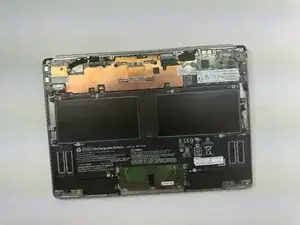
Carefully lift the back cover up and away from the laptop.
-
To reassemble your device, follow these instructions in reverse order.