Introdução
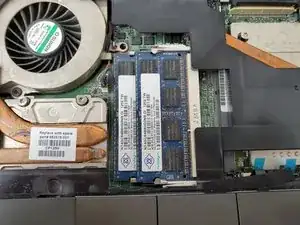
Hello, this guide will help you replace the memory in a HP EliteBook 8560w.
Keep in mind that this model has two pairs of memory: one pair below the back panel and another below the keyboard. We’ll describe the steps for both.
Usually, a computer’s memory needs to be replaced when a message of “not enough memory” pops up in your screen. However, check out our troubleshooting page to see if your problem falls into a different category.
Please follow instructions as they appear.
Ferramentas


-
-
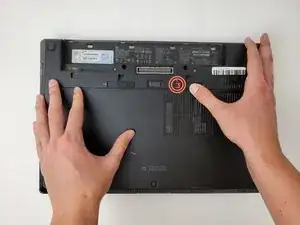
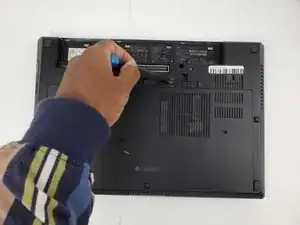
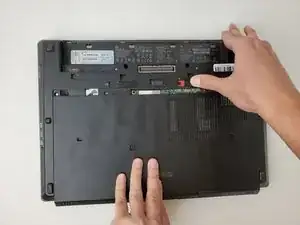
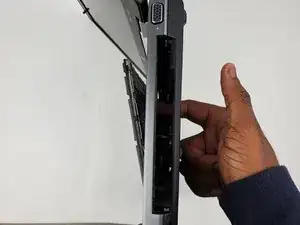
Slide the lock all the way to the right and remove the M2.5x8mm screw with a Philips #0 screwdriver.
-
-
-
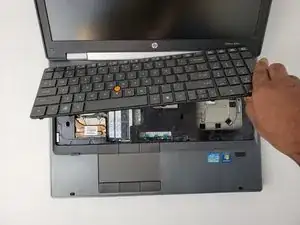
Carefully lift keyboard to reveal connection strips.
-
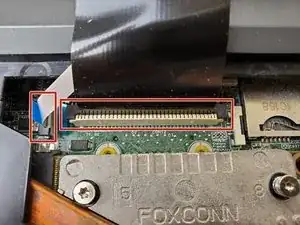
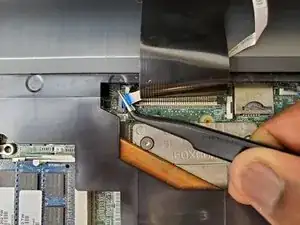
Unlock the latch holding the connection strips.
-
Pull out the connection strips from the motherboard.
-
-
-
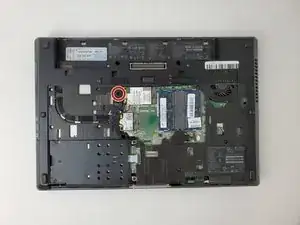
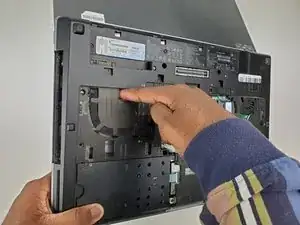
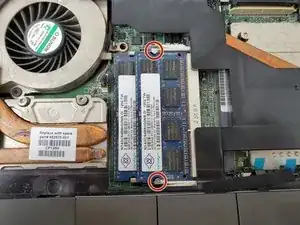
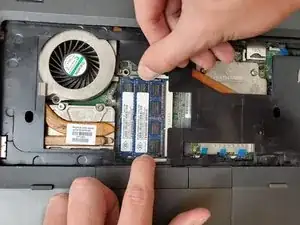
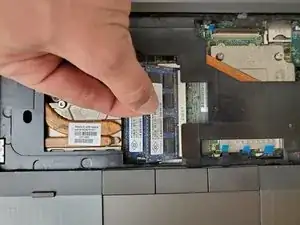
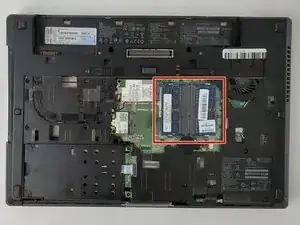
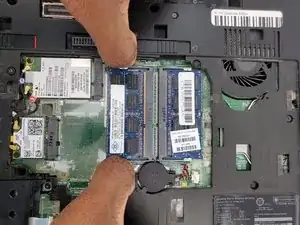
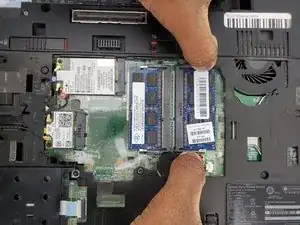
Flip device upside down. Pull metal bars away from the memory. Lift the memory up and it will pop out.
-
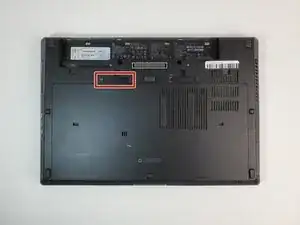
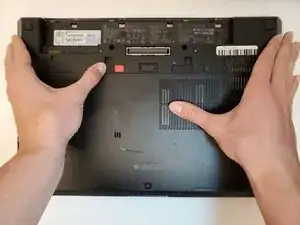
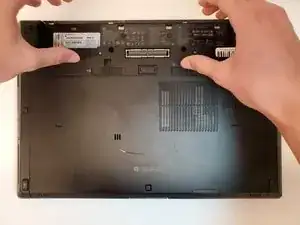
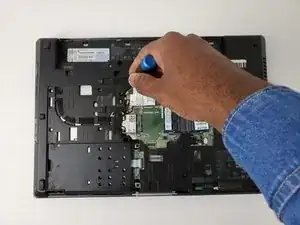
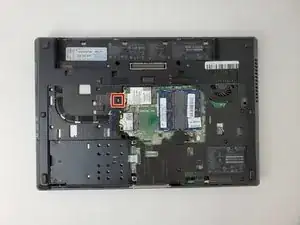
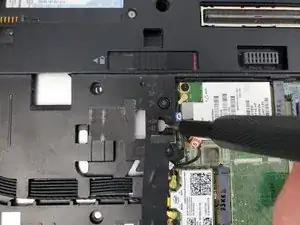
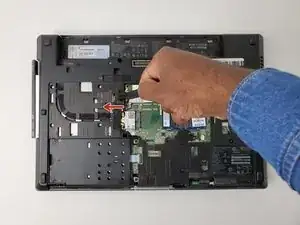
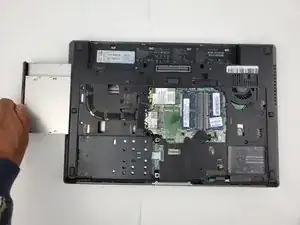
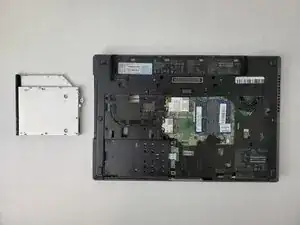
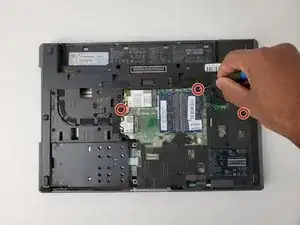
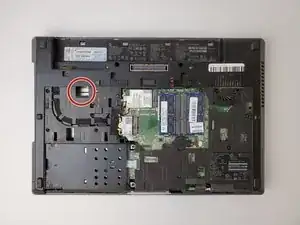
To reassemble your device, follow these instructions in reverse order.

2 comentários
The best explanation to a memory replace ever! Congratulations!
Please! Do the same to a graphic card replace for HP 8560W!! Please..PLease...
And, I have a question: MAY I INSTALL AN MSATA HARD DISK ON WWAN SLOT from this machine HP 8560W Elitebook workstation??? May I?
l g -
No, this doesn't work.
This "push rather hard" is the easiest way to damage your keyboard. It doesn’t work — be careful.
I tried to remove the keyboard carefully for about half an hour; the result was a damaged Insert key, and the keyboard still wouldn’t come off.
Thanks a lot, “experts”.