Introdução
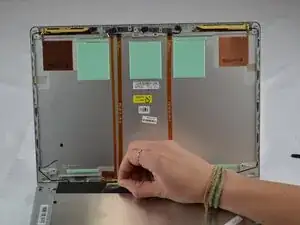
Use this guide to replace a damaged, cracked, or malfunctioning screen on your HP EliteBook 830 G6. Replacing the display requires careful handling of delicate components and cables.
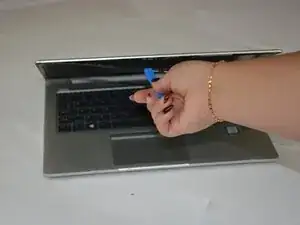
Before beginning, ensure the laptop is powered off and unplugged to prevent electrical damage.
Ferramentas


-
-
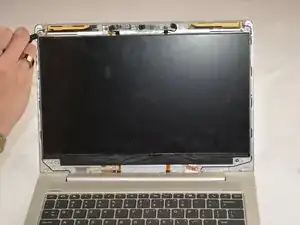
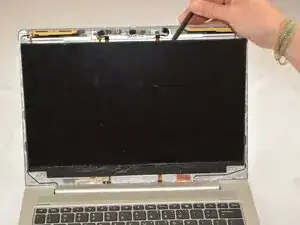
Remove the 4 2.23 mm screws in each corner with the J1 bit screwdriver.
-
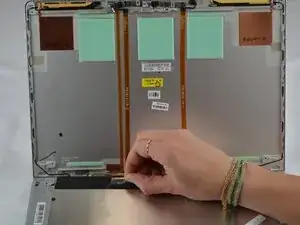
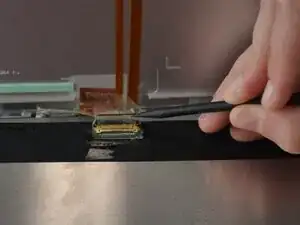
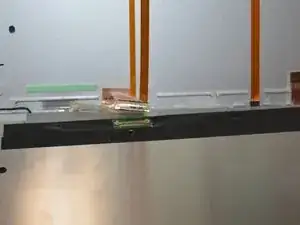
Pull the screen out and lay it down on it's face for the next step.
-
Conclusão
To reassemble your device, follow these instructions in reverse order. Take your e-waste to an R2 or e-Stewards certified recycler.
