Introdução
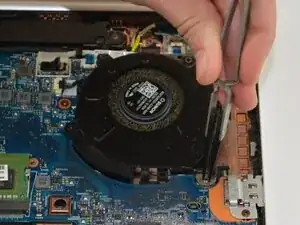
Use this guide to replace the cooling fan on your HP EliteBook 830 G6 if it has stopped spinning, is making unusual noises, or the laptop is overheating. Replacing the fan helps maintain proper airflow and prevent thermal damage.
Make sure the laptop is completely powered off and unplugged before beginning.
Ferramentas


-
-
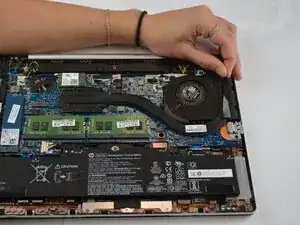
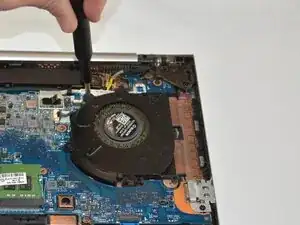
Use your J1 but to remove the screw of the heat sink and detach the adhesive connecting it to the fan.
-
-
-
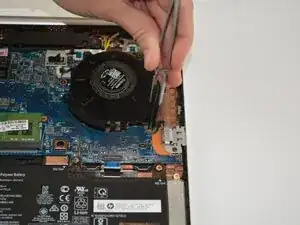
Disconnect the fan’s power cable and remove the 3 screws securing it in place with your J1 screwdrivers.
-
Conclusão
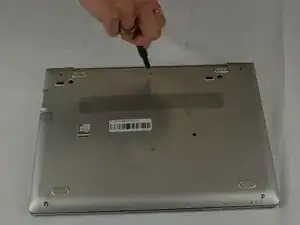
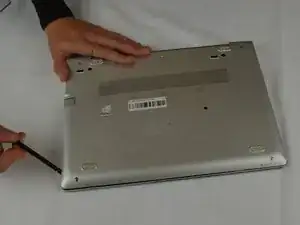
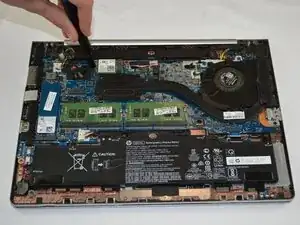
To reassemble your device, follow these instructions in reverse order. Take your e-waste to an R2 or e-Stewards certified recycler.
