Introdução
Use this guide to replace the built-in camera on an HP EliteBook 830 G6 if it is damaged, malfunctioning, or showing a black screen.
This process involves removing the bezel and disconnecting a small ribbon cable connected to the motherboard.
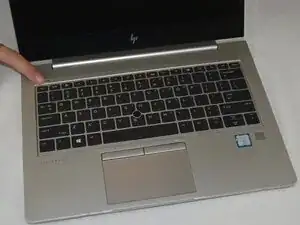
Be sure to power off the laptop and disconnect all external cables before beginning to prevent electrical damage.
Ferramentas


-
-
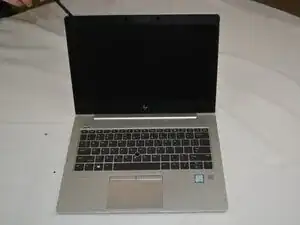
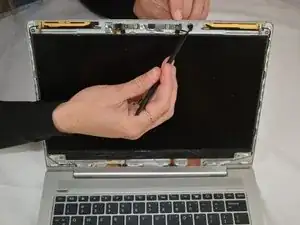
Locate the camera at the top center of the inside screen.
-
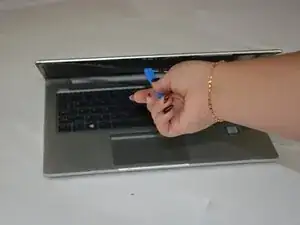
Gently lift the display bezel with a spudger.
-
-
-
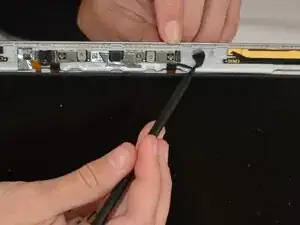
Disconnect the small ribbon cable at the top of the bezel connecting the camera module to the motherboard.
-
Remove the old camera module by prying it off gently with a spudger.
-
To reassemble your device, follow these instructions in reverse order. Take your e-waste to an R2 or e-Stewards certified recycler.
