Introdução
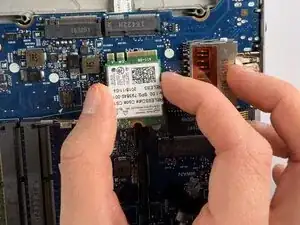
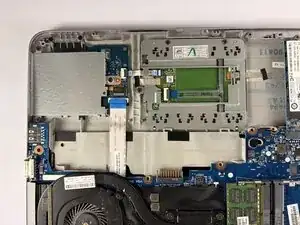
If your HP EliteBook 725 G3 is having trouble holding a Wi-Fi connection or missing the Wi-Fi option completely, you may have a malfunctioning Wi-Fi card. Use this guide to properly remove and replace the Wi-Fi card.
The Wi-Fi card is a hardwired component that allows for your device to connect wirelessly to a local network and therefor the internet. In order to do a majority of the tasks on your device, you must be connected to Wi-Fi. This card scans, authenticates, and manages the connection between your device and the external network.
Before using this guide, attempt to troubleshoot the card by toggling airplane mode, restarting your device, or forgetting and reconnecting to the network you are attempting to connect to. If the connection issues still persist, follow this guide.
Ferramentas


-
-
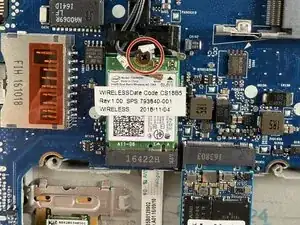
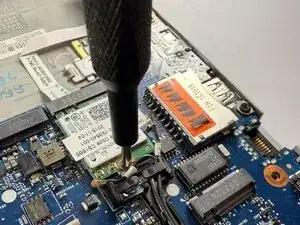
Remove the single Phillips #00 screw securing the Wi-Fi card.
-
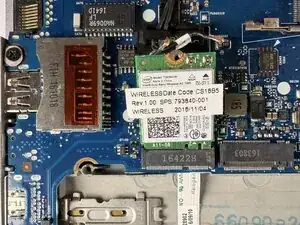
Use the pointed end of a spudger to pry up and disconnect the two coaxial connectors.
-
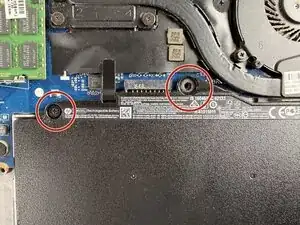
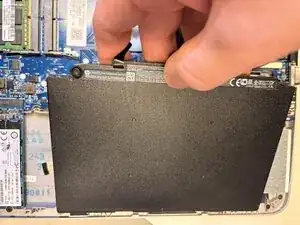
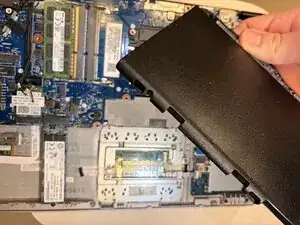
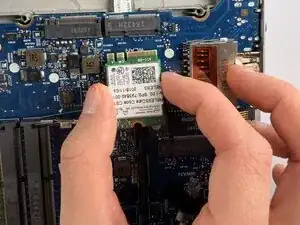
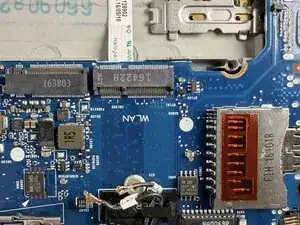
To reassemble your device, follow the above steps in reverse order.
Take your e-waste to an R2 or e-Stewards certified recycler.
Repair didn’t go as planned? Try some basic troubleshooting or ask our Answers community for help.
