Introdução
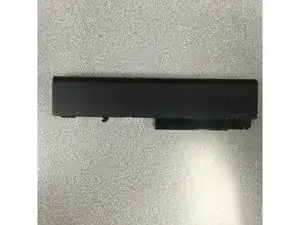
Removing and replacing the battery is a very simple process. Only thumbs are required to replace this item.
Peças
-
-
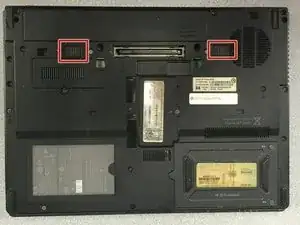
Flip the laptop upside down so the battery compartment is facing up.
-
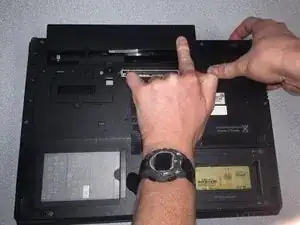
Place your thumbs on the battery release tabs
-
-
-
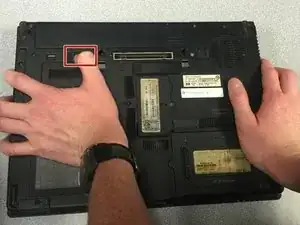
With your left thumb, slide the first release tab to the left.
-
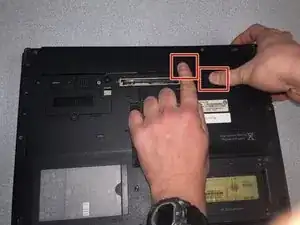
With your right thumb, slide the second release tab to the left.
-
Push the battery forward to fully remove the battery.
-
Conclusão
To reassemble your device, follow these instructions in reverse order.
