Introdução
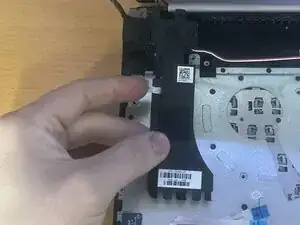
If your HP 15-dw0037wm laptop produces distorted or no sound, one or both internal speakers may have failed and needs to be replaced. The internal speakers are responsible for all audio output, and over time they can wear out or become damaged by dust, impact, and moisture. This guide will help walk you through safely removing the fault speakers and installing new ones to restore clear audio performance.


Peças
-
-
Power off your laptop and disconnect the charger and any peripheries before beginning disassembly.
-
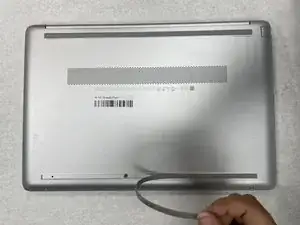
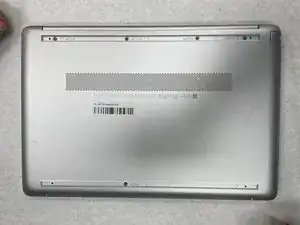
Set the laptop down with the lower case facing up.
-
Lift a corner of the lower silicone foot and peel it completely off.
-
Repeat for the upper silicone foot.
-
-
-
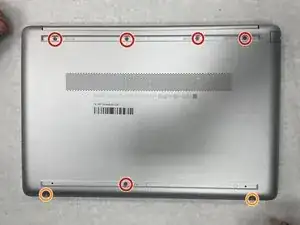
Use a Phillips screwdriver to remove the five 8 mm screws.
-
Remove the two 5 mm Phillips screws.
-
-
-
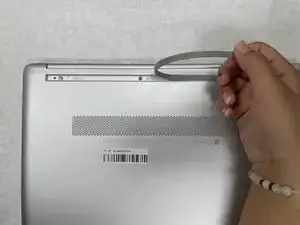
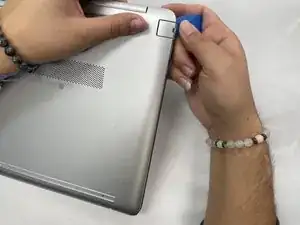
Insert an opening pick into the gap between the lower case and chassis.
-
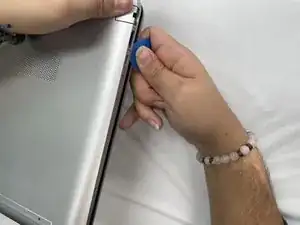
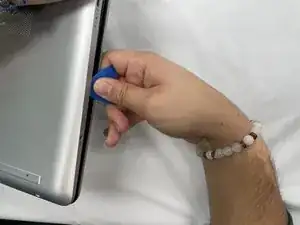
Slide the pick around the entire perimeter of the device until the lower case fully releases.
-
Remove the lower case.
-
-
-
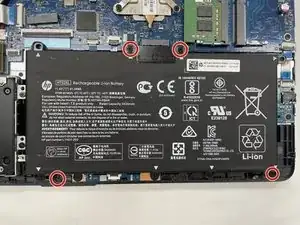
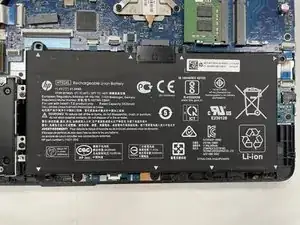
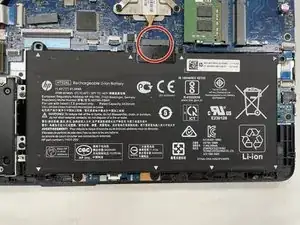
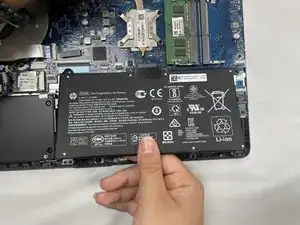
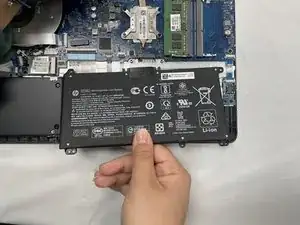
Lift the battery out slowly to disconnect it from the socket that connects it to the motherboard.
-
-
-
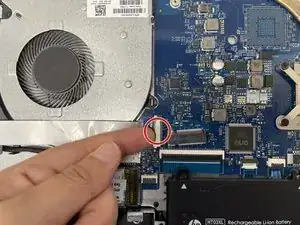
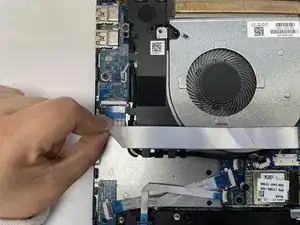
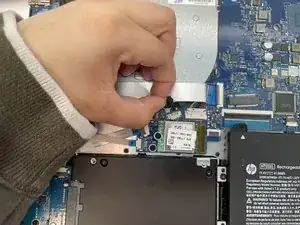
Use your fingernail or a spudger to gently lift the black ZIF locking flap that secures the ribbon cable.
-
Repeat the previous bullet on the other end of the ribbon cable.
-
-
-
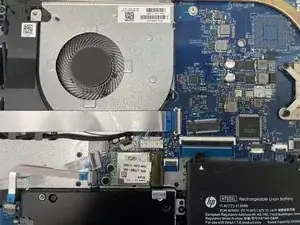
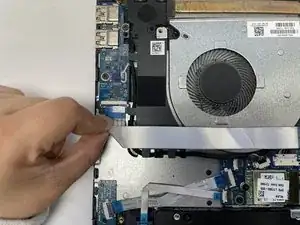
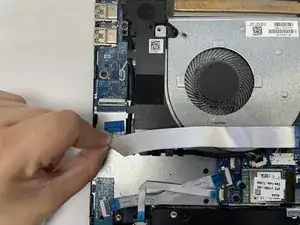
Slide the ribbon cable out from the socket gently.
-
Repeat on the other end of the ribbon cable.
-
-
-
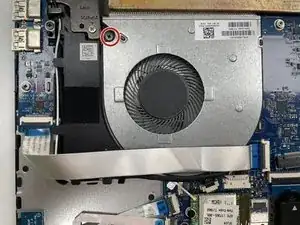
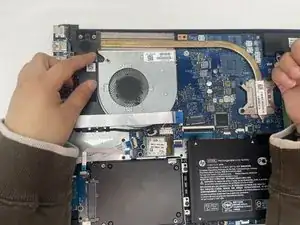
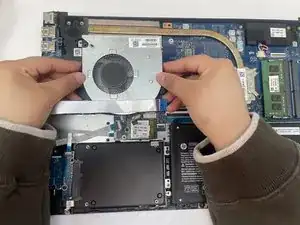
Use a Phillips screwdriver to remove the four screws that secure the heatsink to the CPU and motherboard, then carefully remove the heatsink.
-
-
-
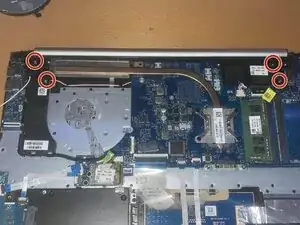
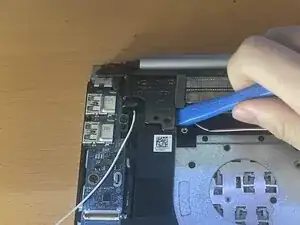
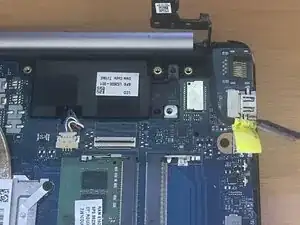
Remove the four Phillips screws securing both display hinges.
-
Use an opening tool to lift the left hinge vertically.
-
-
-
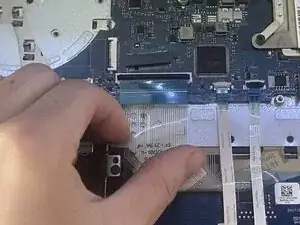
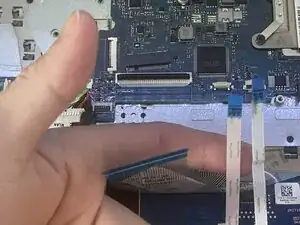
Identify the four ZIF ribbon cables on the motherboard.
-
Use your fingernail to lift each locking tab gently.
-
Pull each ribbon cable straight out, keeping it parallel to the board.
-
-
-
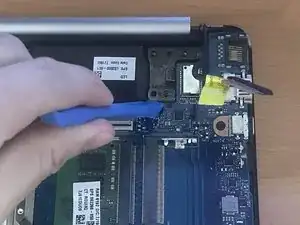
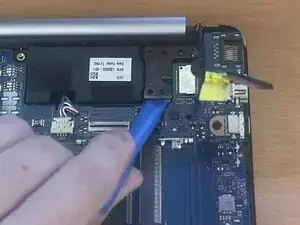
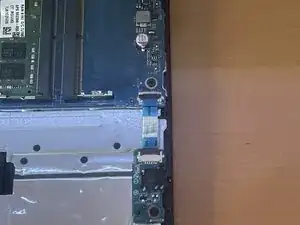
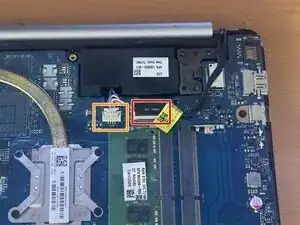
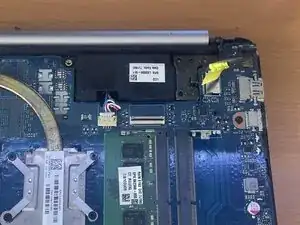
Flip the black locking flap on the ZIF connector and disconnect the cable.
-
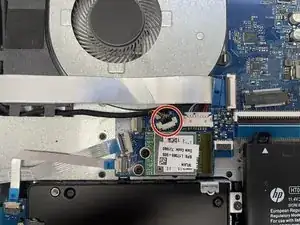
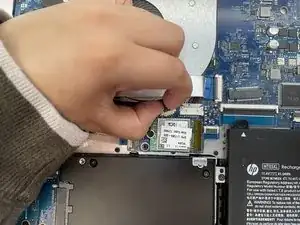
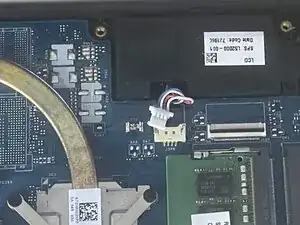
Disconnect the speaker connector.
-
-
-
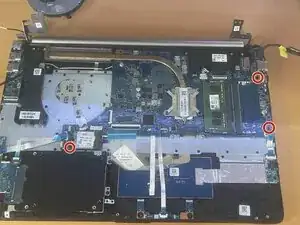
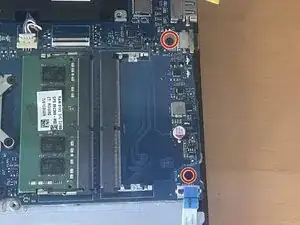
Remove the three Phillips screws securing the motherboard to the chassis.
-
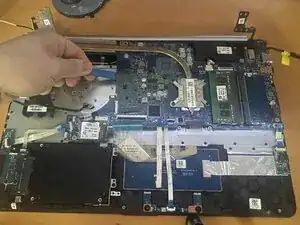
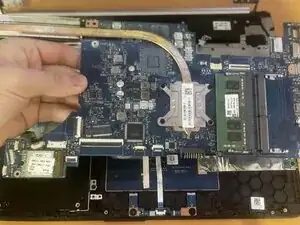
Gently lift one corner of the board and slide it out of position, being mindful of any remaining cables underneath.
-
-
-
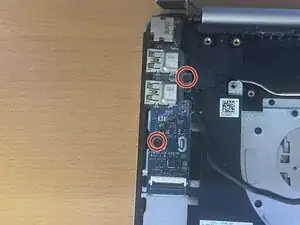
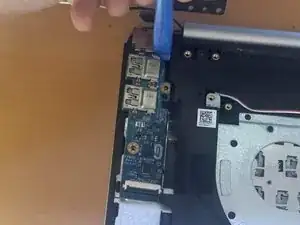
Remove the two screws securing the daughterboard to the chassis.
-
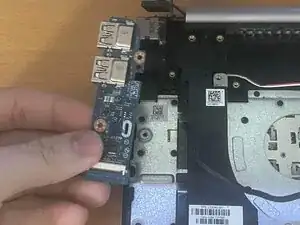
Use an opening tool to lift up the board gently.
-
Remove the board.
-
-
-
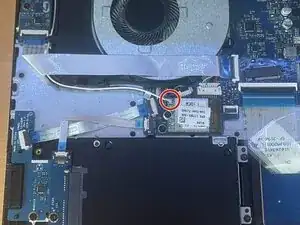
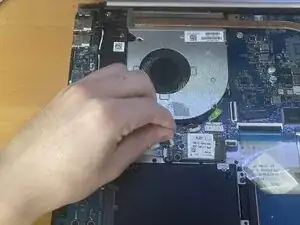
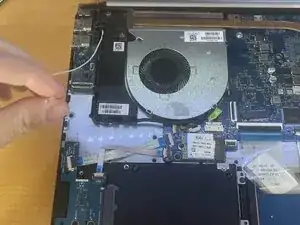
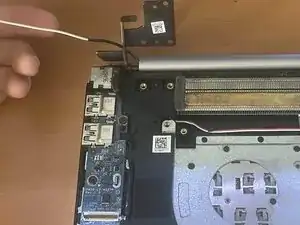
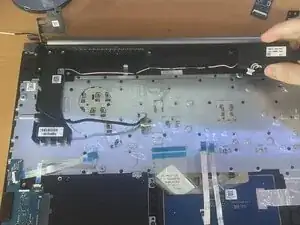
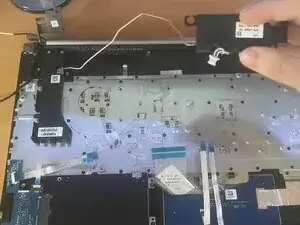
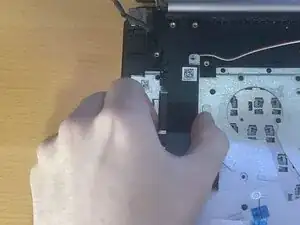
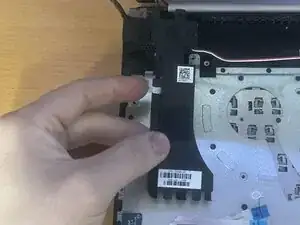
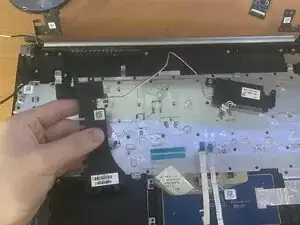
Ensure the speaker cable is fully untangled from the frame and clips.
-
Confirm that the cable path is fully accessible before removing the speakers.
-
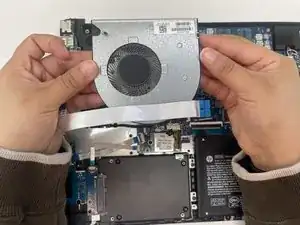
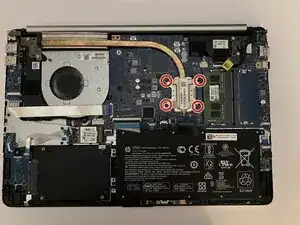
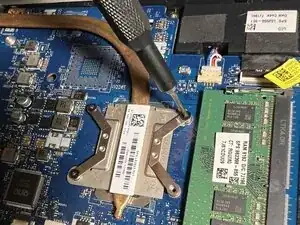
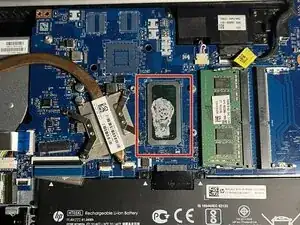
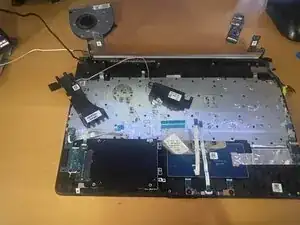
To reassemble your device, follow the above steps in reverse order.
Take your e-waste to an R2 or e-Stewards certified recycler.
Repair didn’t go as planned? Try some basic troubleshooting or ask our Answers community for help.
