Introdução
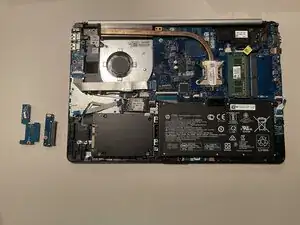
The SD slot on a laptop lets you read and transfer files from SD memory cards, like photos or videos from a camera. They are also useful for providing extra storage. If your laptop suddenly stops recognizing any cards, the SD slot might be damaged. This guide will show you how to remove and replace it.


-
-
Power off your laptop and disconnect the charger and any peripheries before beginning disassembly.
-
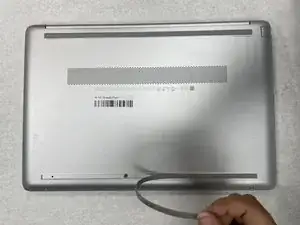
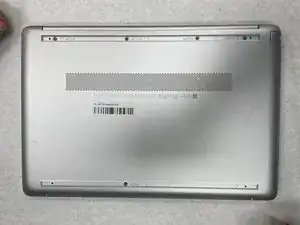
Set the laptop down with the lower case facing up.
-
Lift a corner of the lower silicone foot and peel it completely off.
-
Repeat for the upper silicone foot.
-
-
-
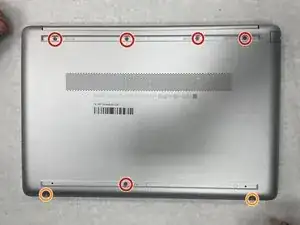
Use a Phillips screwdriver to remove the five 8 mm screws.
-
Remove the two 5 mm Phillips screws.
-
-
-
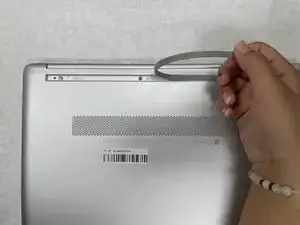
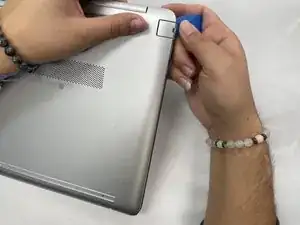
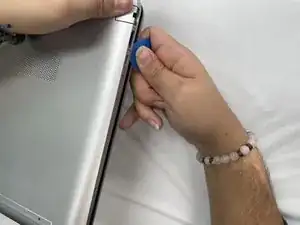
Insert an opening pick into the gap between the lower case and chassis.
-
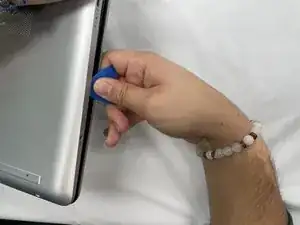
Slide the pick around the entire perimeter of the device until the lower case fully releases.
-
Remove the lower case.
-
-
-
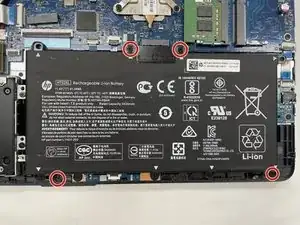
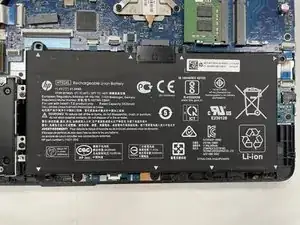
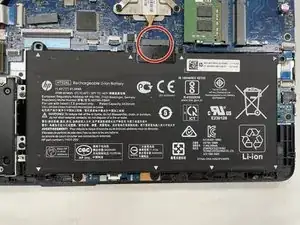
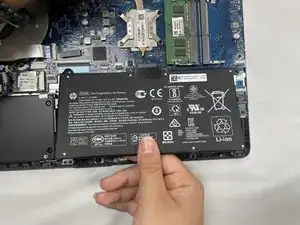
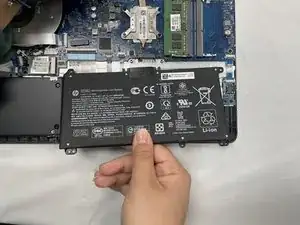
Lift the battery out slowly to disconnect it from the socket that connects it to the motherboard.
-
-
-
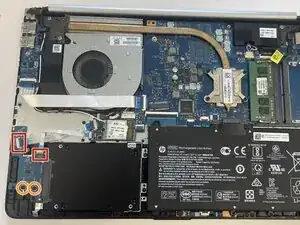
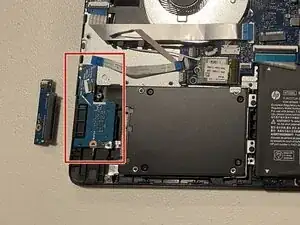
Flip up the locking flaps securing the HDD and SD reader ribbon cables to the respective boards.
-
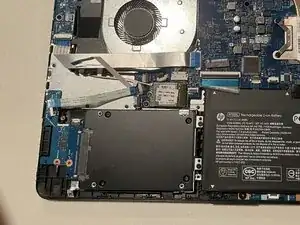
Disconnect the two ribbon cables.
-
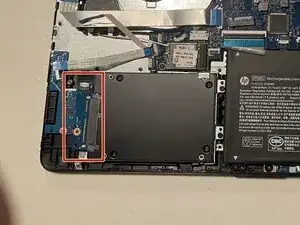
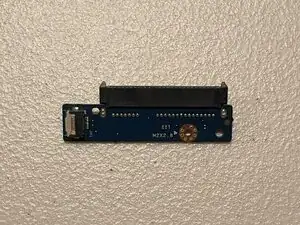
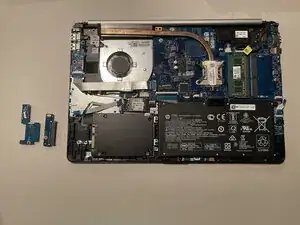
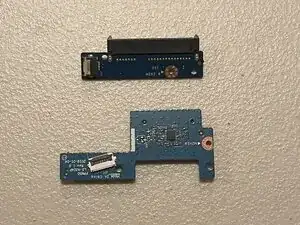
With a Phillips #0 screwdriver, remove the two 3 mm-long screws that secure the two boards.
-
To reassemble your device, follow the above steps in reverse order.
Take your e-waste to an R2 or e-Stewards certified recycler.
Repair didn’t go as planned? Try some basic troubleshooting or ask our Answers community for help.
