Introdução
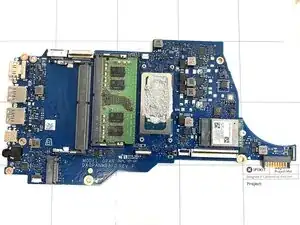
Replacing the motherboard in your HP 14-dq5009nr laptop is one of the most advanced repairs you can do, but with patience and careful attention, it’s completely possible at home. The motherboard is the main circuit board that connects and powers all the laptop’s components — including the processor, memory, and storage.
If your laptop won’t power on or shows signs of serious hardware failure, a faulty motherboard could be the cause. This guide will walk you through the process of replacing the motherboard for the HP 14-dq5009nr laptop.
Before you begin, power off the device and disconnect it from the charger and any peripherals.


-
-
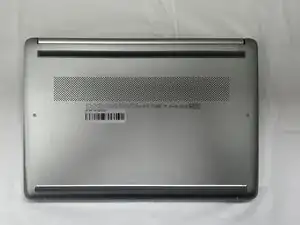
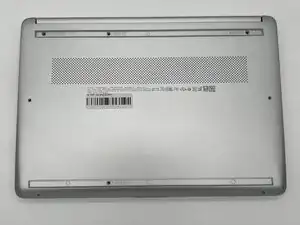
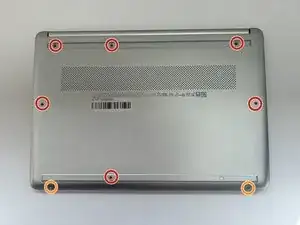
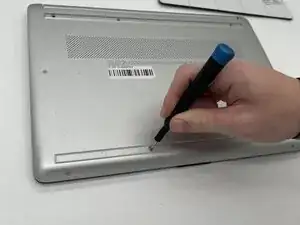
Use a Philips #0 screwdriver to remove the eight screws from the back case.
-
Six 7 mm-long screws
-
Two 4.8 mm-long screws
-
-
-
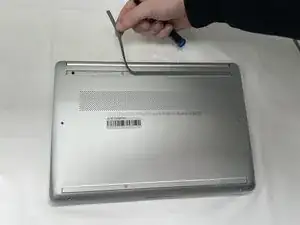
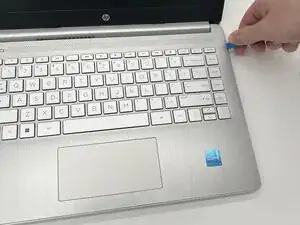
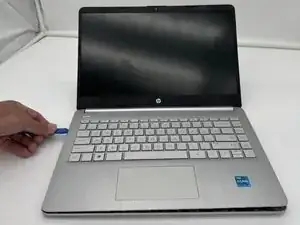
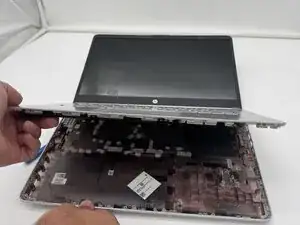
Use a plastic opening tool to separate the back case from the palmrest keyboard assembly. Gently pry the back cover from the device.
-
-
-
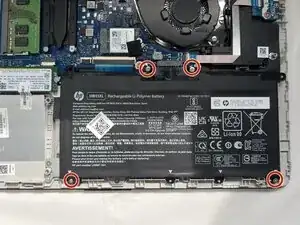
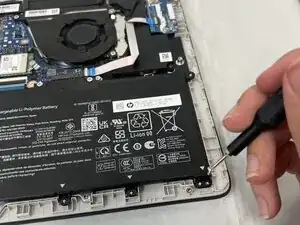
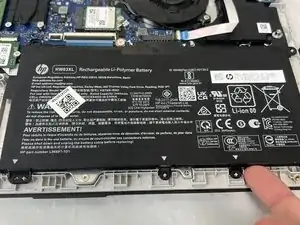
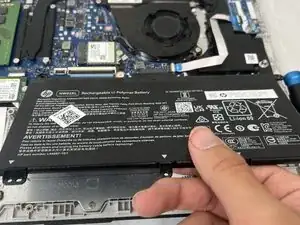
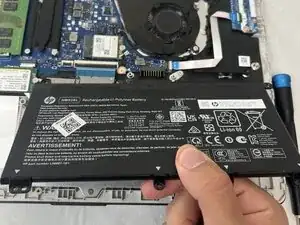
Use a Phillips #0 screwdriver to remove the four 3 mm screws that secure the battery to the chassis.
-
-
-
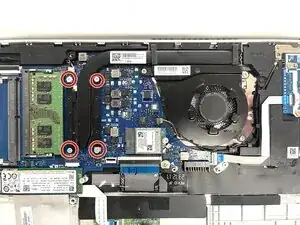
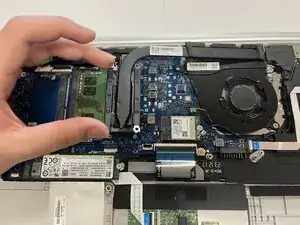
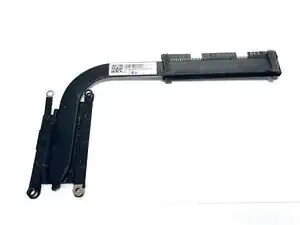
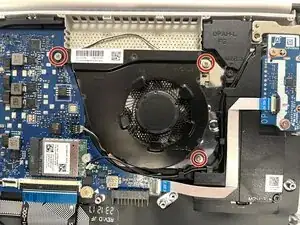
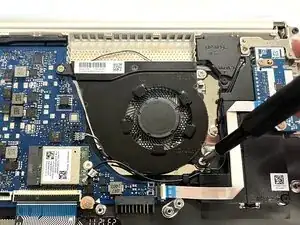
Use a Phillips #1 screwdriver to remove the four 2 mm screws that secure the heat sink.
-
Lift the heat sink by the neck to remove it.
-
-
-
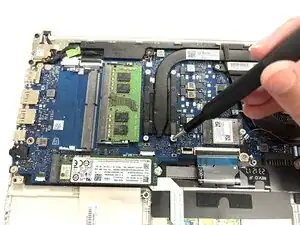
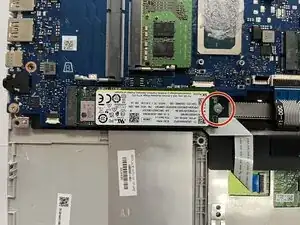
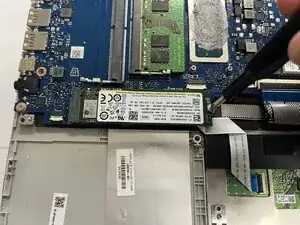
Remove the single 3 mm Phillips #1 screw.
-
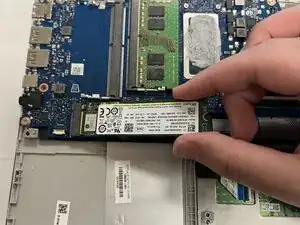
Hold the SSD by the edges and gently slide it out of its socket on the motherboard.
-
-
-
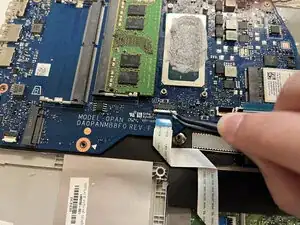
Use a spudger or a clean fingernail to flip up the locking flap of the daughterboard cable connector socket.
-
Use tweezers or your fingers to gently pull the cable out of its socket on the motherboard.
-
-
-
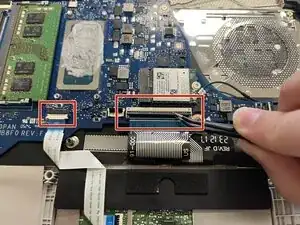
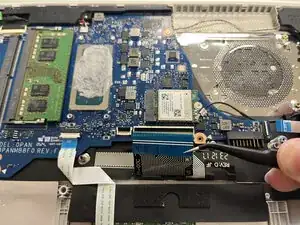
Flip up the locking flap on the ZIF connectors that connect to the trackpad and keyboard.
-
Use tweezers or your fingers to gently pull each ribbon cable out of its socket.
-
-
-
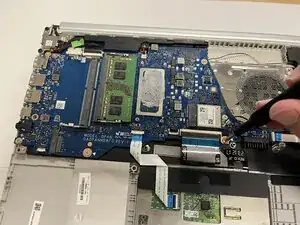
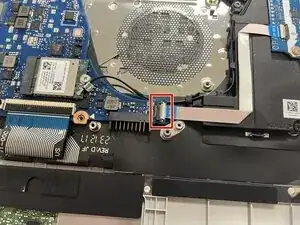
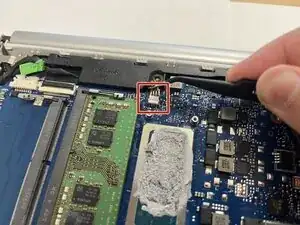
Use the wide end of a spudger to disconnect the 4-pin connector on the motherboard.
-
Use the wide end of a spudger to push on the connector tab to slide it out of its socket.
-
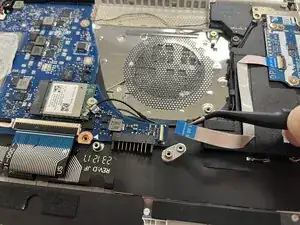
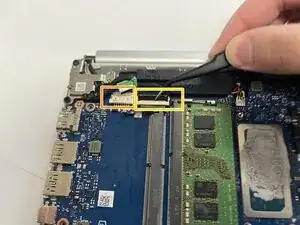
Use a spudger to flip up the locking flap on the ZIF connector.
-
Use tweezers or your fingers to gently pull the cable out of its socket.
-
-
-
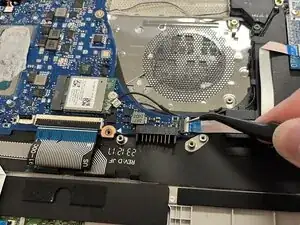
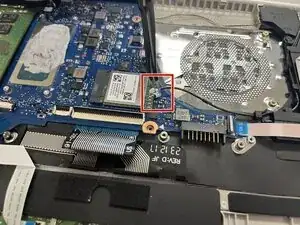
Slide a thin, ESD-safe pry tool or angled tweezers under the metal neck of the coaxial cable connectors (as close to the head as possible) and lift straight up from the Wi-Fi card.
-
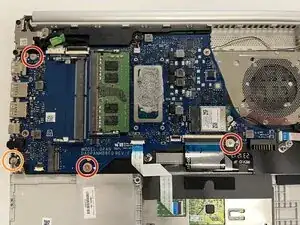
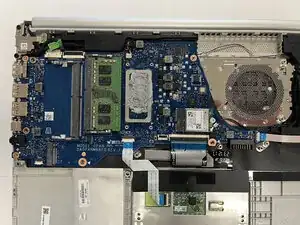
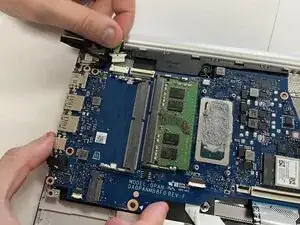
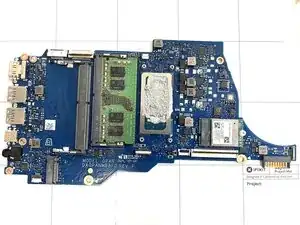
Pull the motherboard out and set it somewhere safe.
-
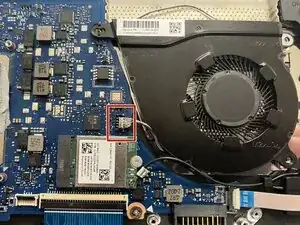
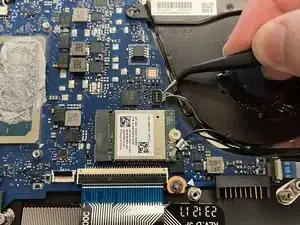
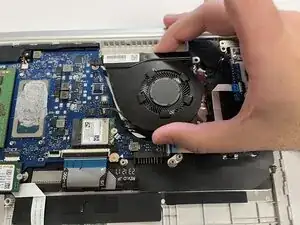
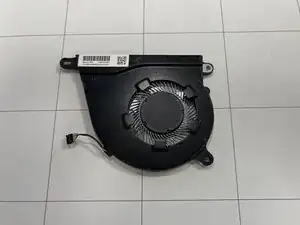
To reassemble your device, follow these instructions in reverse order. Take your e-waste to an R2 or e-Stewards certified recycler.