Introdução
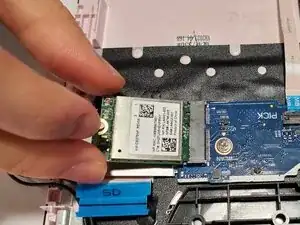
Today where the internet serves as a primary role in our day to day lives, an inoperable computer can be detrimental. Without a functioning Wifi-Card, your computer wouldn't work. The function of the Wifi-Card is to connect the computer to the wireless local area network. It enables internect acess and network activity. Your Wifi-Card may stop working because of wear and tear, overheating or multiple other reasons.
This guide will help you remove your Wifi-Card safely. You will need three things: an opening chip, Phillips #1 screw driver, and a plastic opening tool.


-
-
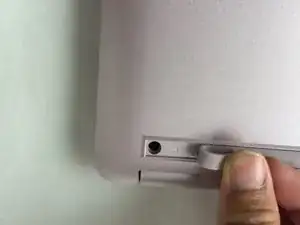
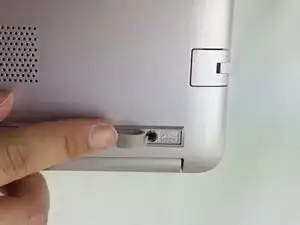
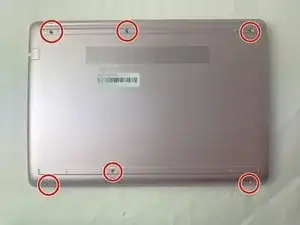
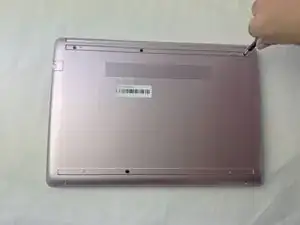
Use a spudger to pry under the end of the screw cover.
-
When the edge is lifted up, use your fingers to pull the rest of the strip off.
-
-
-
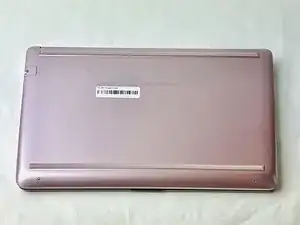
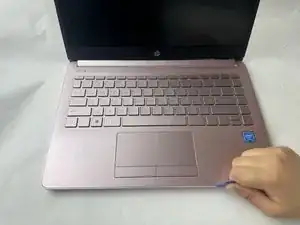
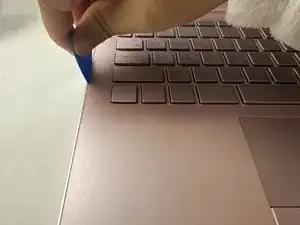
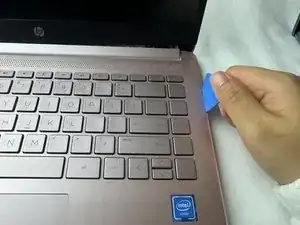
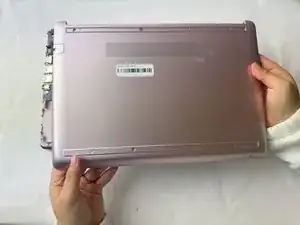
Use a pick or opening tool to pry along the edges of the back cover from the keyboard side of the laptop.
-
-
-
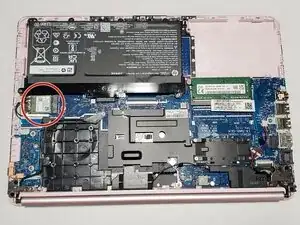
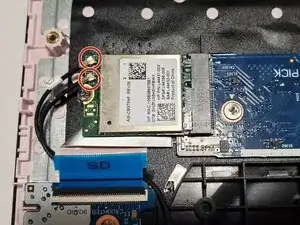
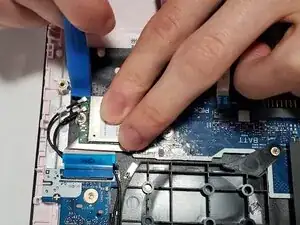
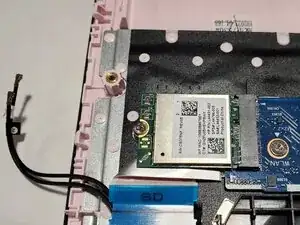
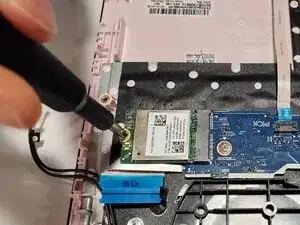
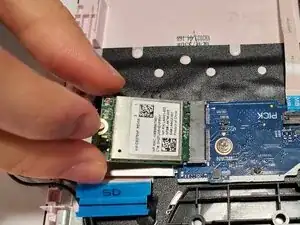
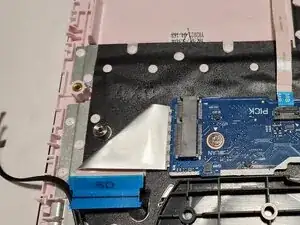
Use an opening tool to pry up and disconnect the two Wi-Fi card coaxial cable connectors.
-
The wire with the white tab attached should connect to spot number 1 on the Wi-Fi card. The wire with the black tab attached should connect to spot number 2.
-
To reassemble your device, follow the above steps in reverse order.
Take your e-waste to an R2 or e-Stewards certified recycler.
Repair didn’t go as planned? Try some basic troubleshooting or ask our Answers community for help.
