Introdução

  1. DnjHkCwcQ5T3AW3R
    DnjHkCwcQ5T3AW3R
    vxYDHnYZ1PAWLclc
    xfQ1EkBkKXwKGRGt
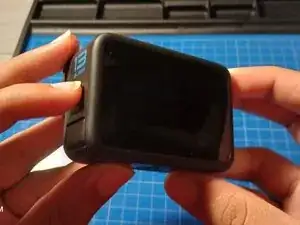
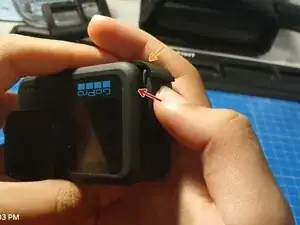
    • First things first, remove any accessories from your camera.

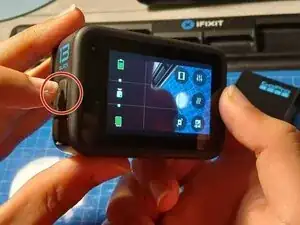
    • Then, power off your camera. Hold the power button for approximately 3 seconds to power it off.

    • It is very important that you do this in a dry and clean place. Otherwise, your camera can be damaged.

  2. AcKltrQ1mU2YUYZ2
    AcKltrQ1mU2YUYZ2
    XLiAO1TVKKYKJWjB
    6EneEYrDBRXUfLyL
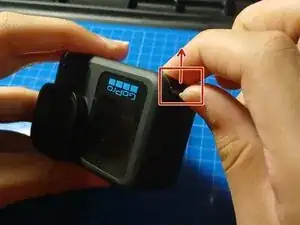
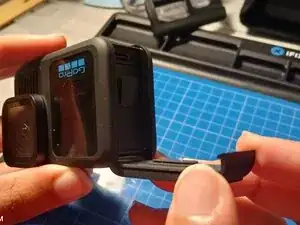
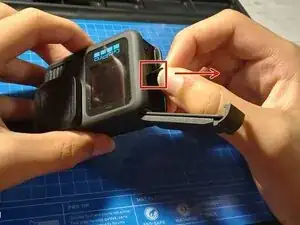
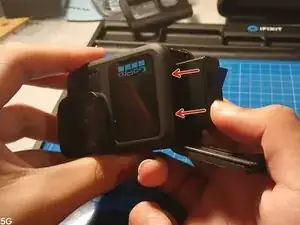
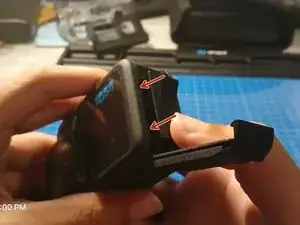
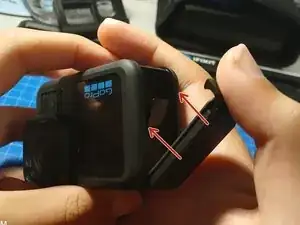
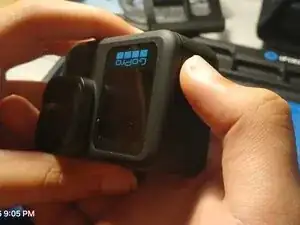
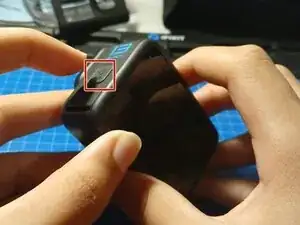
    • Do not pry on the power button side, it's not a door and you will result in breaking it.

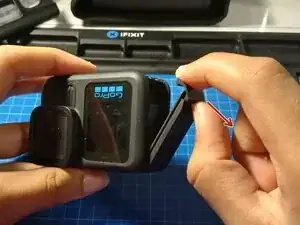
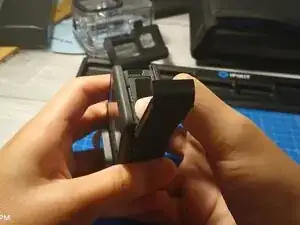
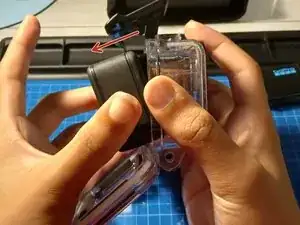
    • Pry upwards at the opposite side to open the battery door. Then, pull the door to you to open.

  3. n1mXAKIb2U6HLVEU
    n1mXAKIb2U6HLVEU
    I2m4WVFOgMOk5ldJ
    vOeKMGAQU1mDj6Ek
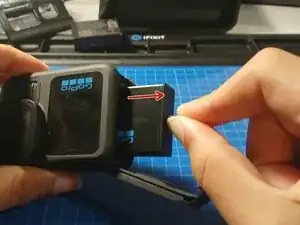
    • Pull on the battery pull tab to remove the battery. Place the old battery aside.

  4. SAJGRUMWPGiiFTZ3
    SAJGRUMWPGiiFTZ3
    XPbCkofpnTMAWKGO
    uAgw6TrKVIoTZoWh
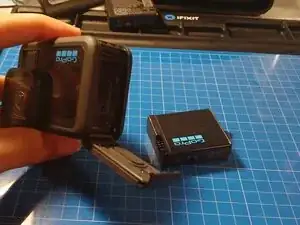
    • After removing the old battery, place the new one and push on the battery to put it in place.

    • Make sure the gold battery contacts line up with the camera. Otherwise, it may not turn on.

  5. avO4iPE4gKO5Q2Tw
    avO4iPE4gKO5Q2Tw
    SwZ1KJVNQddxSGvQ
    l6cgNNJKolRYDUNL
    • Close the battery door by pushing the door to the camera, and then push down on the door.

    • This is one main way of waterproofing the camera. Make sure the rubber gasket seal is clean before closing it.

  6. vvZt6xcsTTYqVs4D
    vvZt6xcsTTYqVs4D
    mJZwZFBoZ1fRY5Wx
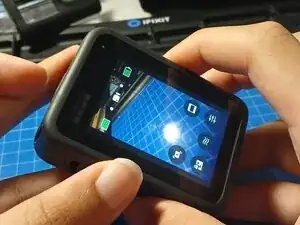
    • After finishing, power on the camera by pressing the power button.

Conclusão

After finishing this guide, make sure that the door is closed correctly to avoid water damage.

Bryan

Membro desde: 29/08/25

337 Reputação

0 comentários