Introdução
This guide shows how to detach the screen from your Google Pixel Watch 2 in order to do repairs.


-
-
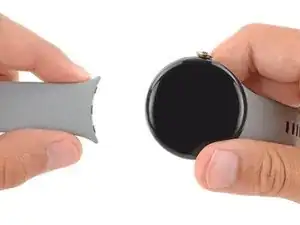
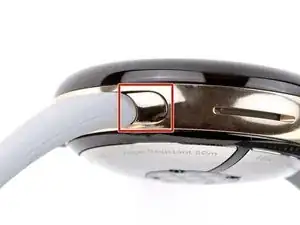
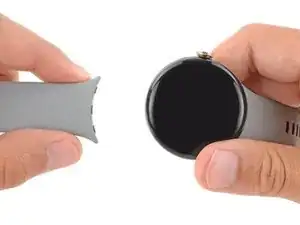
Remove both watch bands by pressing the release button and sliding the band out of its groove.
-
-
-
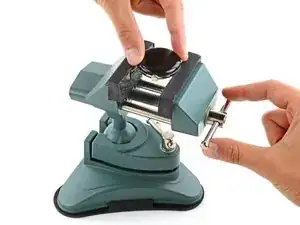
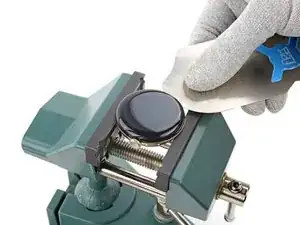
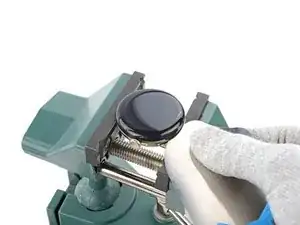
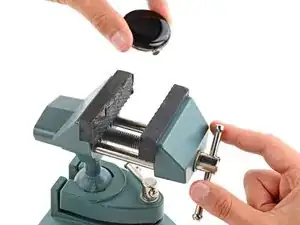
Secure your watch with a small vise so the jaws go into the watch band grooves on the frame.
-
-
-
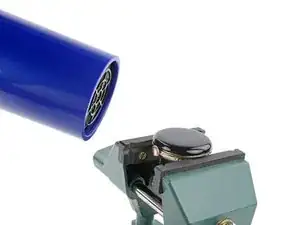
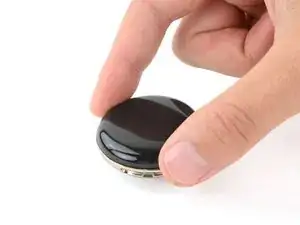
Use a hair dryer or heat gun to heat the right edge of screen around the watch crown until it's slightly too hot to touch.
-
-
-
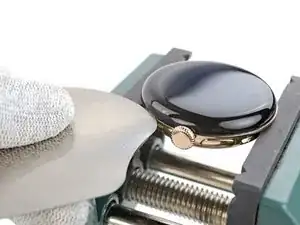
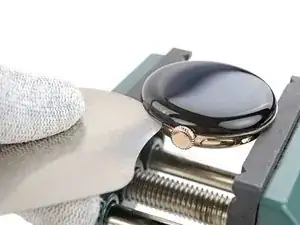
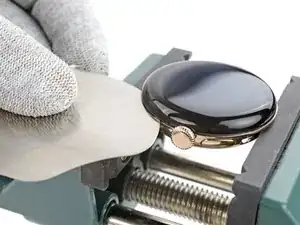
Insert the tip of an iFlex between the screen and frame just below the watch crown (opposite the side button).
-
Rotate the iFlex so its longer edge is between the screen and frame.
-
-
-
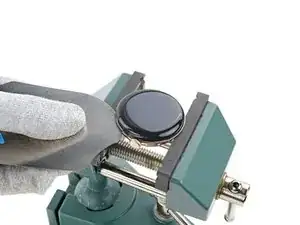
Hold the iFlex at a slight upward angle and slide it clockwise around the perimeter of the watch to separate the adhesive. Stop when you reach the side button.
-
-
-
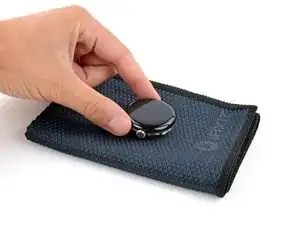
Consider placing your watch on something soft like a clean cloth to help stabilize it and prevent damage.
-
Attach and remove the watch bands as needed to get a better grip or stabilize your watch.
-
-
-
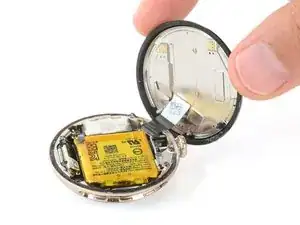
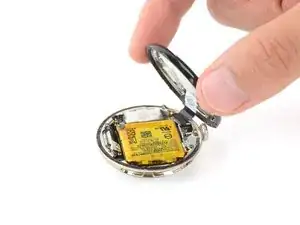
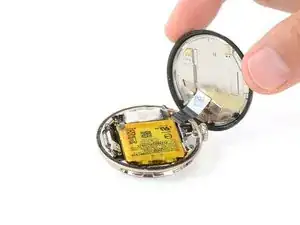
Swing open the screen and put it in an upright position next to the watch crown.
-
Use a spudger and tweezers to remove all the old screen adhesive from the frame and screen. Then, clean up any adhesive residue with high‑concentration (>90%) isopropyl alcohol and a cotton swab.
-
You'll need to seal your phone with strong adhesive glue. Apply the glue to the perimeter of the frame and firmly press the screen into place.
-
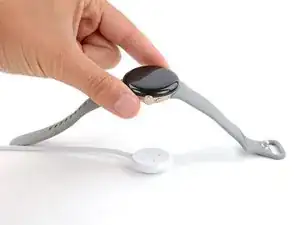
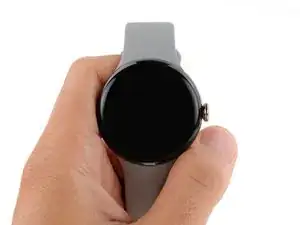
To reassemble your device, follow these instructions in reverse order.
