Introdução

This repair guide was authored by the iFixit staff and hasn’t been endorsed by Google. Learn more about our repair guides here.

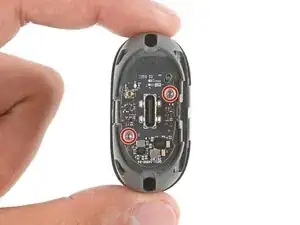
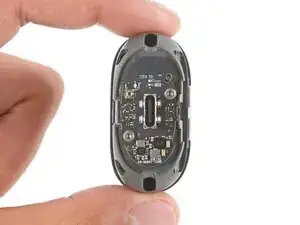
Follow this guide to replace the charging case USB‑C board for your Pixel Buds 2a headphones.

If the connection in your charging case port is loose or the case won't charge, you may need to replace the USB‑C board.

Before starting this repair, clean the port and test it again to make sure the issue wasn't just caused by a dirty port.

  1. wwkjcOgwYpHgQWOZ
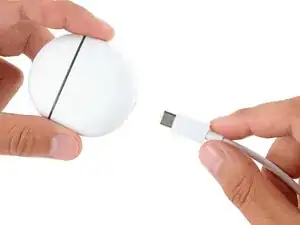
    • Before starting your repair, unplug your charging case.

  2. gaouKONcgnQYZlQK
    gaouKONcgnQYZlQK
    JNaGFIIJtp3GFsJH
    mPKD2TSgJgApkJcw
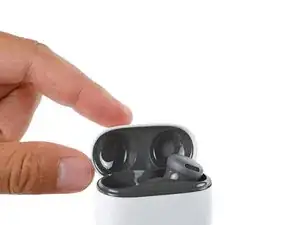
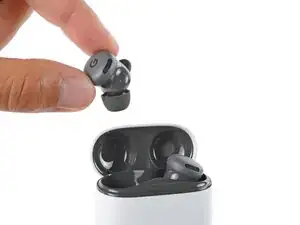
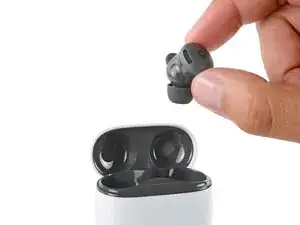
    • Open the case lid, remove the Pixel Buds, and set them aside.

  3. DYE2YwdQHxNEaB5X
    DYE2YwdQHxNEaB5X
    XAsTdDisLesLRYBO
    fcsOCFSdVJZHx4Mn
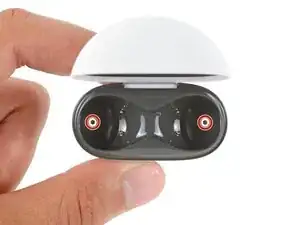
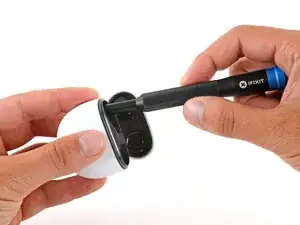
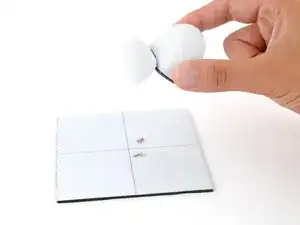
    • Use a T5 Torx screwdriver to remove the two 6.2 mm‑long screws from the ear bud recesses.

    • You may need to flip the case over and gently shake it to get the screws to fall out.

  4. FSV2OEWmIZJ2oTnK
    FSV2OEWmIZJ2oTnK
    LIWRrBV5rICAFXQV
    YAhWyQso1khBW65T
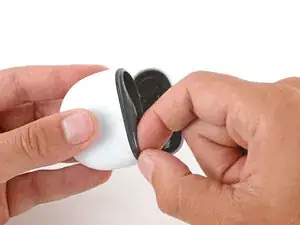
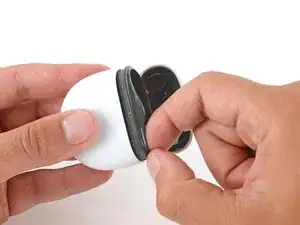
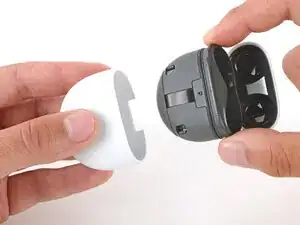
    • Slide the main body of the charging case completely out of the bottom shell, inserting a fingernail in the seam near the top of the case to create an initial gap.

    • If you're having trouble, use the flat end of a spudger to start the initial gap.

  5. BBlaDHhiILqljAeY
    BBlaDHhiILqljAeY
    pD4ouBhnR3b6FCYR
    lwQ4XI2cAhATlYVN
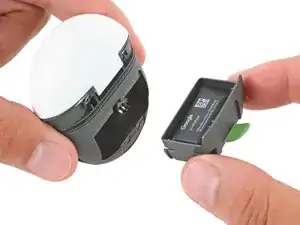
    • Grip the small green tab on the back of the charging case and pull the battery out of its recess.

    • The battery fits snugly in place—this may take a little bit of force.

  6. 1chAbucO14YmvdxT
    1chAbucO14YmvdxT
    66Ri63rGHydpygfc
    DDrvfbLHwgJAqLuA
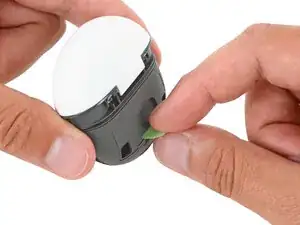
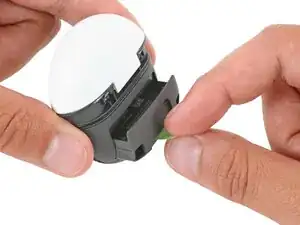
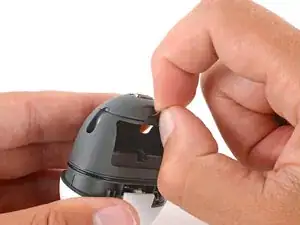
    • Use the small tab to peel up and remove the silicone dust cover from the bottom of the charging case.

    • If you're having trouble, use a spudger to begin lifting the cover.

    • During reassembly, press the dust cover into place. It has a small lip that fits around the USB-C board. Work around the perimeter to make sure it's fully seated—there should be no large gaps.

  7. uFMZkOaGlLllpCfj
    uFMZkOaGlLllpCfj
    WmUIm6dg6gUiScAK
    jFb1qIJSLTrvWyFb
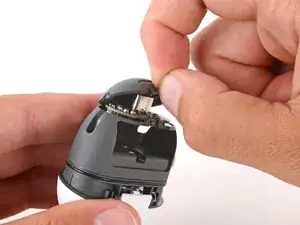
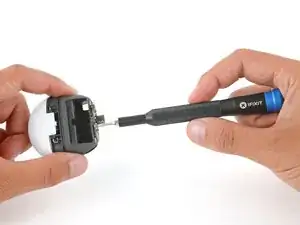
    • Use a T5 Torx screwdriver to remove the two 3.4 mm‑long screws securing the USB‑C board.

  8. ClYgoG322Rufbsa6
    ClYgoG322Rufbsa6
    W1jKjMQAoXPPMFNJ
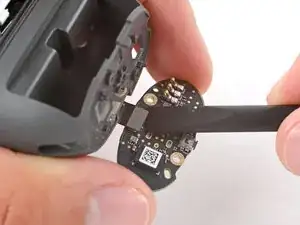
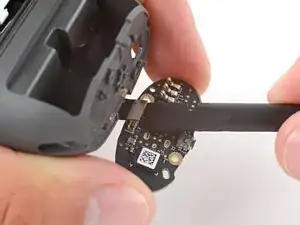
    • Gently flip the USB‑C board down so you can access its press connector.

    • Insert the flat end of a spudger under the press connector and twist the spudger to disconnect the USB‑C board.

    • Be careful not to damage any of the small, surface‑mounted components on the board.

  9. KkusyfwIAl26DCGT
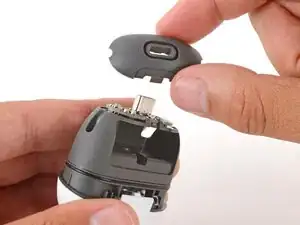
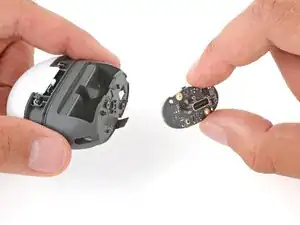
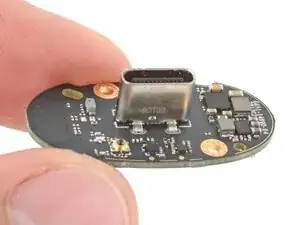
    • Remove the USB‑C board.

Conclusão

To reassemble your device, follow these instructions in reverse order.

Take your e-waste to an R2 or e-Stewards certified recycler.

Repair didn’t go as planned? Try some basic troubleshooting, or ask our Answers community for help.

Spencer Day

Membro desde: 14/09/22

165254 Reputação

0 comentários