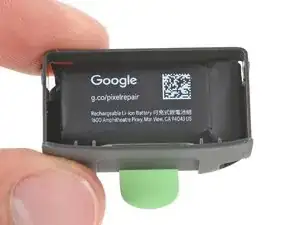
Introdução
This repair guide was authored by the iFixit staff and hasn’t been endorsed by Google. Learn more about our repair guides here.
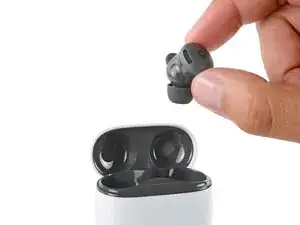
Follow this guide to replace the charging case battery for your Pixel Buds 2a charging case.
If your charging case dies quickly or doesn't hold a charge, it may be time to replace the battery.
Ferramentas


-
-
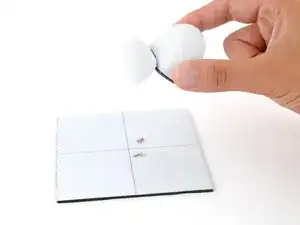
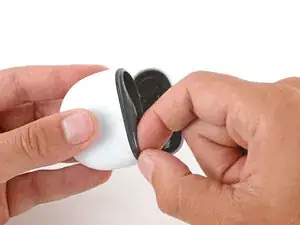
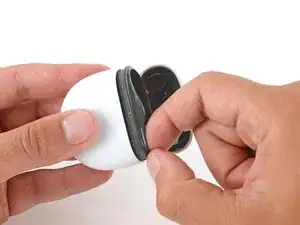
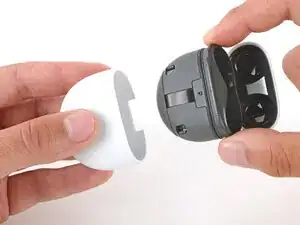
Slide the main body of the charging case completely out of the bottom shell, inserting a fingernail in the seam near the top of the case to create an initial gap.
-
-
-
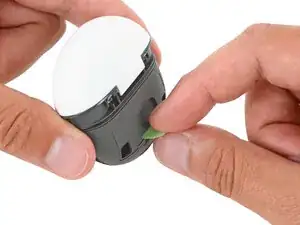
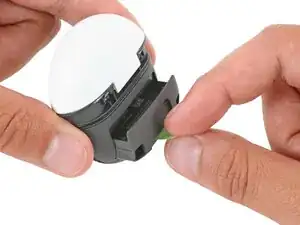
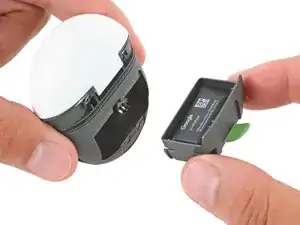
Grip the small green tab on the back of the charging case and pull the battery out of its recess.
-
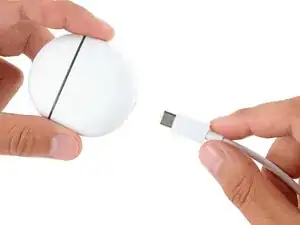
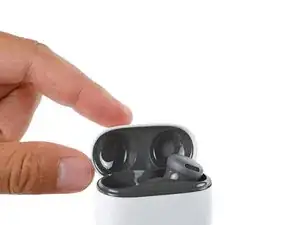
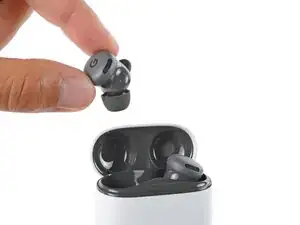
To reassemble your device, follow these instructions in reverse order.
Take your e-waste to an R2 or e-Stewards certified recycler.
Repair didn’t go as planned? Try some basic troubleshooting, or ask our Answers community for help.

Um comentário
Great instructions, am I missing something because surely we'd need to know what cell is needed for replacement.
D R -