Introdução
This repair guide was authored by the iFixit staff and hasn’t been endorsed by Google. Learn more about our repair guides here.
Use this guide to replace the SIM card tray in your Google Pixel 6a.
Ferramentas

-
-
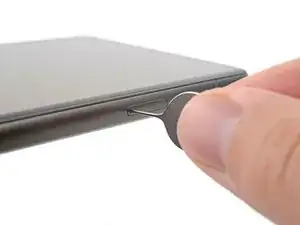
Insert a SIM eject tool, bit, or straightened paper clip into the SIM card tray hole.
-
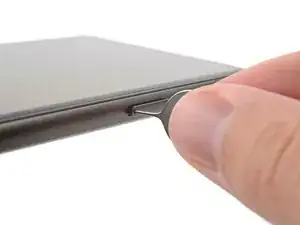
Press the SIM eject tool into the SIM card tray hole to eject the SIM card tray.
-
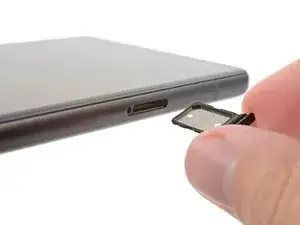
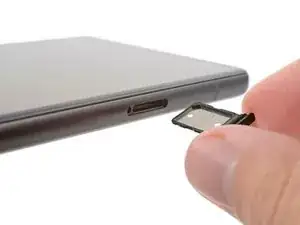
Remove the SIM card tray.
-
Conclusão
To reassemble your device, follow these instructions in reverse order.

3 comentários
Where can I get a new Sim card tray pixel 6
Probably ebay.com
I wish your guide would have told me what to do when the sim card is stuck in the tray...