Introdução
-
-
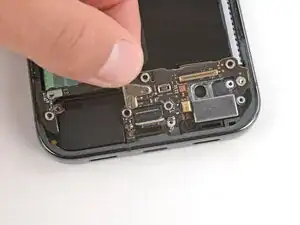
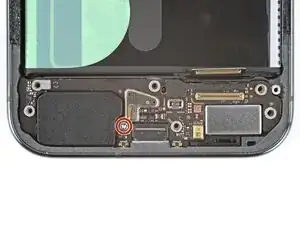
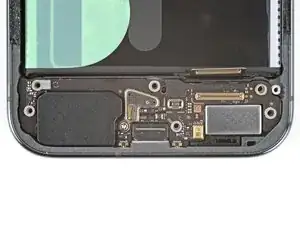
Insert the USB‑C board at a slight downward angle, guiding the port into its recess.
-
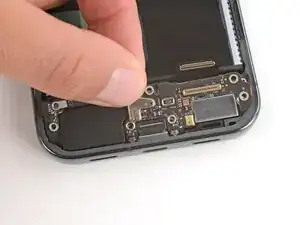
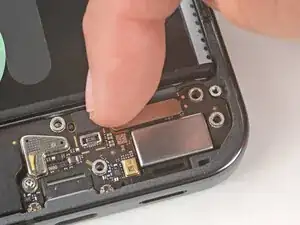
With the board in place, press down firmly on the center of the top edge to clip the board in place.
-
-
-
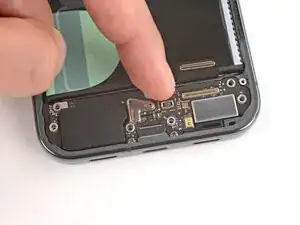
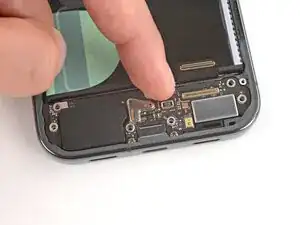
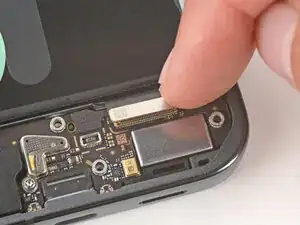
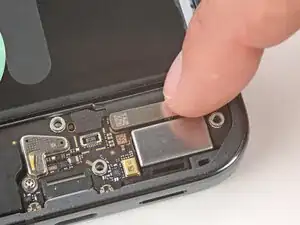
Use your finger to reconnect the USB‑C board press connector, pressing down on one of the short sides first until it clicks into place, then pressing on the other side.
-
Conclusão
To reassemble your device, follow these instructions in reverse order.
