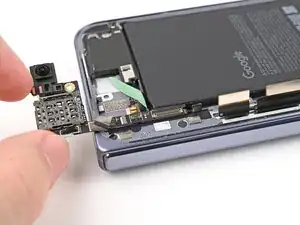
Introdução
-
-
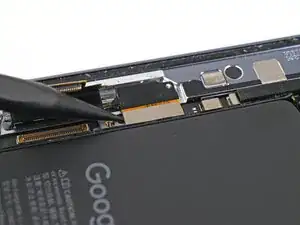
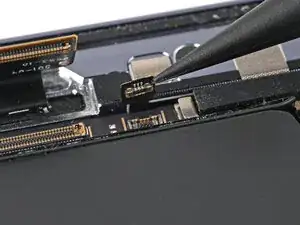
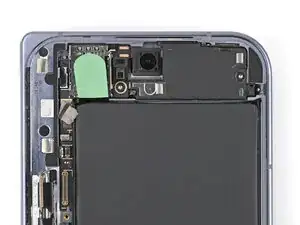
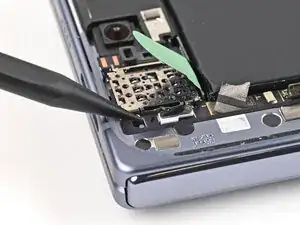
Use the point of a spudger to pry up and disconnect the interconnect cable press connector from the upper board.
-
-
-
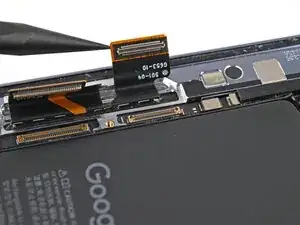
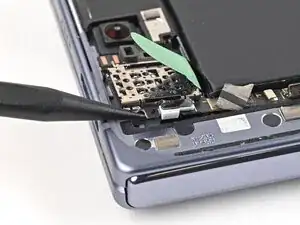
Use the point of a spudger to pry up and disconnect the antenna press connector from the upper board.
-
-
-
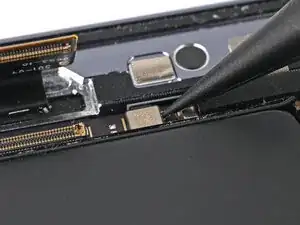
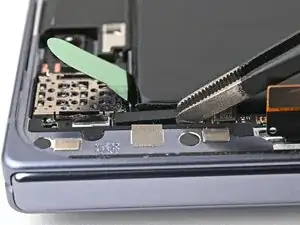
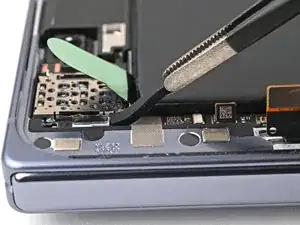
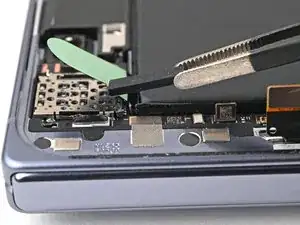
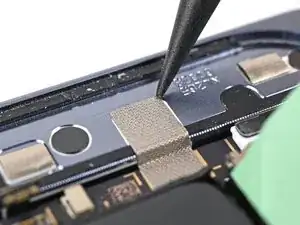
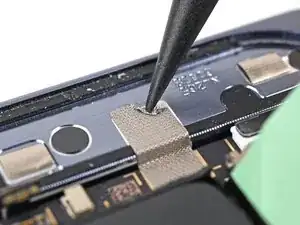
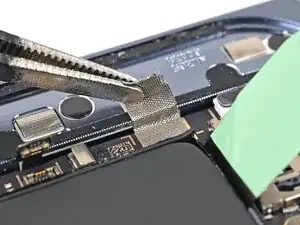
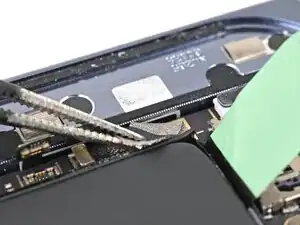
Use the point of a spudger to peel off the upper board's conductive fabric enough to grip it with tweezers.
-
-
-
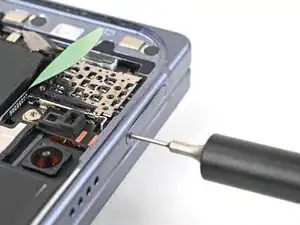
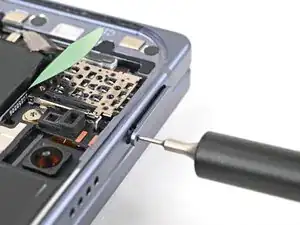
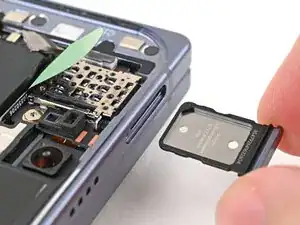
Insert a SIM eject tool, bit, or straightened paper clip into the SIM card tray hole and press firmly to eject it.
-
Remove the SIM card tray.
-
-
-
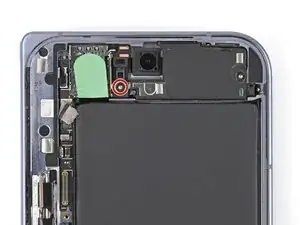
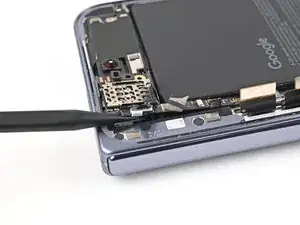
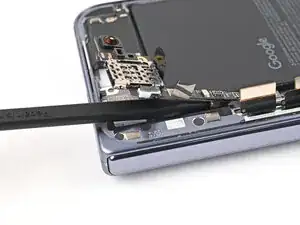
Use the point of a spudger to pry up the upper board and release its plastic clip from the left edge of the frame.
-
-
-
Slide the spudger under the length of the upper board to separate the adhesive securing it to the frame.
-
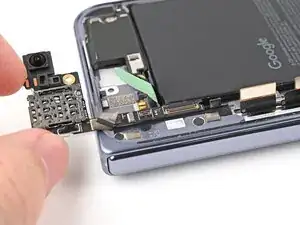
Remove the upper board.
-
To reassemble your device, follow these instructions in reverse order.
