Introdução

  1. SK1VIjdm1C1iZTNB
    SK1VIjdm1C1iZTNB
    FAThB2iD1lEyOsZE
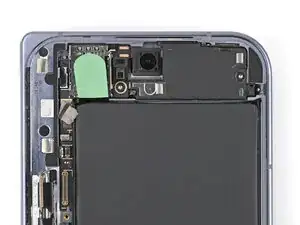
    • Remove any liners covering the upper board adhesive.

    • Place the upper board into its slot in the frame and press it down so it sits flat.

  2. o6Lv45Bg1h5ApVmK
    o6Lv45Bg1h5ApVmK
    ZZOxecFdnk2SFSMC
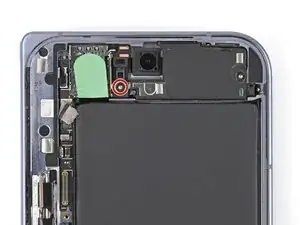
    • Use a Torx Plus 3IP driver to install the 2.1 mm‑long screw securing the upper board.

  3. 3yGGOKURuQauOFUZ
    3yGGOKURuQauOFUZ
    HHt3JWqiqpDPxL5M
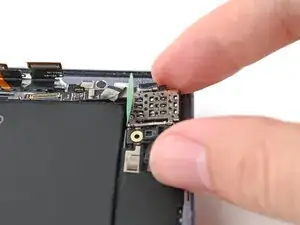
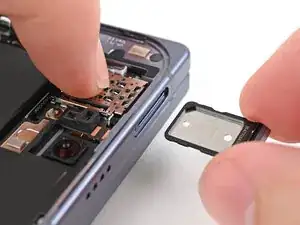
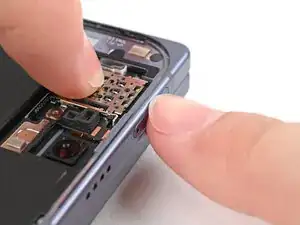
    • While holding the upper board in place, reinsert the SIM card tray.

  4. AnRZYFuscGuOXZnH
    AnRZYFuscGuOXZnH
    XxrWx5F3sUNoiAcw
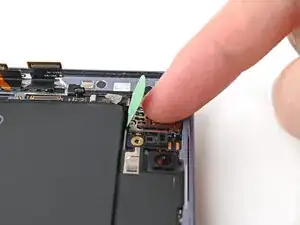
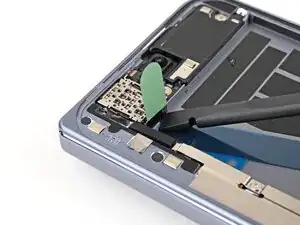
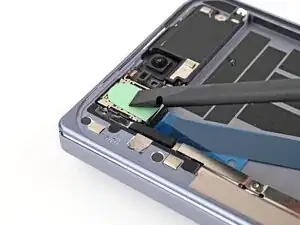
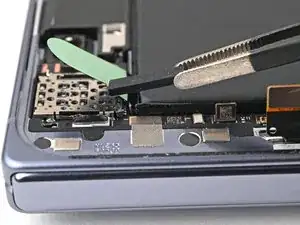
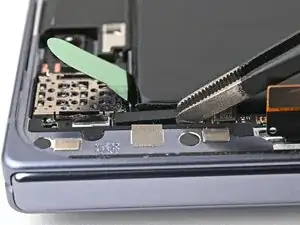
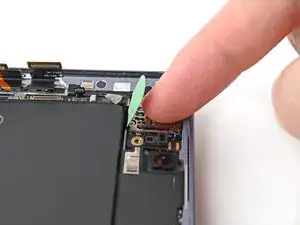
    • Use a spudger to press the green tab near the SIM card tray against the edge of the flip battery well.

    • Slide the spudger across the green tab to smooth out and adhere it against the SIM card tray.

  5. dsUfQ3kPCcjvuKlP
    dsUfQ3kPCcjvuKlP
    2yPZ1LPWagOi1mWN
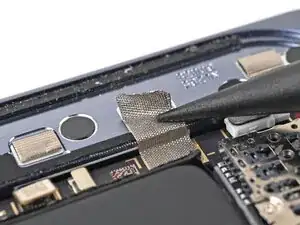
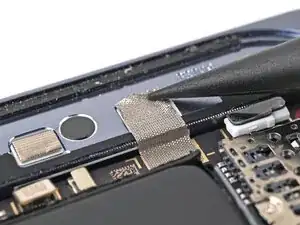
    • Use the point of a spudger to press the upper board conductive fabric onto the left edge of the frame.

  6. giABmqxDHsdICF3q
    giABmqxDHsdICF3q
    3aFVlsCPFMGTNUPQ
    • Place the rubber spacer onto its spot on the upper board, making sure it sits between its gold outlines on the board.

  7. OajKQAEbyyFCWixq
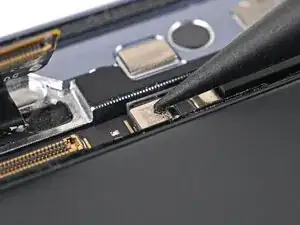
    • Use the point of a spudger to reconnect the antenna press connector to the upper board.

  8. RWPr6IXsH1cXEoSb
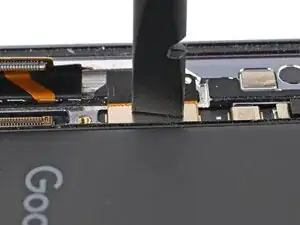
    • Reconnect the interconnect cable press connector to the upper board.

Conclusão

To reassemble your device, follow these instructions in reverse order.

Alex Diaz-Kokaisl

Membro desde: 16/01/22

227430 Reputação

0 comentários