Introdução

  1. 2hiknXvQ42lLTKSK
    2hiknXvQ42lLTKSK
    IDUaTyK4WxMe6sXG
    U2dKlBLsuFTTAFXI
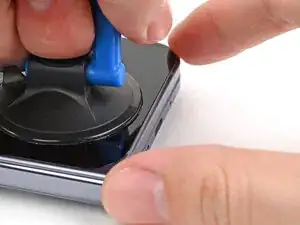
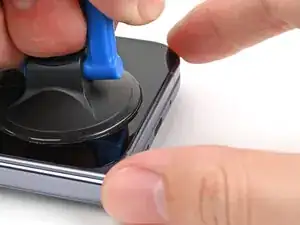
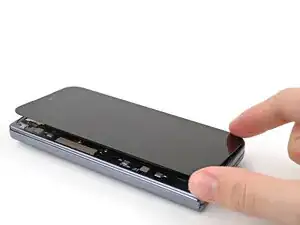
    • Apply a suction cup to the screen, as close to the center of the bottom edge as possible.

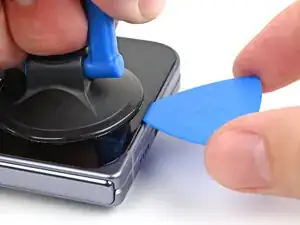
    • Pull up on the suction cup with strong, steady force to create a gap between the screen and the frame.

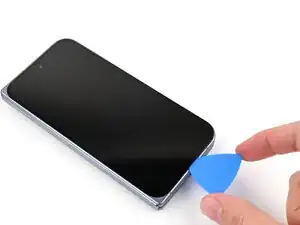
    • Insert an opening pick into the gap.

    • If your screen is badly cracked, covering it with a layer of clear packing tape may allow the suction cup to adhere. Alternatively, very strong tape may be used instead of the suction cup. If all else fails, you can superglue the suction cup to the screen.

  2. XL5Pcuil6vjRPXZl
    XL5Pcuil6vjRPXZl
    aMalsjFMQAQycqog
    hTrHhGBIHaPOsgDx
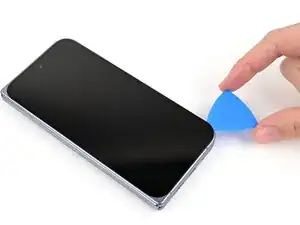
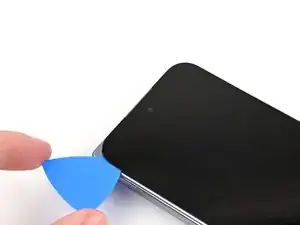
    • During the next three steps, don't insert your opening pick deeper than 3 mm to prevent damaging internal components.

    • Optionally, you can measure and mark your opening pick at 3 mm to help you visualize the length.

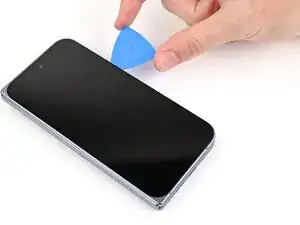
    • Slide the opening pick around the bottom right corner and up the right edge of the screen to separate the adhesive.

  3. O5DpViKqqEhRWf5B
    O5DpViKqqEhRWf5B
    ZKsc4fIsbHTWNfkl
    CAVfClF2Rdsrg4w5
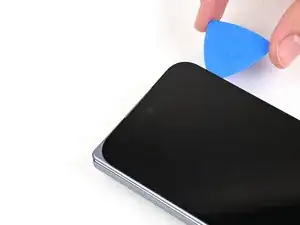
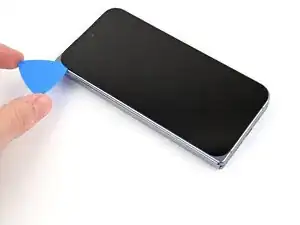
    • Slide the pick around the top right corner and along the top edge of the screen.

  4. C2bSqSB6WocfxCnP
    C2bSqSB6WocfxCnP
    HWEpRJXA3aZCUhwD
    AWOHp2gB4WXckISg
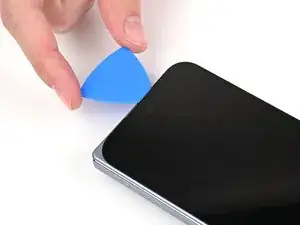
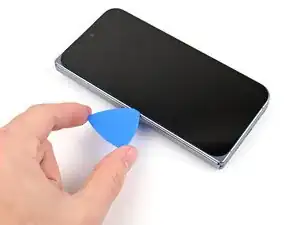
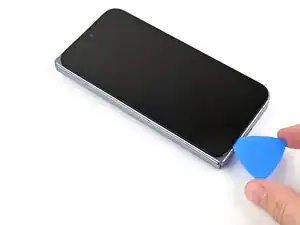
    • Slide your pick down the left edge and around the bottom left corner to separate the remaining adhesive.

  5. Ud5PVipjmJJaZqLc
    Ud5PVipjmJJaZqLc
    UTC3bFB1YvgaQgDo
    ZPKLUYIHQv2rWfjy
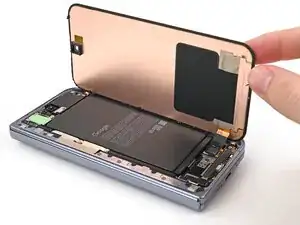
    • Don't fully remove the screen yet, as it's still connected to the phone by a cable.

    • At this point, the screen should be free from the frame. If there's still resistance around the edges, use an opening pick to separate any remaining adhesive.

    • Lift the left edge of the screen and swing it over the right edge of the phone, like opening a book.

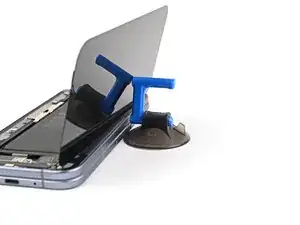
    • Prop up the screen with your suction handle or a clean, sturdy object.

  6. PNcbWHUiymBGt3VL
    PNcbWHUiymBGt3VL
    wTPedB5KZ1KisBQO
    • Throughout this repair, keep track of each screw and make sure it goes back exactly where it came from.

    • While the Pixel 10 Pro Fold uses Torx Plus screws, standard Torx bits also work. Use the same size or one size larger (T3 or T4 Torx bits with 3IP Torx Plus screws) and apply constant, downward force to prevent stripping.

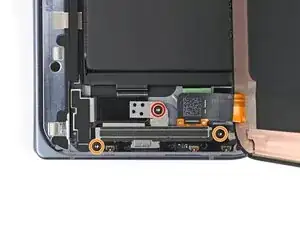
    • Use a Torx Plus 3IP driver to remove the three screws securing the display cable bracket:

    • One 1.8 mm‑long screw

    • Two 2.5 mm‑long screws

  7. GEIIR3AU4MjtORRE
    GEIIR3AU4MjtORRE
    D3SmiKFFsJAD4eSK
    S3ByIDlNv3TIY3Iq
    • Use the point of a spudger to pry up the display bracket and release its clip from the bottom edge of the frame.

    • Remove the display bracket.

  8. GD1HdHASxRKmtFdW
    GD1HdHASxRKmtFdW
    3XwAnp2m4ewucaMH
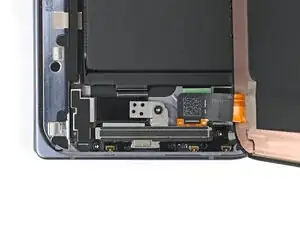
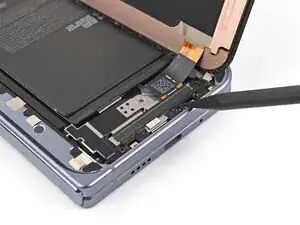
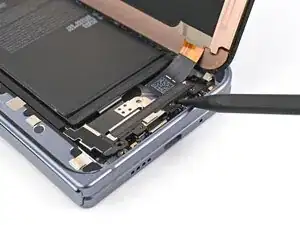
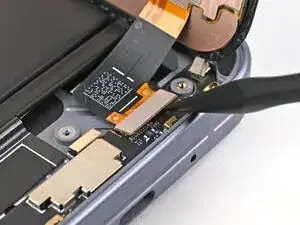
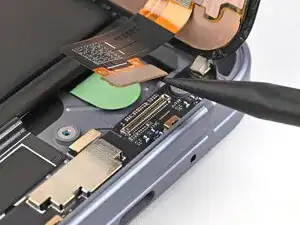
    • When disconnecting press connectors, pry only at the gold outlines on the logic board.

    • Don't insert your spudger anywhere else, as you risk dislodging surface‑mounted components.

    • Use the point of a spudger to pry up the display cable press connector.

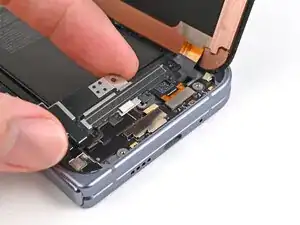
  9. 5wpQVBEmrItbMNwL
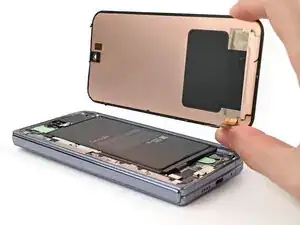
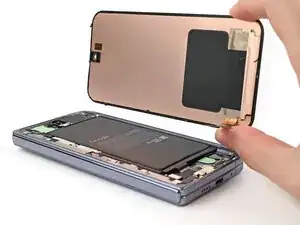
    • Lift the screen off the frame and remove it.

Conclusão

To reassemble your device, follow these instructions in reverse order.

Alex Diaz-Kokaisl

Membro desde: 16/01/22

227430 Reputação

0 comentários