Introdução

  1. mNqXCTagBVOvFtUA
    mNqXCTagBVOvFtUA
    WHE6AVwLCQTiP5Mk
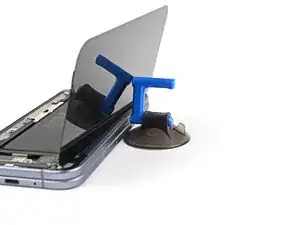
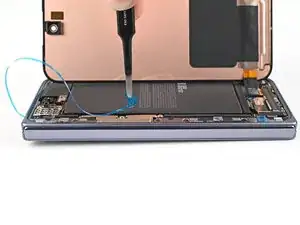
    • Support the screen with your hand or prop it up on something sturdy.

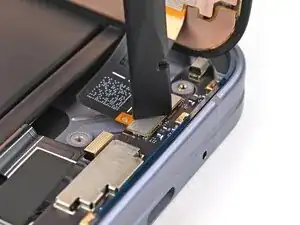
    • Reconnect the outer screen cable press connector.

  2. qUn4KK42BJMQPsY5
    qUn4KK42BJMQPsY5
    uhGEX6RSBiFFILPV
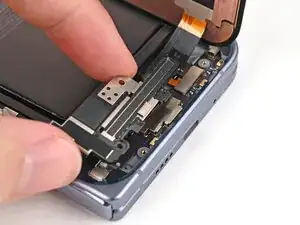
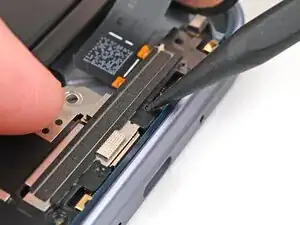
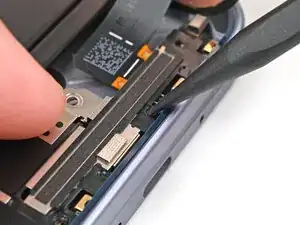
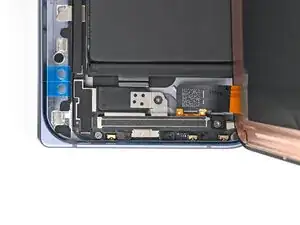
    • Place the display bracket over its spot on the frame.

  3. Wi5FR6XhJROndfWv
    Wi5FR6XhJROndfWv
    CjDwSRlFu6DPBCU2
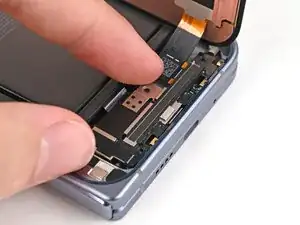
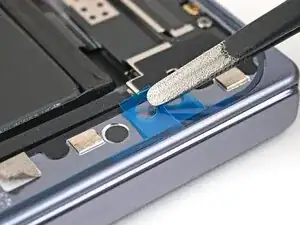
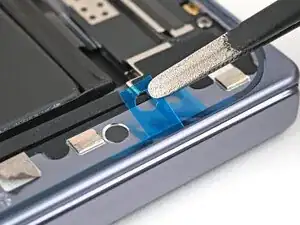
    • Use the point of a spudger to press down the display bracket and slide its clip under the bottom edge of the frame.

  4. BtqvGUiPJ5Gi2Brd
    BtqvGUiPJ5Gi2Brd
    iJ3KxFDqjRaNMHlq
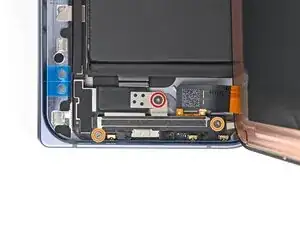
    • Use a Torx Plus 3IP driver to install the three screws securing the display cable bracket:

    • One 1.8 mm‑long screw

    • Two 2.5 mm‑long screws

  5. eIxPV24BaEONAN1G
    eIxPV24BaEONAN1G
    CAscmRBUsYISWvvZ
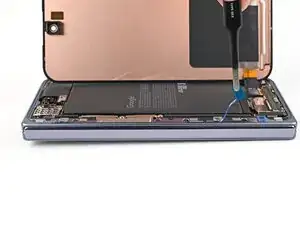
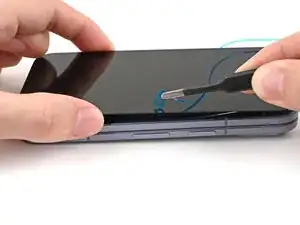
    • Use tweezers to grip the pull tab of the secondary liner at the bottom left corner of the phone.

  6. L2XbdUslFPBEfwly
    L2XbdUslFPBEfwly
    FtiCHJRTpwCCqfqm
    4XwZerVTTV61fSjT
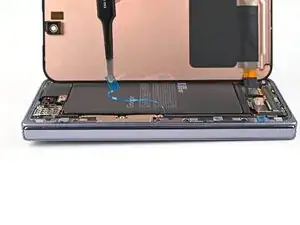
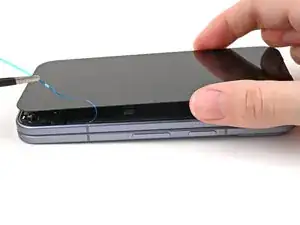
    • Peel the liner from the left and top edge of the phone.

  7. j2vpIjXOnWoHOsJP
    j2vpIjXOnWoHOsJP
    JJjZErESbvaZIopF
    IwuKDIuHf1bfUL2A
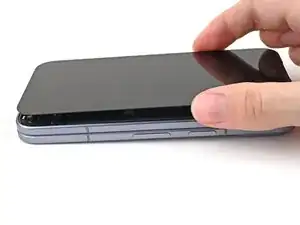
    • While holding the screen over the frame, peel the liner from the right and bottom edge of the frame and expose the adhesive.

  8. mYfJoJpgPIX5njXC
    mYfJoJpgPIX5njXC
    ovVB5UgWjKEw5ELo
    N2pRPa1HCtBRv2LO
    • Align the outer screen over the frame and press it into place.

  9. YvhHtZ3TQ1EhvHSf
    YvhHtZ3TQ1EhvHSf
    hArwpdBRFcVZMsrA
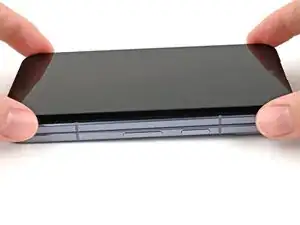
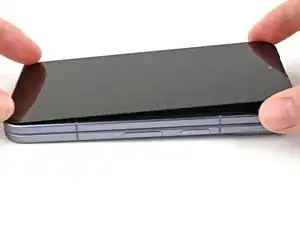
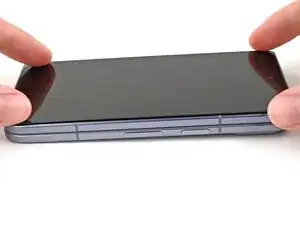
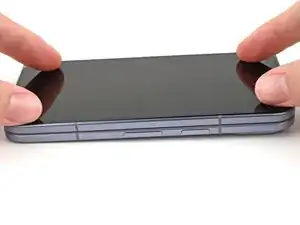
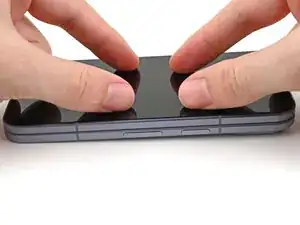
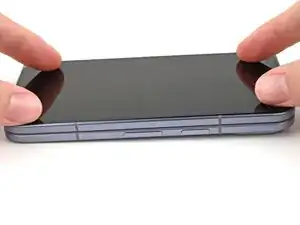
    • Press along the perimeter of the outer screen to adhere it to the frame.

    • Optionally, you can use a hair dryer or heat gun to lightly heat the edges of the back cover and create a stronger bond.

    • Let the phone sit a few hours for the adhesive to cure.

Conclusão

To reassemble your device, follow these instructions in reverse order.

Alex Diaz-Kokaisl

Membro desde: 16/01/22

227430 Reputação

0 comentários