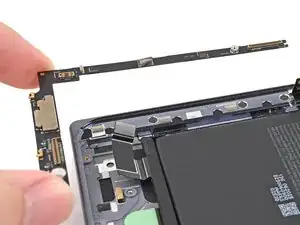
Introdução
-
-
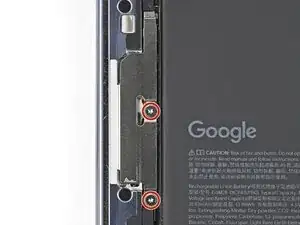
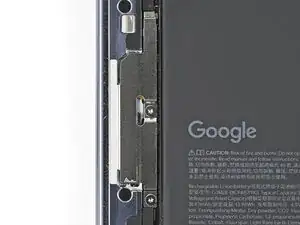
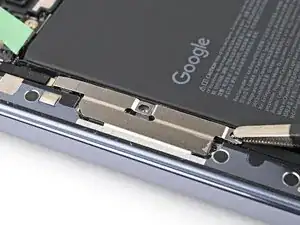
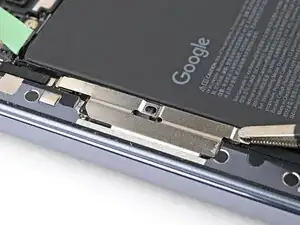
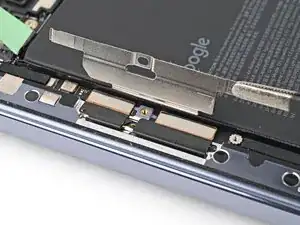
Use a Torx Plus 3IP driver to remove the two 2.8 mm‑long screws securing the interconnect cable bracket.
-
-
-
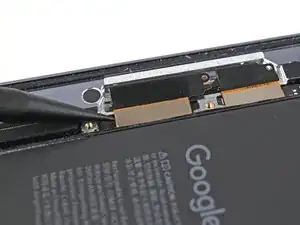
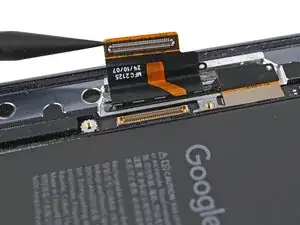
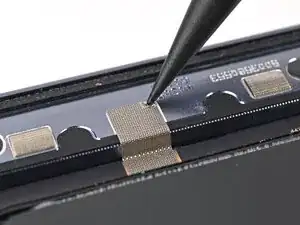
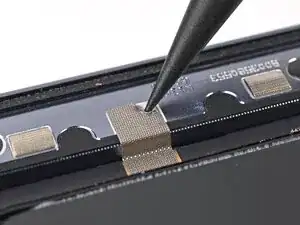
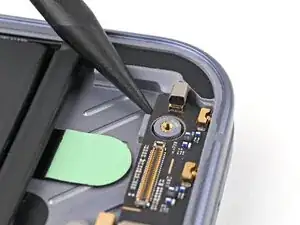
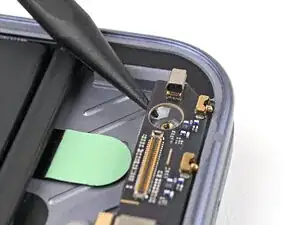
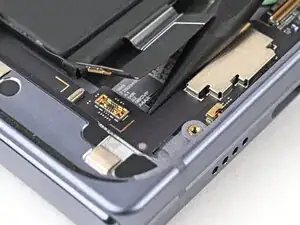
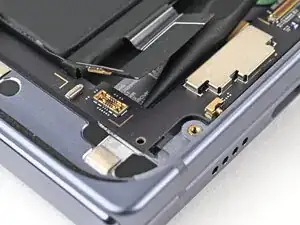
Use the point of a spudger to pry up and disconnect the interconnect cable press connector from the lower board.
-
-
-
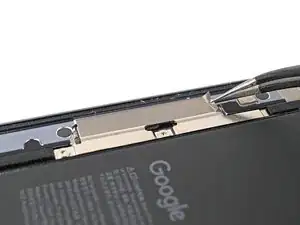
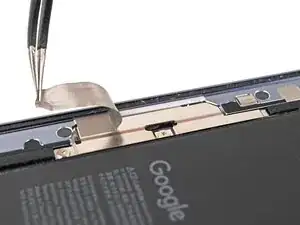
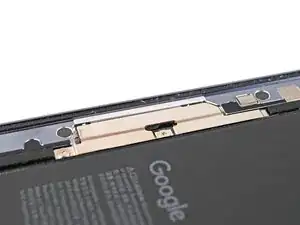
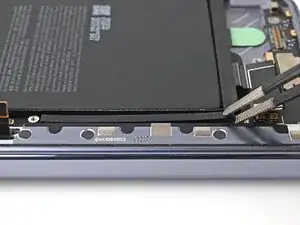
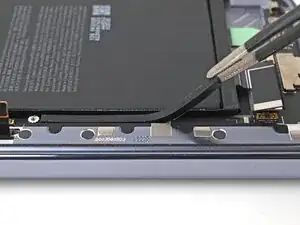
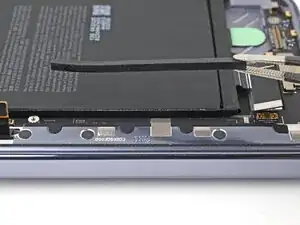
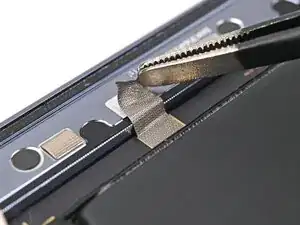
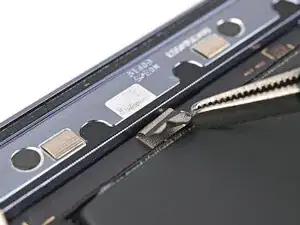
Use the point of a spudger to peel off the lower board's conductive fabric enough to grip it with tweezers.
-
-
-
Use the point of a spudger to pry up the bottom right corner of the lower board until it's slightly above the edge of the frame.
-
-
-
Use the point of a spudger to pry up the bottom left corner of the lower board and lift it out of its alignment peg.
-
-
-
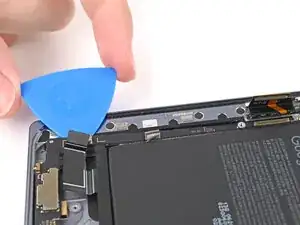
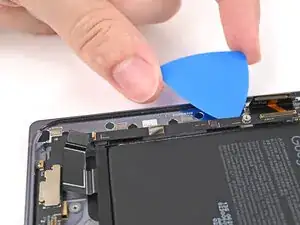
Slide an opening pick down the long section of the lower board to separate the adhesive securing it to the frame.
-
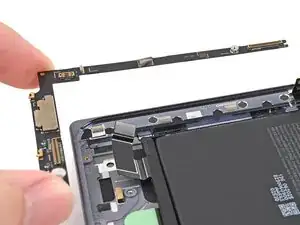
Remove the lower board.
-
To reassemble your device, follow these instructions in reverse order.
