Introdução
-
-
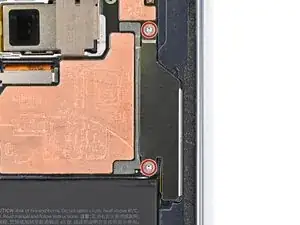
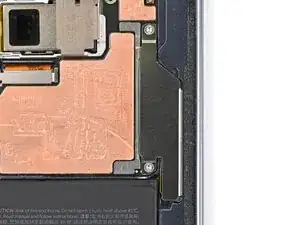
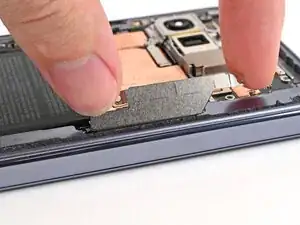
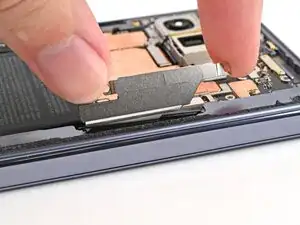
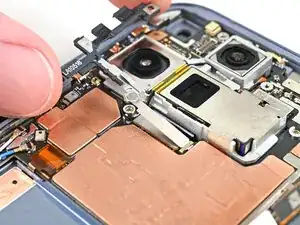
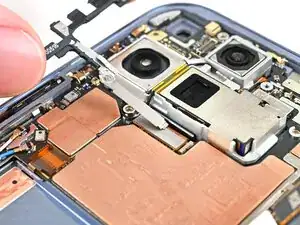
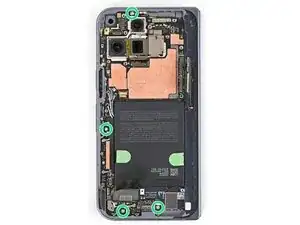
Use a Torx Plus 3IP driver to remove the two 2.8 mm‑long screws securing the interconnect cable bracket.
-
-
-
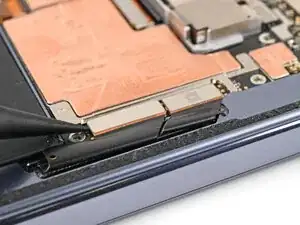
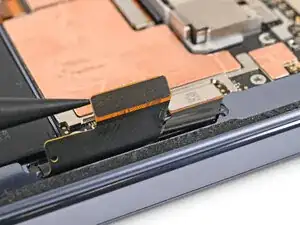
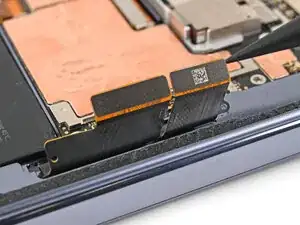
Use the point of a spudger to pry up and disconnect the interconnect cable press connectors.
-
-
-
Use a Torx Plus 3IP driver to remove the 2.8 mm‑long screw securing the inner display connector bracket.
-
-
-
Use the point of a spudger to pry up the inner screen connector bracket and release its plastic clip from the left edge of the frame.
-
-
-
Pull the inner display connector bracket towards the left edge of the phone to release its metal clip.
-
-
-
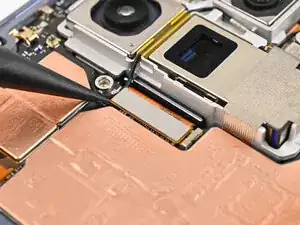
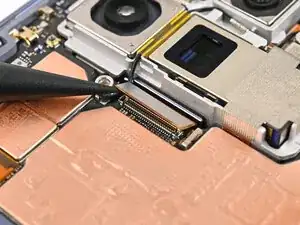
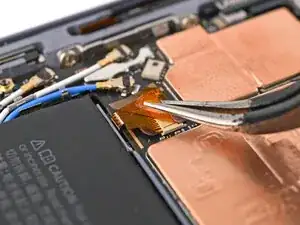
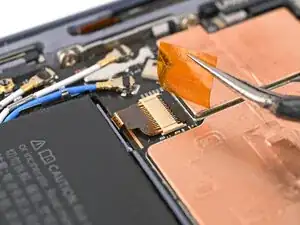
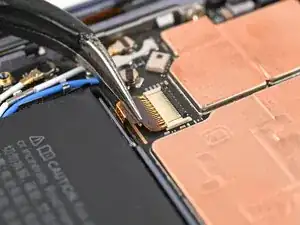
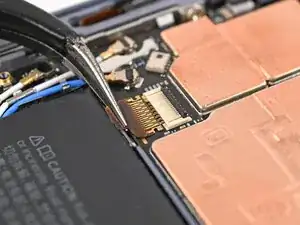
Use tweezers, or your fingers, to peel off the yellow tape on the side button cable ZIF connector.
-
-
-
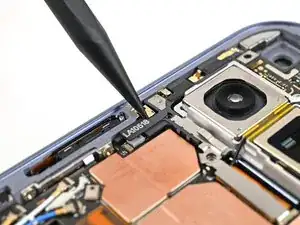
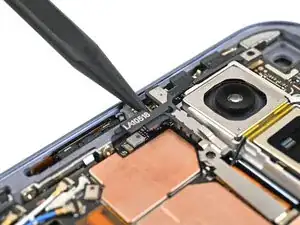
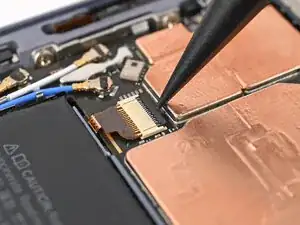
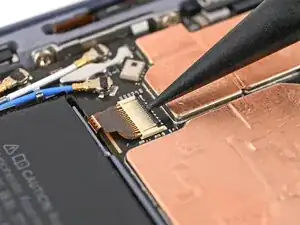
Use the point of a spudger, or your fingernail, to lift the locking tab on the side button cable ZIF connector.
-
-
-
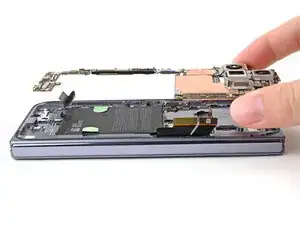
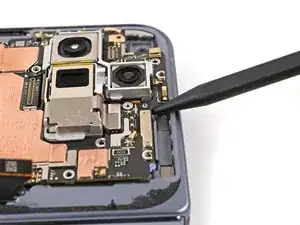
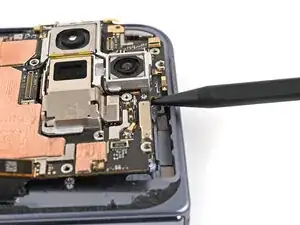
Insert a spudger under the top edge of the logic board, next to the 5G mmWave antenna cutout.
-
Pry up the logic board enough so you can grip the top edge with your fingers.
-
-
-
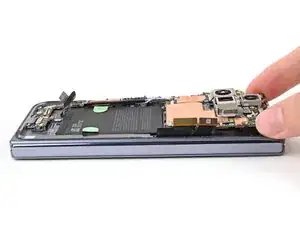
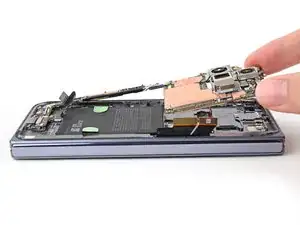
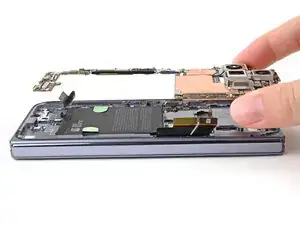
Lift the top of the logic board slowly until the clips at the bottom edge of the logic board release.
-
Slide the logic board out of the USB-C port cutout and remove it.
-
-
-
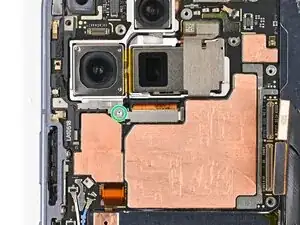
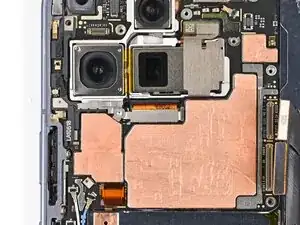
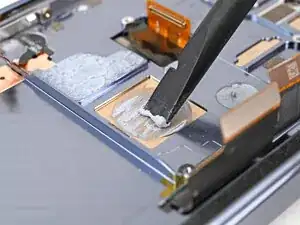
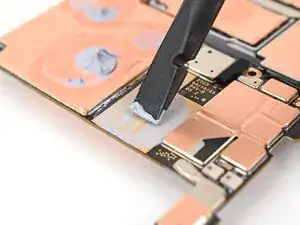
Use the flat end of a spudger to scrape off all of the thermal paste from the frame.
-
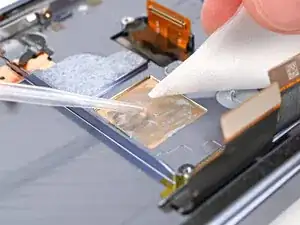
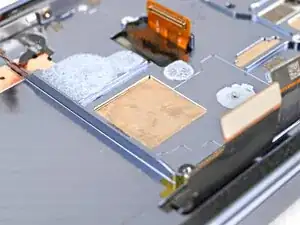
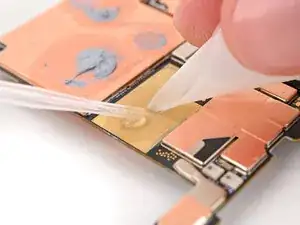
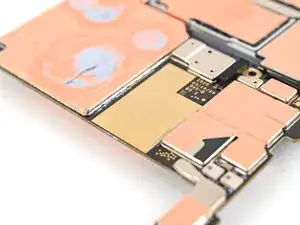
Apply isopropyl alcohol (>90%) and use a coffee filter or microfiber cloth to clean any thermal paste residue.
-
To reassemble your device, follow these instructions in reverse order.
