Introdução
-
-
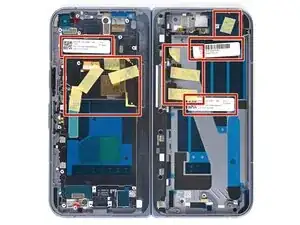
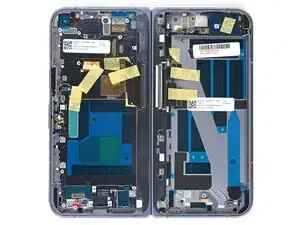
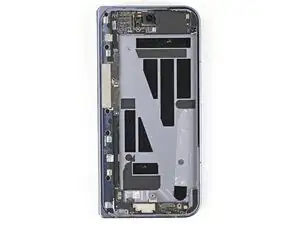
Remove any of the white stickers and yellow tape from your replacement inner screen assembly.
-
-
-
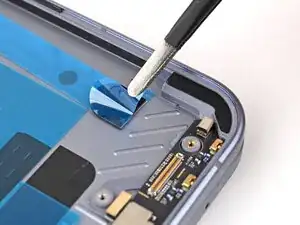
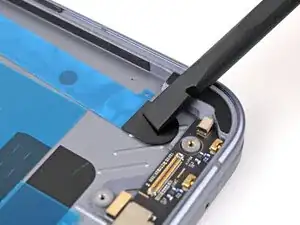
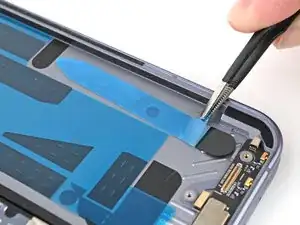
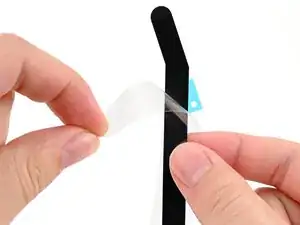
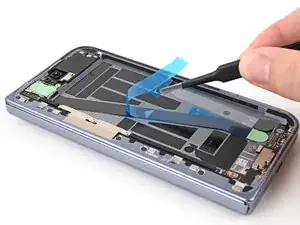
Use tweezers to remove the blue liner from the bottom of the black pull tab.
-
Press the pull tab down to adhere it to the frame.
-
-
-
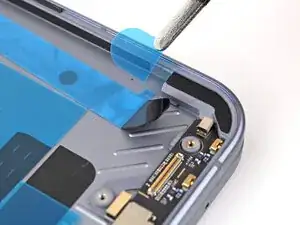
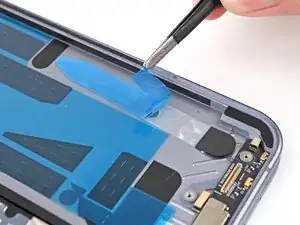
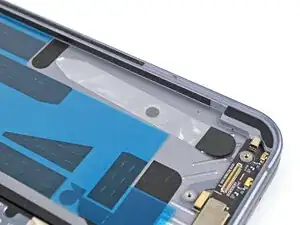
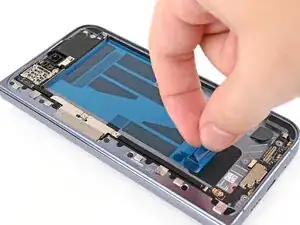
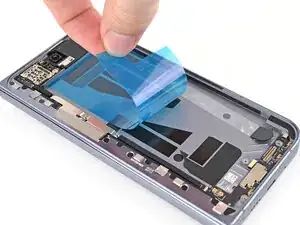
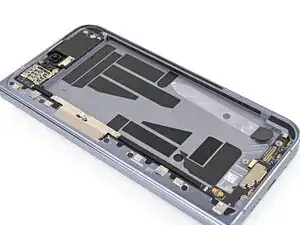
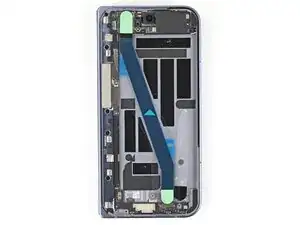
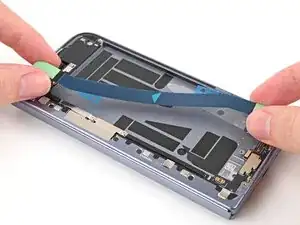
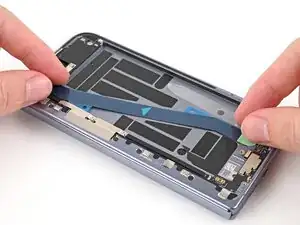
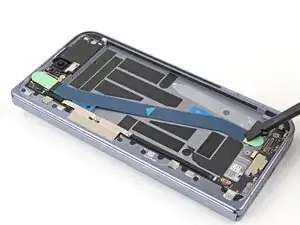
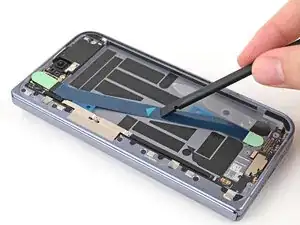
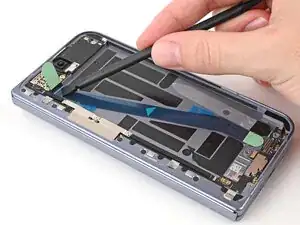
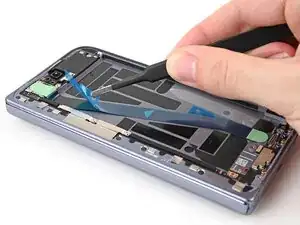
Use your fingers, or tweezers, to remove the large blue liner from the main flip battery adhesive strip.
-
-
-
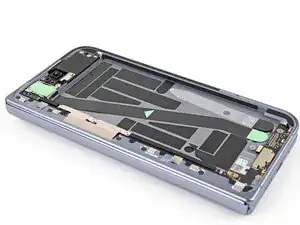
Before removing any liners, check that your flip battery jacket matches the size and shape of the cutout in the frame.
-
-
-
Peel off the flip battery jacket from its clear liner.
-
Align the jacket so it doesn't overlap with the flip battery adhesive.
-
Lay the jacket on the frame.
-
-
-
Use the flat end of a spudger, or your fingers, to press down the jacket and adhere it to the frame.
-
-
-
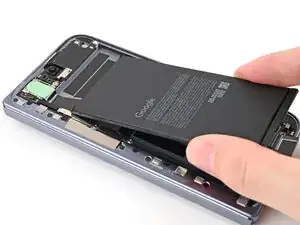
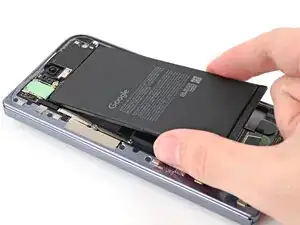
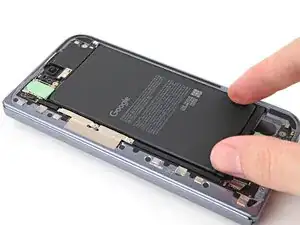
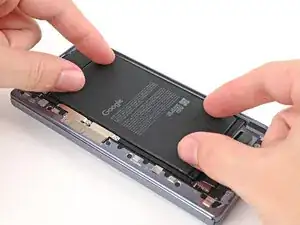
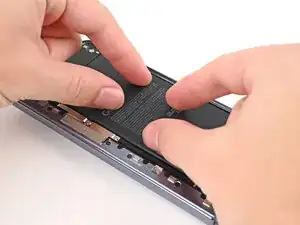
Align the top edge of the flip battery with the top edge of the battery well.
-
Lay the battery over the frame.
-
-
-
Press down along the perimeter of the flip battery to adhere it to the frame.
-
Let the phone sit for an hour for the adhesive to cure.
-
To reassemble your device, follow these instructions in reverse order.
