Introdução
-
-
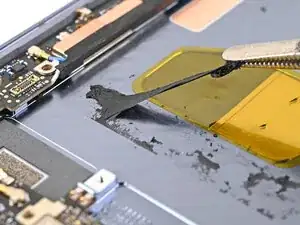
Use tweezers, or your fingers, to remove the old base battery adhesive from the frame.
-
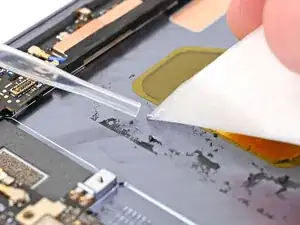
Apply isopropyl alcohol (>90%) and use a coffee filter or microfiber cloth to clean any adhesive residue.
-
-
-
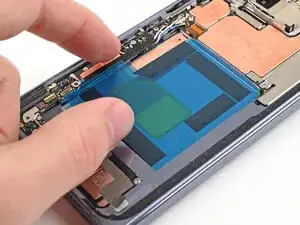
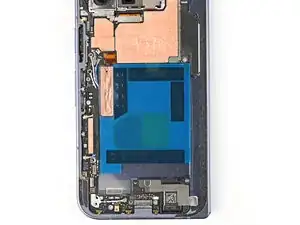
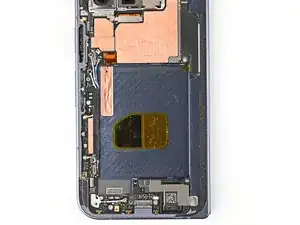
Before removing any liners, check that your base battery adhesive matches the size and shape of the cutout in the frame.
-
-
-
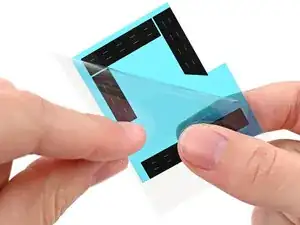
Peel off the adhesive strip from its clear liner.
-
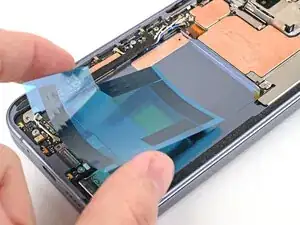
Align the adhesive strip with the top right corner of the base battery recess and press it onto the frame.
-
-
-
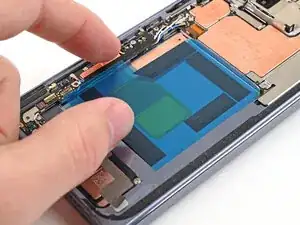
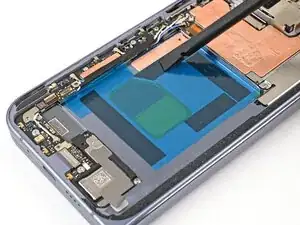
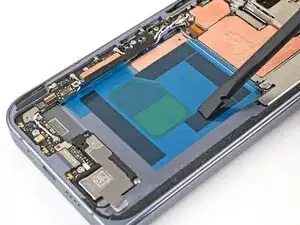
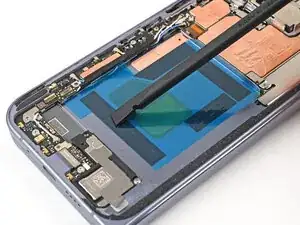
Use the flat end of a spudger, or your fingers, to press down the adhesive strips and adhere them to the frame.
-
Conclusão
To reassemble your device, follow these instructions in reverse order.
