Introdução

  1. rm56uGxol5liwR1a
    rm56uGxol5liwR1a
    iCySXwZO14QbXCDm
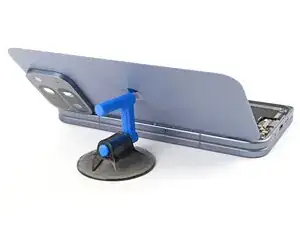
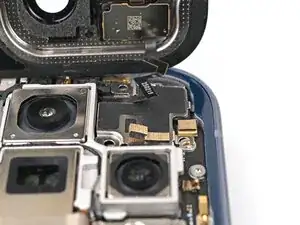
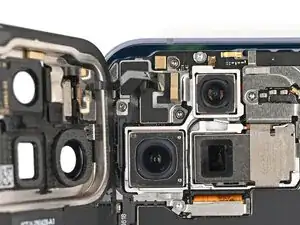
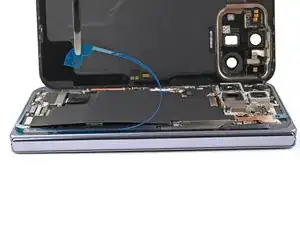
    • While holding the back cover or propping it up, reconnect the back cover cable.

  2. 1pBXyksXOLuWvgsq
    1pBXyksXOLuWvgsq
    UohfgMD6qmZWmFJD
    yQAJBymuGOMmJ2ah
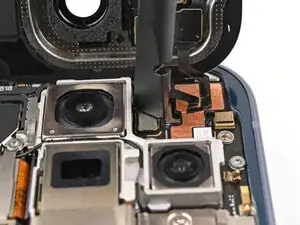
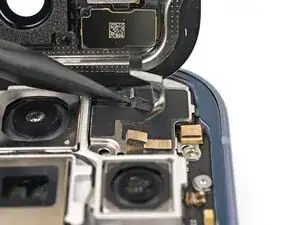
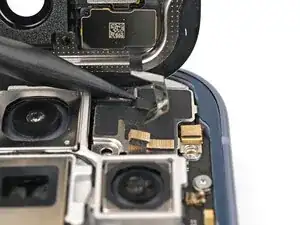
    • Place the top bracket into its spot in the frame.

  3. ANl1gHKSwOWNEYma
    ANl1gHKSwOWNEYma
    gFkMpDkJ6exMGUwN
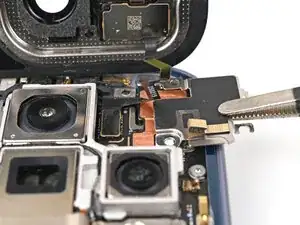
    • Use a spudger or your finger to push the bracket upwards and slide its clip under the top edge of the frame.

  4. HEEXlP6vv2VaA4Lp
    HEEXlP6vv2VaA4Lp
    TPIyDTUqNb1UAwje
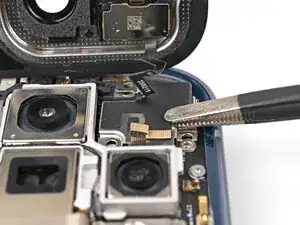
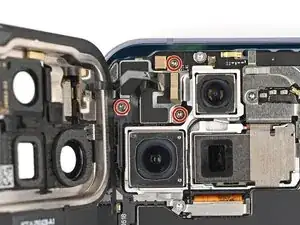
    • Use a Torx Plus 3IP driver to install the three 3.0 mm‑long screws securing the top bracket.

  5. eeaHXQiAlIkLupyQ
    eeaHXQiAlIkLupyQ
    3WxWs5KE3AUQMjWY
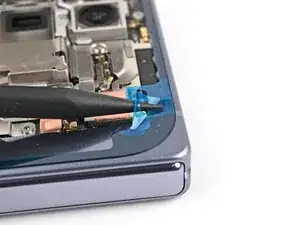
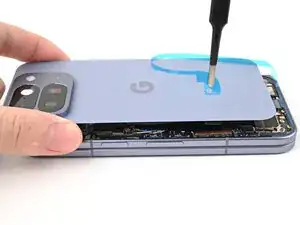
    • Separate one of the secondary liner's pull tabs at the top right corner.

  6. f4HtbpCItATGZmLK
    f4HtbpCItATGZmLK
    I5sHlssegDcUnwfx
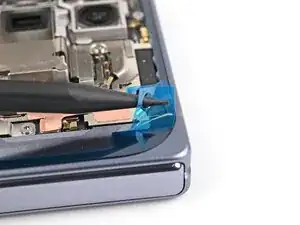
    • Peel the liner from the right and bottom edge of the frame.

  7. AM3dGajPFZp1m1tQ
    AM3dGajPFZp1m1tQ
    1LpMISCenEnKMARE
    K3MlWTSYvZNFTEr2
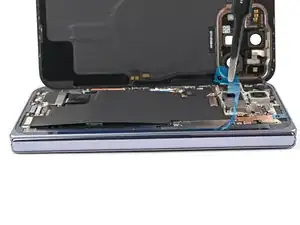
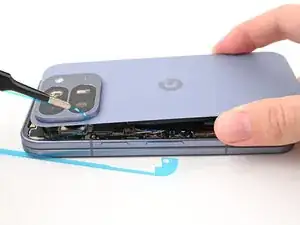
    • While holding the back cover over the frame, peel the liner from the left and top edge of the frame and expose the adhesive.

  8. QumQo4fvNw41pskC
    QumQo4fvNw41pskC
    NWxJjOGecftZEIyM
    JrmDEUZcfM5xHXXQ
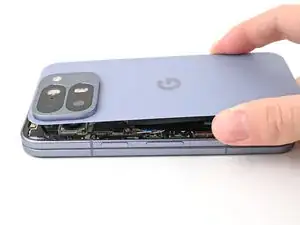
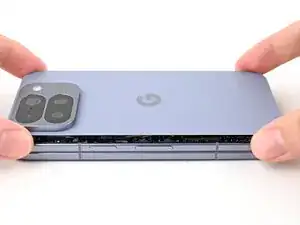
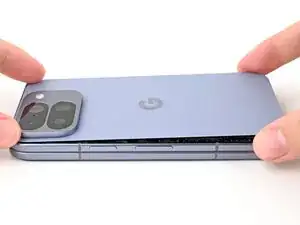
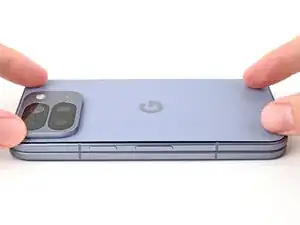
    • Align the back cover over the frame and press it into place.

  9. 1rlsPJsVRGG63VmK
    1rlsPJsVRGG63VmK
    MwZUWWSmZsxBPsNd
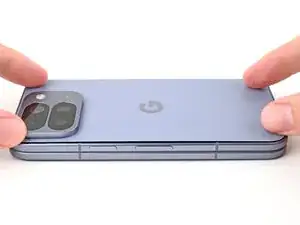
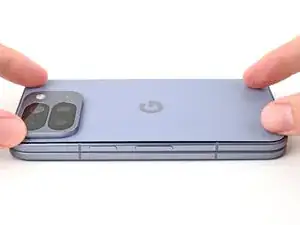
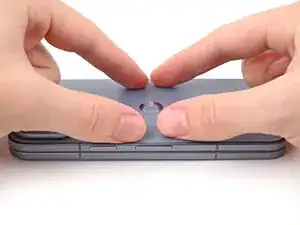
    • Press along the perimeter of the back cover to adhere it to the frame.

    • Optionally, you can use a hair dryer or heat gun to lightly heat the edges of the back cover and create a stronger bond.

    • Let the phone sit a few hours for the adhesive to cure.

Conclusão

To reassemble your device, follow these instructions in reverse order.

Alex Diaz-Kokaisl

Membro desde: 16/01/22

227430 Reputação

0 comentários