Introdução
-
-
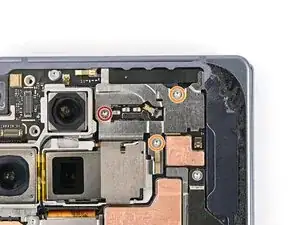
Use a Torx Plus 3IP driver to remove the three screws securing the antenna bracket:
-
One 1.9 mm‑long screw
-
Two 2.8 mm‑long screws
-
-
-
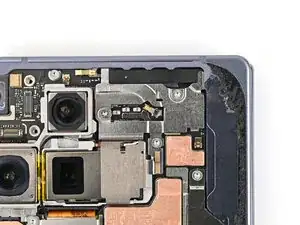
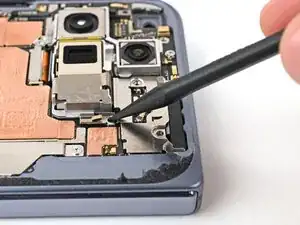
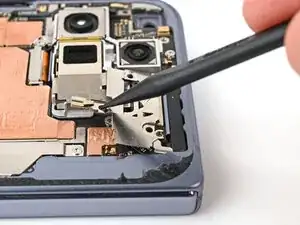
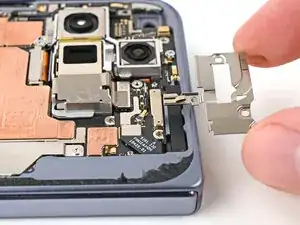
Use the point of a spudger to pry up the antenna bracket and release its two clips from the top and right edges of the frame.
-
-
-
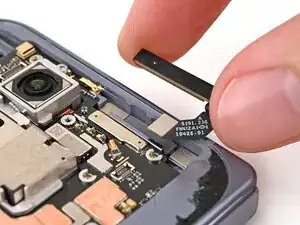
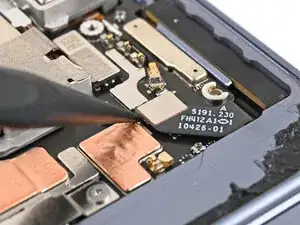
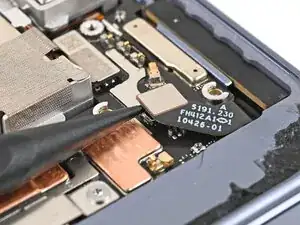
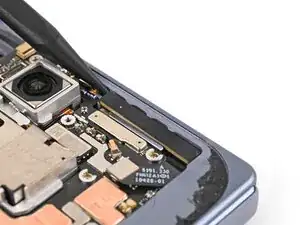
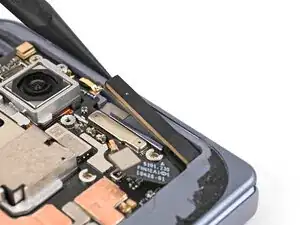
Insert the point of a spudger under the left edge of the 5G mmWave antenna.
-
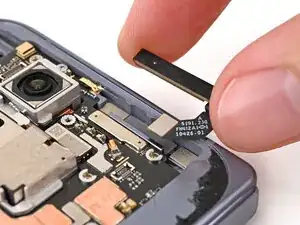
Pry up the antenna to separate its adhesive and remove it.
-
Conclusão
To reassemble your device, follow these instructions in reverse order.
