Introdução


-
-
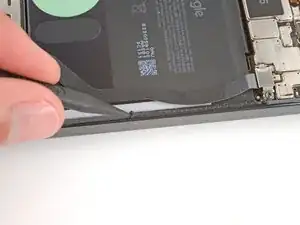
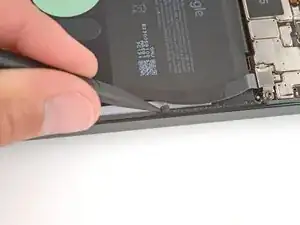
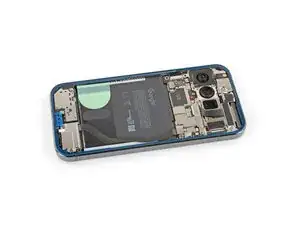
Before installing new adhesive, all the old adhesive and its residue must be completely removed from the frame.
-
-
-
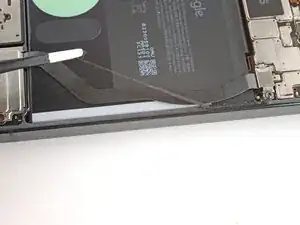
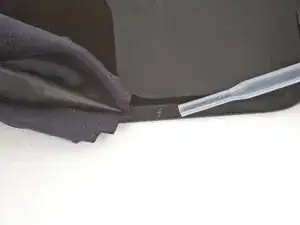
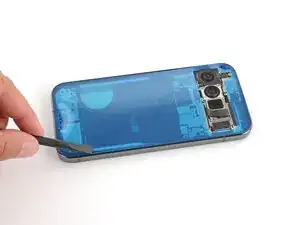
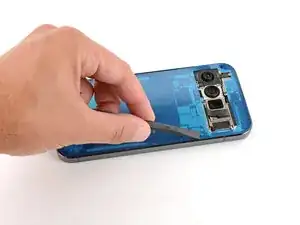
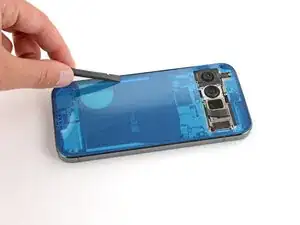
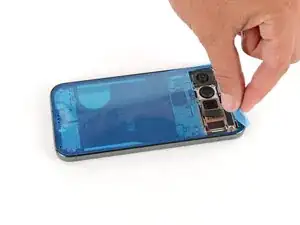
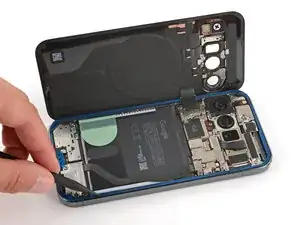
Use the point of a spudger to remove all the old screen adhesive from the frame. Try to "roll" the adhesive onto itself so it balls up, making it easier to remove.
-
If you're having trouble removing smaller chunks, apply a single drop of high‑concentration (>90%) isopropyl alcohol and scrape them up with your spudger.
-
-
-
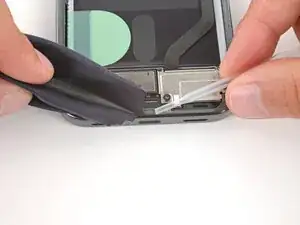
Wrap a microfiber or lint‑free cloth around a spudger.
-
Use the spudger and high‑concentration (>90%) isopropyl alcohol to clean up all the remaining adhesive residue from the frame, applying more drops of alcohol as necessary.
-
Let the alcohol dry completely before continuing.
-
-
-
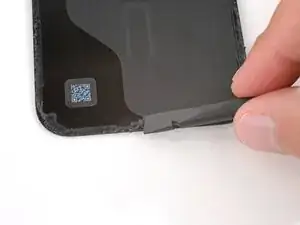
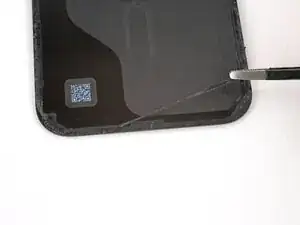
If you're reinstalling your original back glass, repeat the procedures in the previous two steps on the back glass to clean it.
-
-
-
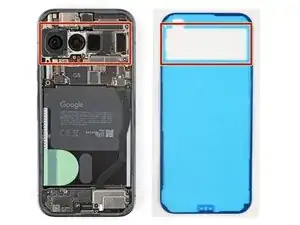
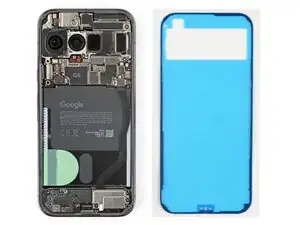
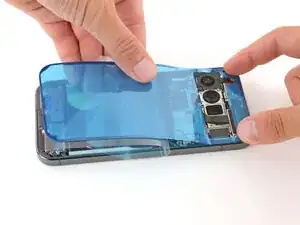
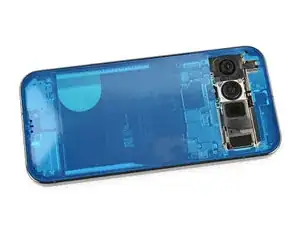
Hold the adhesive above the frame to find its orientation. Use the rear camera cutout in the liner to help visualize how it will lay in the frame.
-
-
-
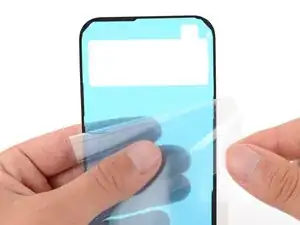
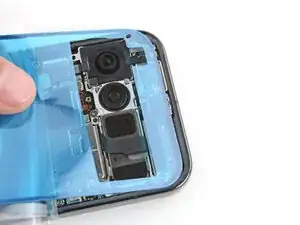
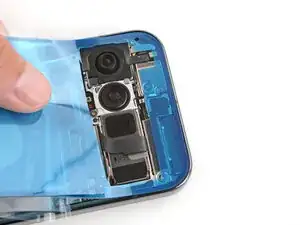
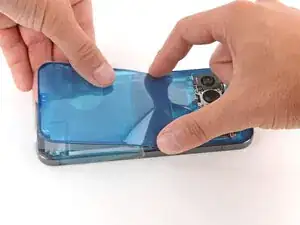
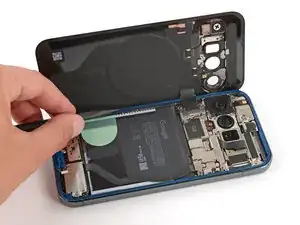
Peel down the top half of the large, clear liner to expose the adhesive—don't fully remove the liner yet.
-
-
-
With the larger, clear liner folded towards the bottom of the phone, lay the exposed top edge of the adhesive onto the frame.
-
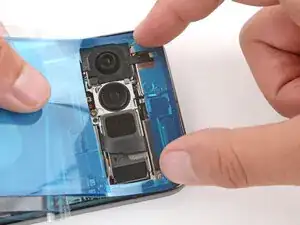
Once the top edge is properly aligned, gently press down on the top corners to secure the adhesive.
-
-
-
Slowly lay the rest of the adhesive onto the frame, pressing it into place and peeling away the larger liner as you go.
-
-
-
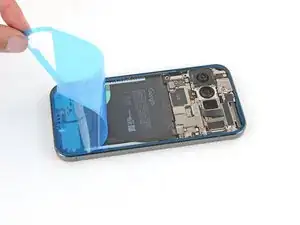
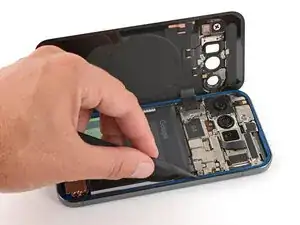
Slowly peel up and remove the large colored liner, gripping it from the cutout near the top edge.
-
-
-
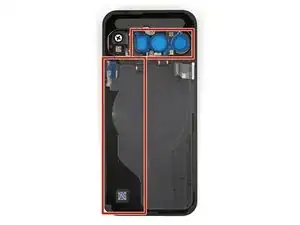
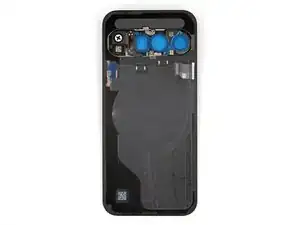
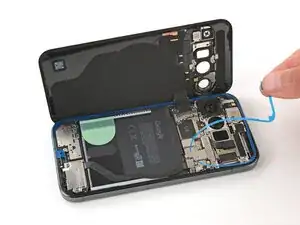
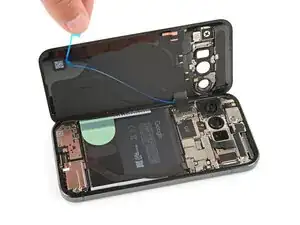
Remove all liners from the underside of the back glass, paying special attention to the front camera cutouts and bottom edge.
-
-
-
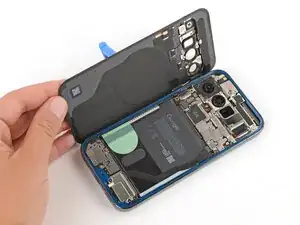
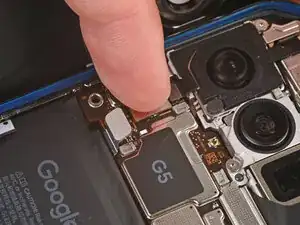
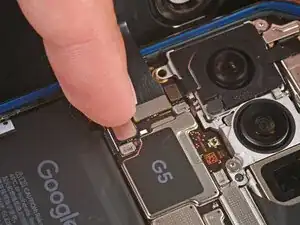
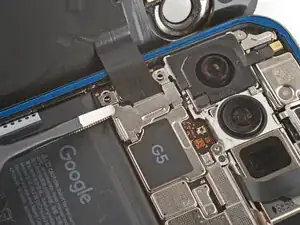
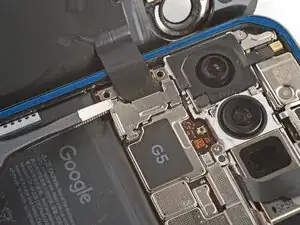
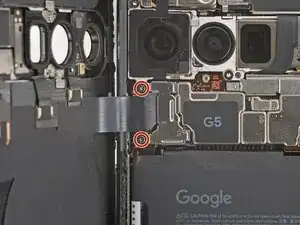
Apply a suction handle to the back glass and prop it up on the left side of your phone, so the cable is near its connector.
-
-
-
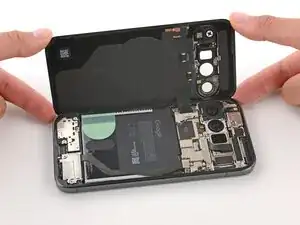
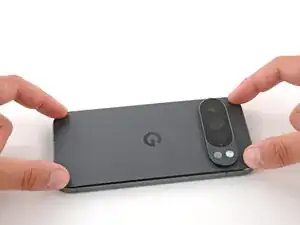
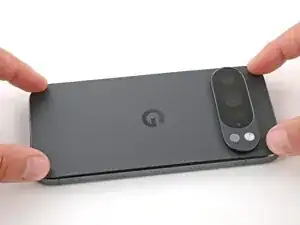
Flip the back glass onto the frame and press it firmly into place.
-
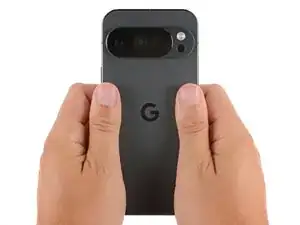
Hold your phone up and squeeze firmly around the perimeter to strengthen the bond.
-