Introdução

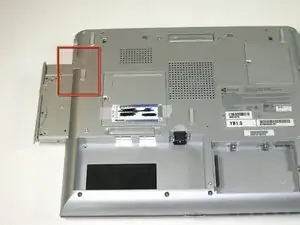
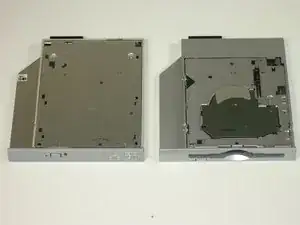
This guide will show you how to remove the CD/DVD and floppy drives of your Gateway 600YG2 laptop.
  1. nikUTaQ6OUsGduvU
    • Flip the laptop over.

    • Slide the battery release tab to the right to open the battery cover.

  2. jiNftuGkye63pDDh
    • Remove the battery cover using the tab on the right side.

    • Lift and remove the battery.

  3. OHYJ2BBKqRLknmBh
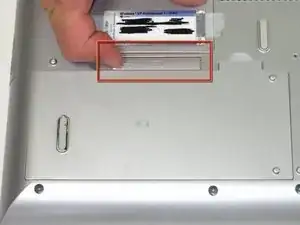
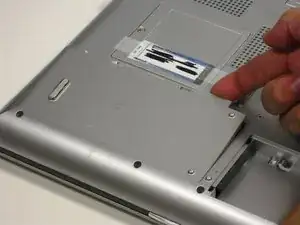
    • Slide the release and push the button to eject the drive.

    • Remove the drive.

    • When reinserting the drives, put them in the original slot to avoid interface conflicts.

Conclusão

To reassemble your device, follow these instructions in reverse order.

Elizabeth Mazer

Membro desde: 15/10/10

78 Reputação

0 comentários