Introdução


-
-
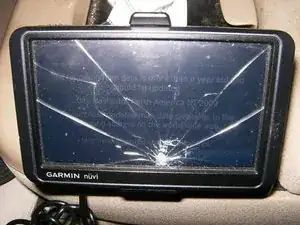
The cracked screen is clearly visible. LCD is still functioning, but obviously no touch function.
-
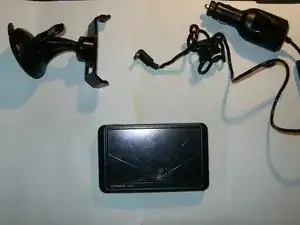
Remove the holder as well as the power cord from the back of the GPS unit.
-
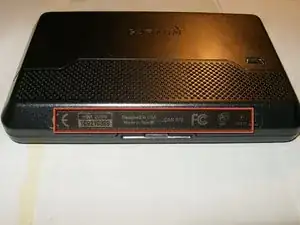
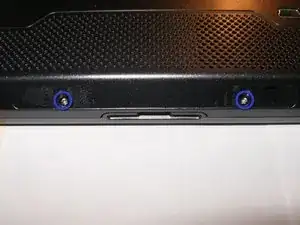
The Nüvi uses two screws that are hidden underneath the label on the bottom.
-
-
-
Remove the label, then remove the two Torx T5 screws
-
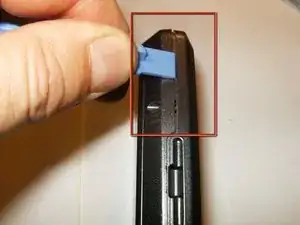
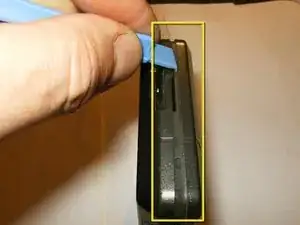
Use a plastic opening tool to start splitting the front and back case.
-
Work your way around the separation line, gently applying continous pressure to the back case.
-
-
-
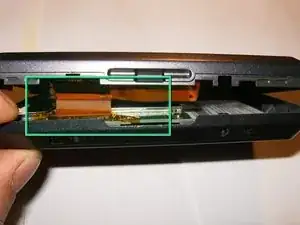
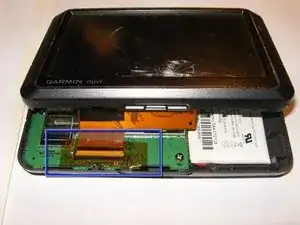
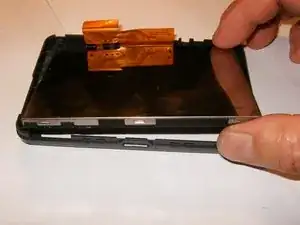
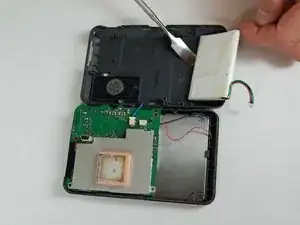
Once the front and back case are split, do not yet totally remove it. The LCD is still attached via a ribbon cable.
-
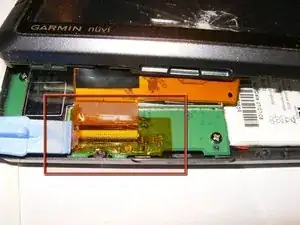
The ribbon cable and connector are covered with a strip of Kapton tape
-
Remove the tape. Use the plastic opening tool, or any other appropriate tool (i.e. guitar pick, fingernails etc), to remove the tape.
-
-
-
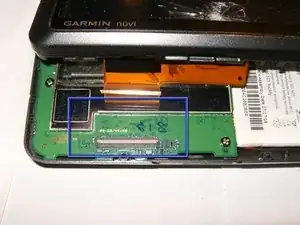
Once the tape is removed, flip the white clasp open, by moving it away from the cable end, disconnect the LCD.
-
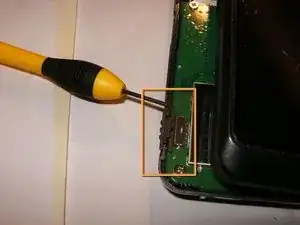
Remove the On/Off switch
-
Remove the complete front assembly.
-
-
-
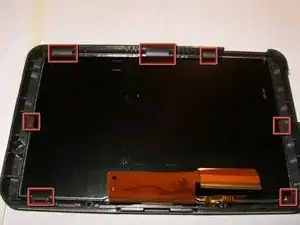
The LCD assembly is held in the front bezel by seven plastic tabs.
-
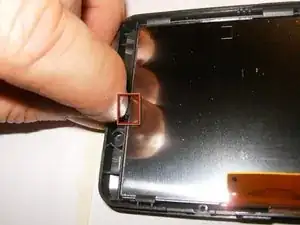
Move those tabs slightly back while applying pressure from the opposite side (front of the LCD)
-
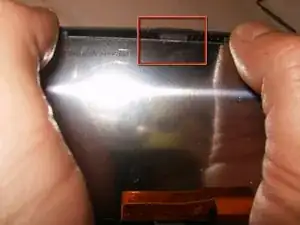
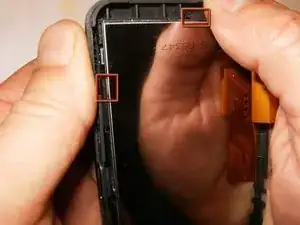
Continue to push the tabs on the bezel away from the LCD assembly, pushing the LCD away from the bezel
-
-
-
Ensure that the LCD assembly clears all the tabs.
-
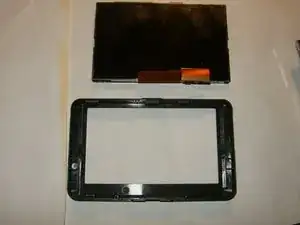
Remove the LCD from the front bezel
-
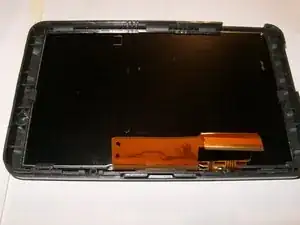
Totally separate the assembly from the bezel. Now it is time to replace it with a new assembly.
-
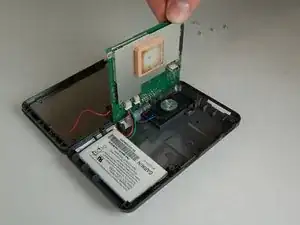
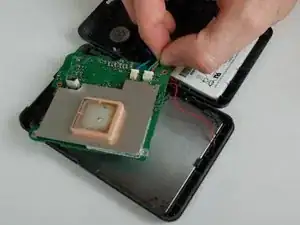
To reassemble your device, follow these instructions in reverse order. Be sure to only follow steps 1 thru 4 in the other guide listed. Clasp will be black.