Introdução
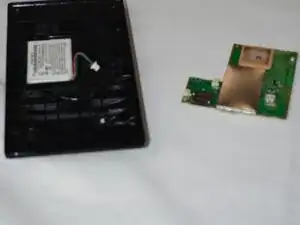
If your Garmin drive LM 61 freezes or refuse to turn on, a symptom of these technical issues may lie due to the device having a faulty motherboard. Follow these instructions to replace your devices' motherboard. Before utilizing this guide, ensure that the technical difficulties that your Garmin Drive LM 61 device is facing aligns with the symptoms for the device not acquiring a satellite signal on the troubleshooting page. Garmin Drive 61 LM Freezing - iFixit
Before beginning,
Ferramentas


-
-
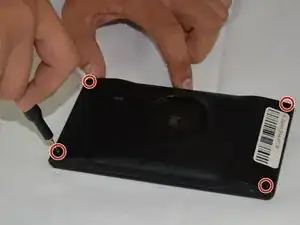
Place the device screen side down with the back screws facing up towards the ceiling.
-
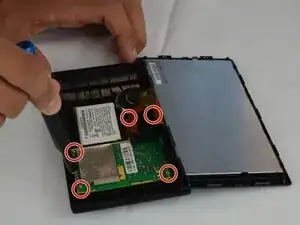
Remove the four T5 Torx screws on the rear case.
-
-
-
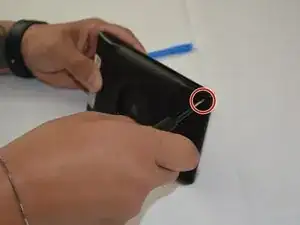
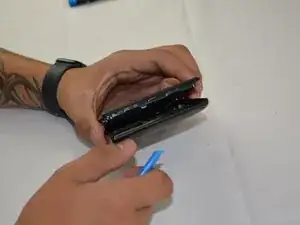
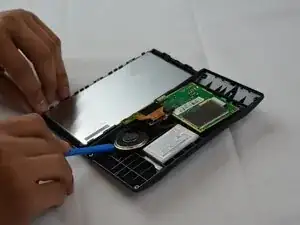
Insert an opening tool into the seam between the rear case and screen.
-
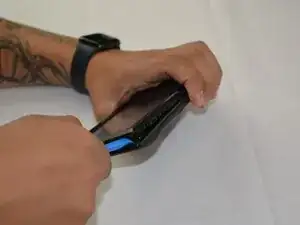
Pry around the perimeter.
-
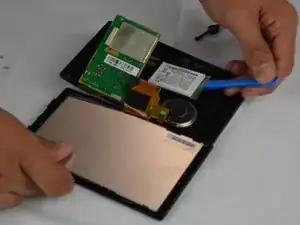
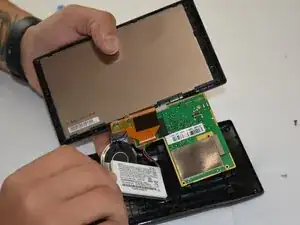
Pull the rear case and screen apart, with care not to strain the attached ribbon cable.
-
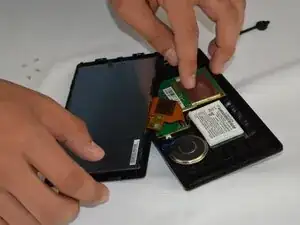
Set the screen next to the rear case.
-
-
-
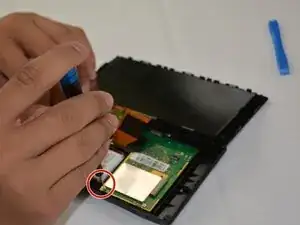
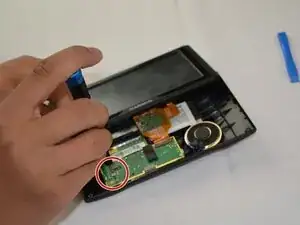
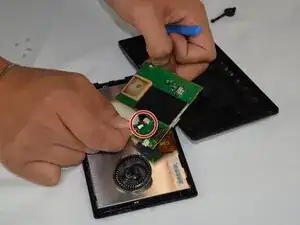
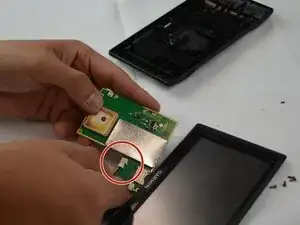
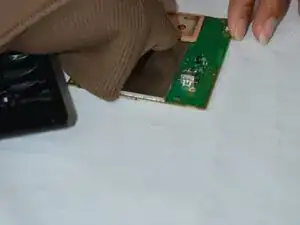
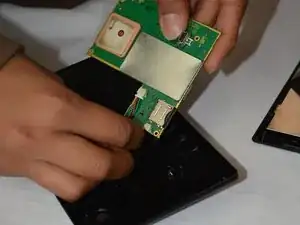
Flip the motherboard upside down and use your fingernails to disconnect the battery connector.
-

To reassemble your device, follow the above steps in reverse order.
Take your e-waste to an R2 or e-Stewards certified recycler.
Repair didn’t go as planned? Try some basic troubleshooting or ask our Answers community for help.
