Introdução
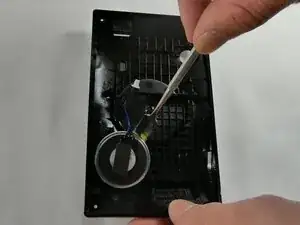
If the Garmin Drive 52 is not responding or announcing voice prompts or traffic alerts, then the internal speaker may be faulty. This guide helps with step-by-step instructions on how to safely open the unit, disconnect the display, remove the motherboard, and lift out the speaker for replacement. Before starting the project, power down the device, eject the microSD card, and work on a clean, static-free surface.
Ferramentas


-
-
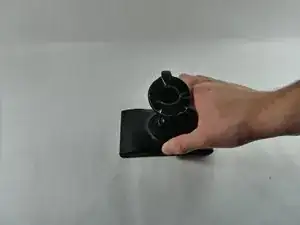
Pop the suction cup off of the device.
-
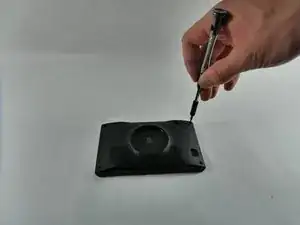
Unscrew the four T5 Torx screws on the back.
-
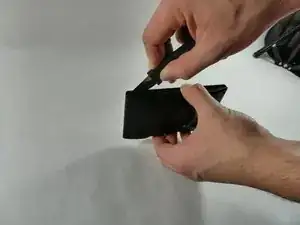
Carefully pry apart the front and back with a Jimmy.
-
-
-
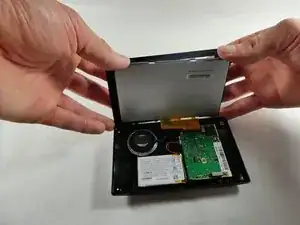
With the top in hand, carefully apply pressure on the top of the screen to pop it out of the front of the case.
-
-
-
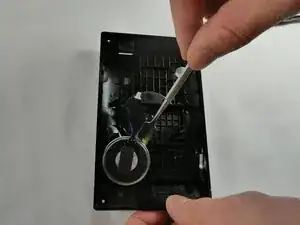
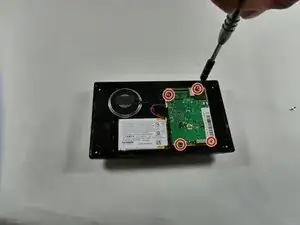
Remove the four Torx T5 screws.
-
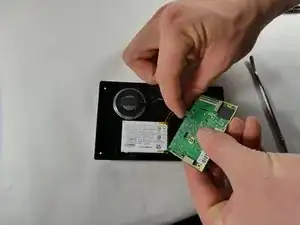
Unplug the two connectors from the motherboard and lift it up and out.
-
To reassemble your device, follow these instructions in reverse order. Take your e-waste to an R2 or e-Stewards certified recycler.