Introdução
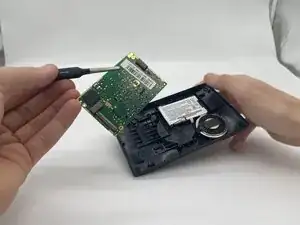
If you've recently been dealing with issues that may have been caused due to physical damage, such as dropping the device, or accidentally exposing it to moisture, than you may be dealing with a faulty Motherboard. Be sure to check connection between the battery and the power button as any of those could cause the mother board to seem faulty. As you make your way through this guide, be sure to follow each step as instructed, and treat the device with care.
By the end of this guide, you should learn how to change out a faulty Motherboard on the Garmin Drive 50LM.
Ferramentas


-
-
Insert an opening tool into the seam between the case and the chassis.
-
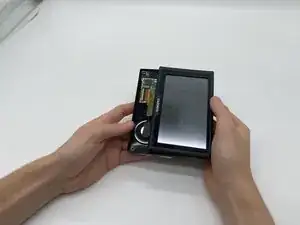
Pry around the perimeter of the device until the case releases.
-
-
-
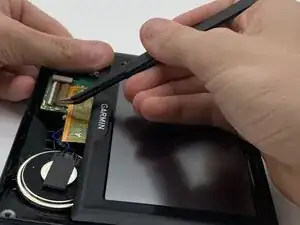
With tweezers, flip up the brown locking flap to release the ribbon cable.
-
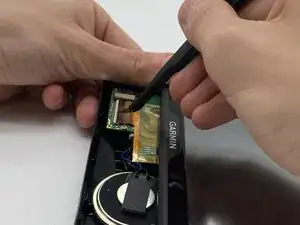
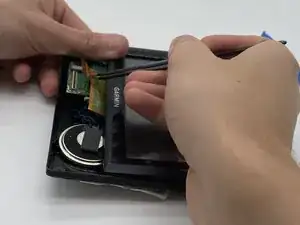
Gently disconnect the yellow ribbon cable.
-
-
-
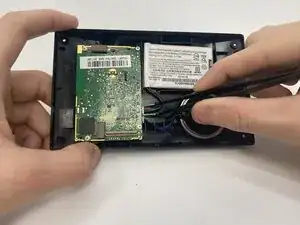
With tweezers, unplug the battery (red cord) from the motherboard.
-
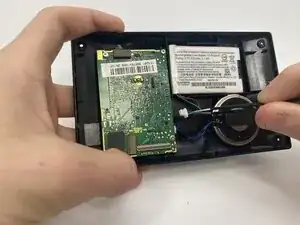
Do the same for the speaker (blue cord).
-
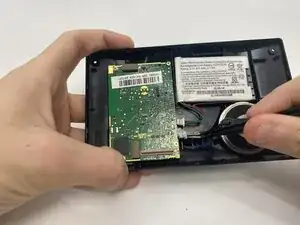
Gently move both cords out of the way of the mother board, if needed, fully remove the speaker and battery by gently pulling them out of the case.
-
-
-
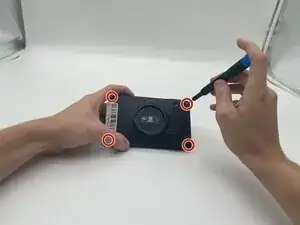
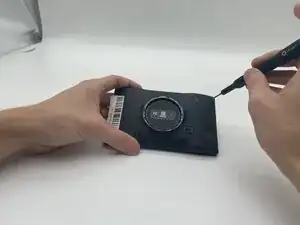
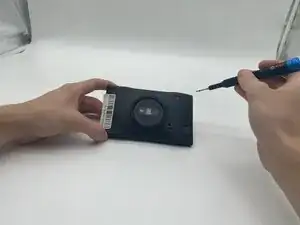
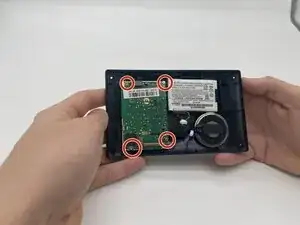
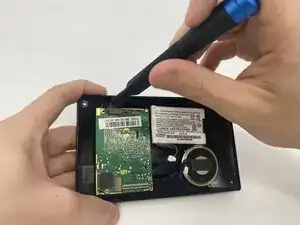
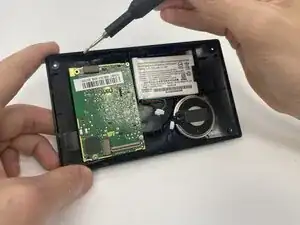
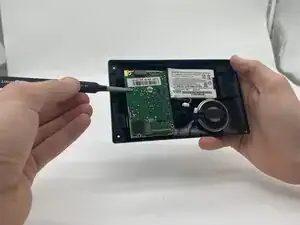
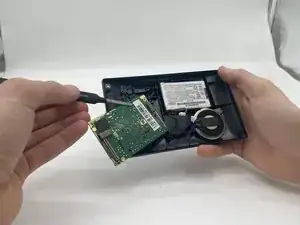
With a T5 Torx screwdriver, remove the four 5 mm-long screws from the corners of the motherboard that is attached to the back of the case.
-


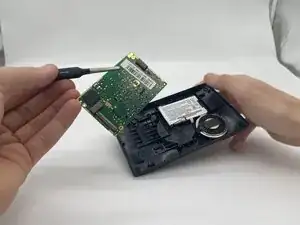
To reassemble your device, follow the above steps in reverse order.
Take your e-waste to an R2 or e-Stewards certified recycler.
Repair didn’t go as planned? Try some basic troubleshooting or ask our Answers community for help.