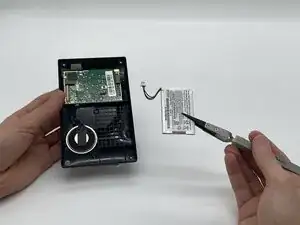
Introdução
If you're having battery problems with your Garmin Drive 50LM, you may have a faulty battery that needs replacing. With this guide, you shall learn the necessary steps to remove, and change the battery. Remember, always power off the device, and make sure it's not connected before removing the screen. Please follow the steps below, and make sure to be careful with the components inside of the Garmin Drive as well. As you'll be needing them to put the device back together.
By following this guide all the way through, you should've learned the necessary steps it takes to successful change a battery on the Garmin Drive 50LM.
Ferramentas


-
-
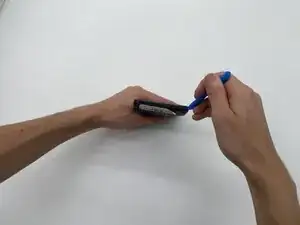
Insert an opening tool into the seam between the case and the chassis.
-
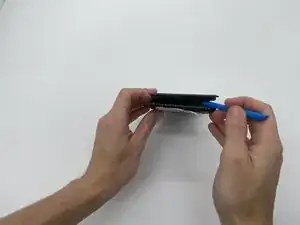
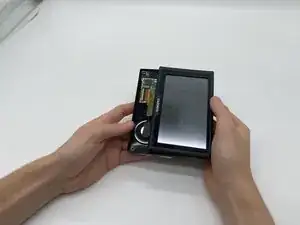
Pry around the perimeter of the device until the case releases.
-
-
-
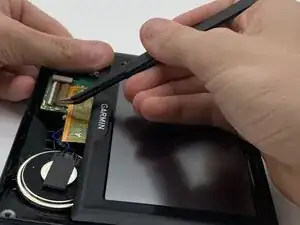
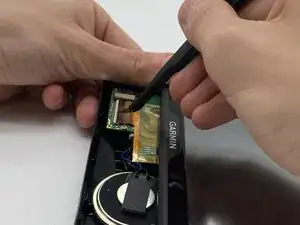
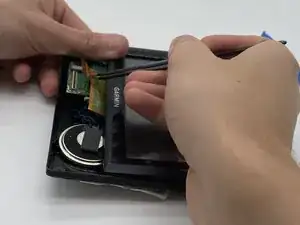
With tweezers, flip up the brown locking flap to release the ribbon cable.
-
Gently disconnect the yellow ribbon cable.
-
-
-
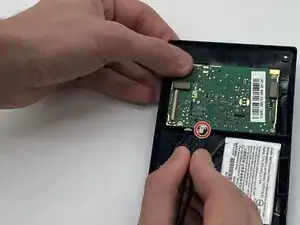
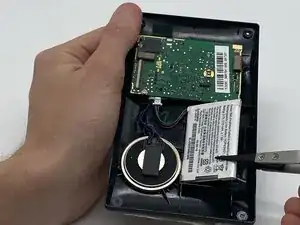
Locate the two white plugs on the side of the mother board.
-
With your tweezers, gently pull on the most right plug until it disconnected from the mother board.
-
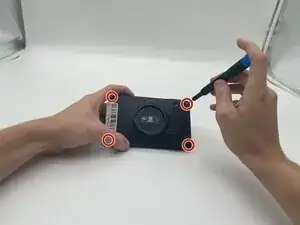
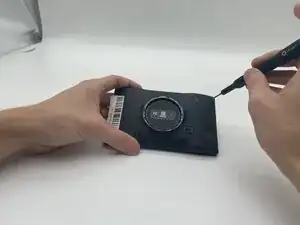
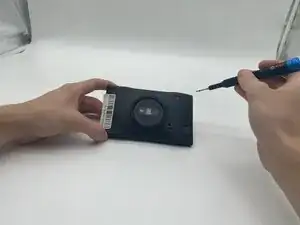
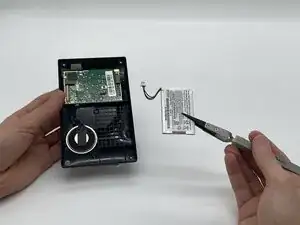
To reassemble your device, follow the above steps in reverse order.
For optimal performance, after completing this guide, calibrate your newly installed battery.
Take your e-waste to an R2 or e-Stewards certified recycler.
Repair didn’t go as planned? Try some basic troubleshooting or ask our Answers community for help.