Introdução
This guide explains how to safely remove and replace the case of the Garmin Dash Cam 35 if it is damaged or broken.


-
-
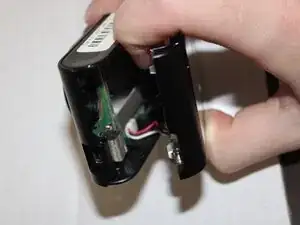
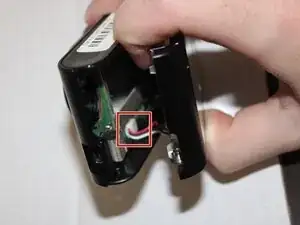
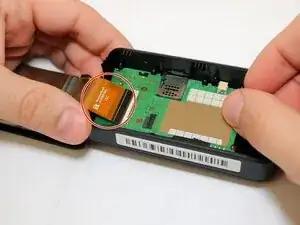
Carefully lift the lock on the motherboard for the ribbon cable. Unslot the ribbon after the lock is undone.
-
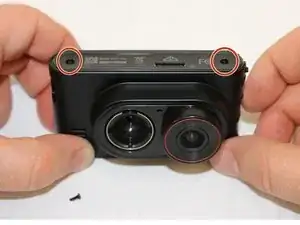
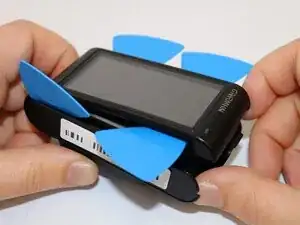
Remove the case.
-
Conclusão
To reassemble your device, follow these instructions in reverse order.
